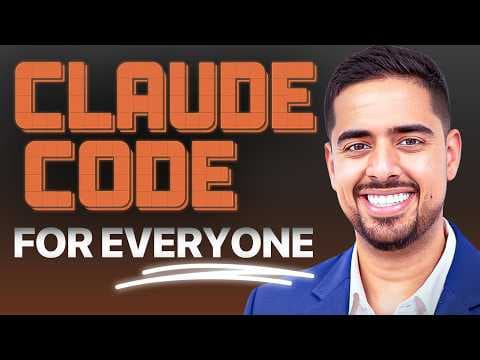
How to 10x productivity with Claude Code agents
TL;DR
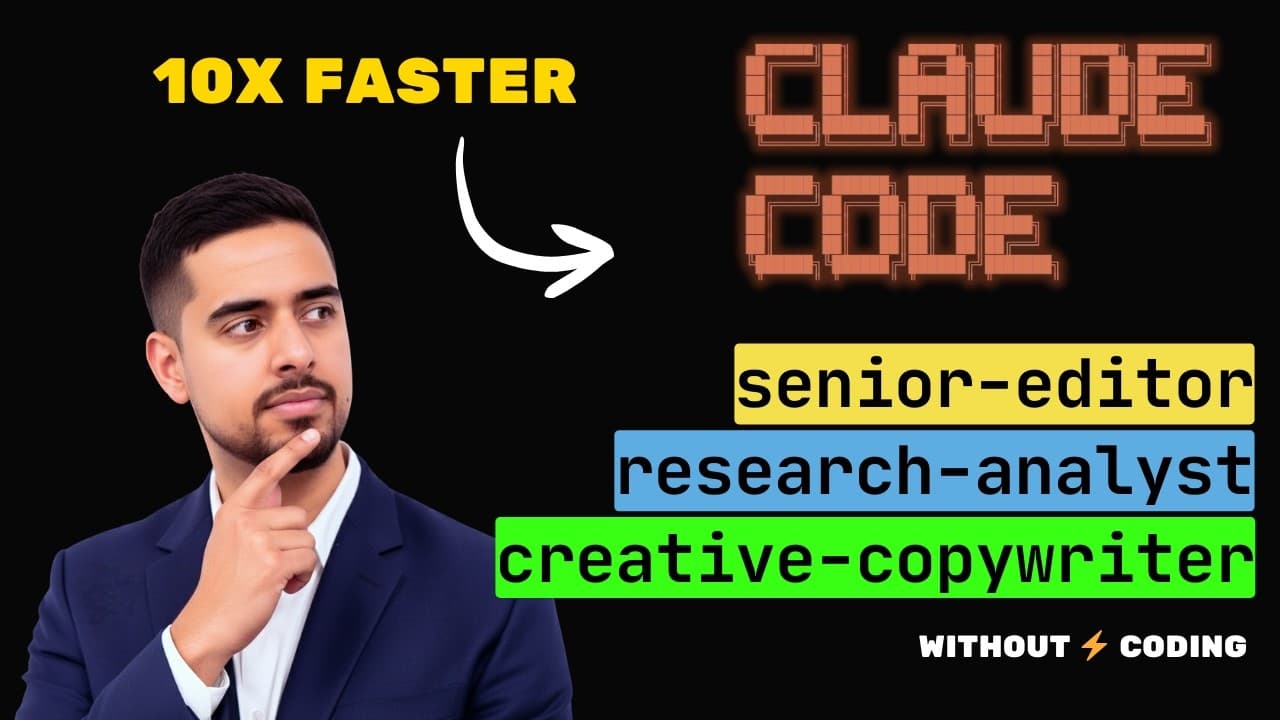
You can orchestrate three Claude Code agents to automate research, drafting, and editing without coding. The workflow runs as a two-part prompt and starter prompt, letting you spin up roles like Research Analyst, Creative Copywriter, and Senior Editor. The result is a polished deliverable such as a 25-slide deck with speaker notes and layout hints.
Transcript
You're probably wasting hours in chat GBT and Claude running the same manual loop over and over again. You start one chat to do research and find the facts and then you take the facts and copy paste them into a brand new chat and then you spend the next few minutes to hours going back and forth and iterating until you nudge it in the right directio... Read More
Key Insights
- Claude Code enables a multi-agent workflow where distinct roles perform research, drafting, and editing in sequence
- The core idea is to replace manual copy-paste loops with an assembly-line of AI agents
- A starter prompt and a mega prompt guide the agent setup and the task flow
- The workflow produces final deliverables like slide decks with structure and speaker notes
- Handoff between agents ensures each task is refined before the next stage
- A GUI alternative (Claudia) provides a non-terminal interface for the same power
- The approach scales by chaining agents for more complex projects and outputs
- The video emphasizes zero coding and natural language prompts as the method to deploy this system
Install to Summarize YouTube Videos and Get Transcripts
Explore YouTube Video Summarizer or Get YouTube Transcript Extractor
Questions & Answers
Q: How does the Claude Code assembly line replace manual research and drafting for a slide deck?
The assembly line uses three agents – Research Analyst, Creative Copywriter, and Senior Editor – each handling a different phase. Research gathers breakthroughs and trends, Copywriter crafts slide content and narrative, and Editor ensures clarity and impact. The agents pass the output along, creating a continuous workflow that eliminates repetitive copying and pasting, producing cohesive final slides.
Q: What is the purpose of the mega prompt in the setup?
The mega prompt defines the overall project rules, task breakdown, and agent behaviors. It instructs how agents should operate, what outputs to produce, and how they should collaborate. By encoding this into the agent system, you can rapidly spin up tailored workflows for different projects without rewriting prompts each time.
Q: How is output organized at the end of the workflow?
The final output includes the slide content, structure, and an Askiard diagram that visualizes text layout on each slide. The process can also extend to drafting layouts with Gamma or similar tools, though the core deliverables are the detailed markdown for slides and speaker notes.
Q: What alternatives exist to Claude Code for running these agents?
An alternative mentioned is Claudia, a GUI that lets you interact with Claude Code like a chat interface, providing access to agents, sessions, MCPs, and usage insights without using a terminal. This option maintains the same core capabilities while offering a friendlier user experience.
Q: Can these agents be customized for different projects beyond slide decks?
Yes. The same multi-agent framework can be adapted to other content production tasks or research-oriented projects. By changing the starter prompt and the project brief, you can configure agents to handle tasks such as content calendars, reports, or other documentation workflows, all in a no-code setup.
Q: What is the role of the starter prompt in the workflow?
The starter prompt provides the initial instructions and example task definitions that guide the agents on how to operate and collaborate. It acts like a blueprint or playbook, enabling you to quickly adapt the system to new tasks while keeping the agent interactions consistent.
Q: How does the video suggest upgrading the workflow with external tools?
The video mentions integrating MCP servers for deeper research capabilities and optionally handing off final layouts to tools like Gamma. These upgrades extend the basic three-agent workflow to more powerful data gathering, processing, and presentation generation, enabling richer outputs.
Q: What is the value proposition of using a zero-code approach here?
The zero-code approach lowers the barrier to automation by using natural language prompts to configure agents and workflows. It allows non-technical users to build scalable AI-assisted processes, increasing productivity by reducing manual, repetitive tasks and enabling rapid iteration across project phases.
Summary & Key Takeaways
-
The video demonstrates a zero-code AI assembly line inside Claude Code using three agents to handle research, copywriting, and editing.
-
It explains how to organize tasks with a starter prompt and a mega prompt, enabling multi-stage handoffs between agents for a final slide deck.
-
It also mentions an alternative GUI option (Claudia) for users who prefer not to work in a terminal.
Read in Other Languages (beta)
Share This Summary 📚
Summarize YouTube Videos and Get Video Transcripts with 1-Click
Try YouTube Summary with ChatGPT & Claude or YouTube Transcript Generator
Explore More Summaries from Mark Kashef 📚
Summarize YouTube Videos and Get Video Transcripts with 1-Click
Try YouTube Summary with ChatGPT & Claude or YouTube Transcript Generator