How to Create an Effective Note-Taking System in Notion
TL;DR
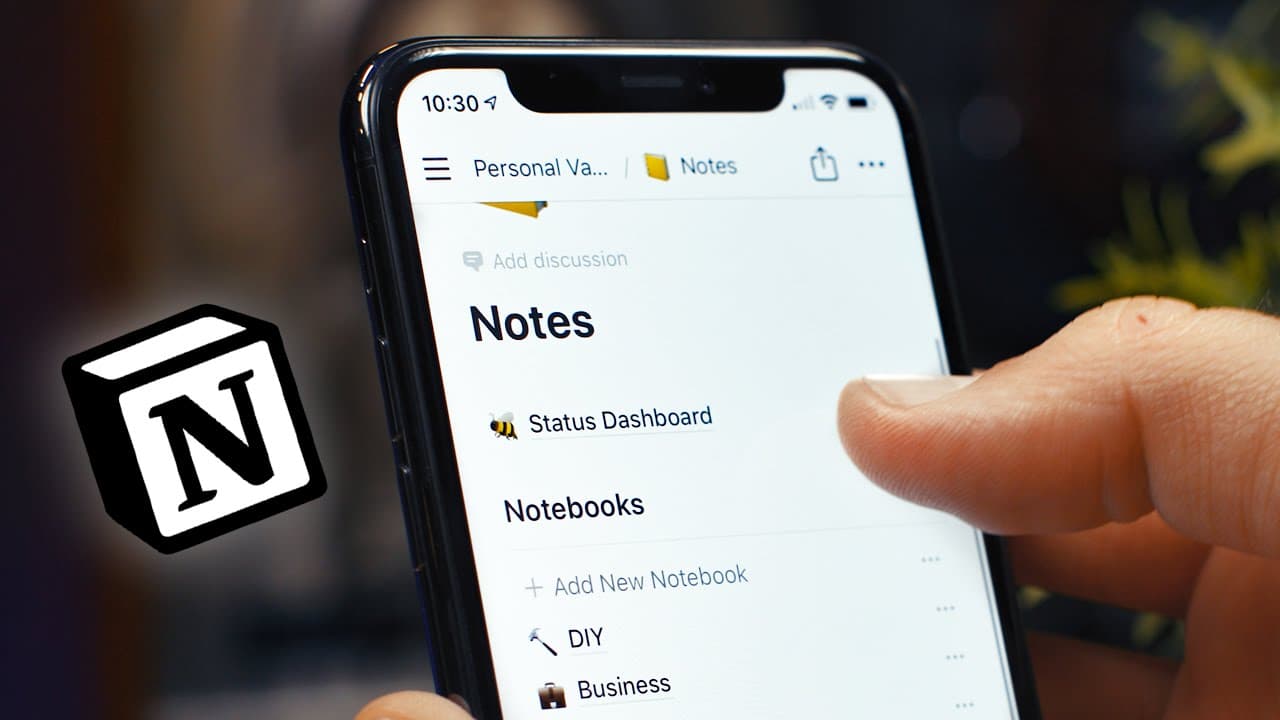
To create an effective note-taking system in Notion, set up databases for notebooks, use an inbox for quick capture, and implement a status dashboard to prioritize notes. This structure allows for efficient organization and easy access to your notes while replicating features from Evernote.
Transcript
- This video is sponsored by Skillshare and the entirety of my sponsorship fee for this video is being donated to the Black Lives Matter Organization. More on that at the end, for now enjoy the video. It's no secret that Notion is an incredibly powerful app that can do that a lot of things, but, can it work as a note taking app. Well, you might thi... Read More
Key Insights
- 😀 Notion is a powerful app that can serve as an efficient note taking tool.
- 📔 Creating a structured system with notebooks, an inbox, and a status dashboard can help replicate the organization features of other note taking apps like Evernote.
- 👻 Utilizing linked databases in Notion allows for custom views, filters, and sorts, enhancing the ability to manage and access notes.
- 💦 The initial setup work required for the note taking system can be easily managed and is outweighed by the long-term benefits of efficient organization and accessibility.
Install to Summarize YouTube Videos and Get Transcripts
Explore YouTube Video Summarizer or Get YouTube Transcript Extractor
Questions & Answers
Q: How does the notebook system in Notion replicate the hierarchy of Evernote?
In Notion, notebooks are created using databases, and custom views can be set up to filter notes based on categories, providing two levels of hierarchy similar to Evernote's notebook stacks.
Q: How does the inbox function in the note taking system?
The inbox in Notion allows for quick capture of ideas, which can be later sorted and organized into the appropriate notebooks using simple drag and drop functionality.
Q: How does the status dashboard help in managing notes?
The status dashboard in Notion displays all open and urgent notes across all notebooks using linked databases. This helps prioritize and focus on relevant notes, and also provides the ability to categorize uncategorized notes.
Q: Can the note taking system be easily accessed and used on mobile devices?
Yes, the system is designed to be usable on both desktop and mobile devices, with the ability to access and organize notes effectively even with limited screen space.
Key Insights:
- Notion is a powerful app that can serve as an efficient note taking tool.
- Creating a structured system with notebooks, an inbox, and a status dashboard can help replicate the organization features of other note taking apps like Evernote.
- Utilizing linked databases in Notion allows for custom views, filters, and sorts, enhancing the ability to manage and access notes.
- The initial setup work required for the note taking system can be easily managed and is outweighed by the long-term benefits of efficient organization and accessibility.
- The video sponsorship fee for this content is donated to the Black Lives Matter Organization, reflecting the importance of using platforms for positive change.
Summary & Key Takeaways
-
The video discusses the challenge of replacing Evernote with Notion for note taking and introduces a system to replicate the features of Evernote in Notion.
-
The system consists of notebooks, an inbox for quick capture, and a status dashboard to prioritize and organize notes effectively.
-
Notion's linked database feature is utilized to create custom views and filters for better organization and accessibility.
Read in Other Languages (beta)
Share This Summary 📚
Summarize YouTube Videos and Get Video Transcripts with 1-Click
Try YouTube Summary with ChatGPT & Claude or YouTube Transcript Generator
Explore More Summaries from Thomas Frank 📚






Summarize YouTube Videos and Get Video Transcripts with 1-Click
Try YouTube Summary with ChatGPT & Claude or YouTube Transcript Generator