How to Create a Seamless Instagram Carousel with Canva
TL;DR
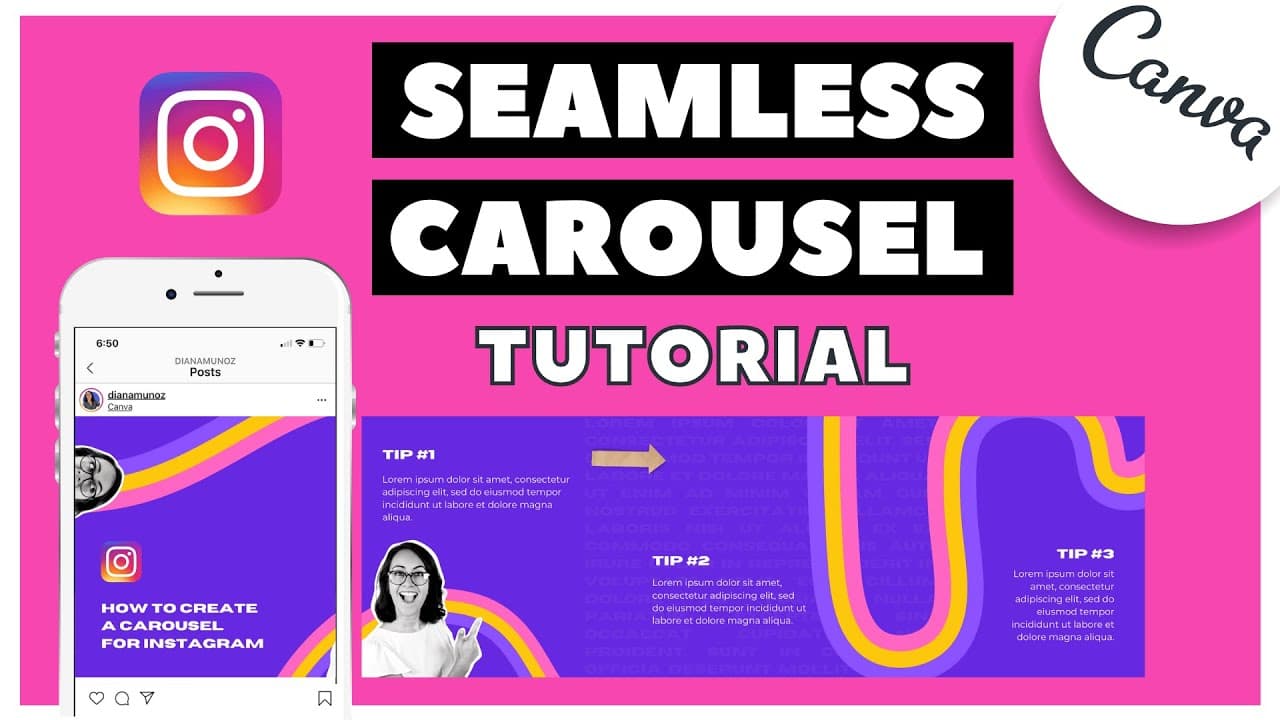
To create a seamless Instagram carousel using Canva, design your images with a consistent layout and use the guides feature for alignment. After downloading your images, use cropping apps like Panorama Crop (Android) or UnSquared (iPhone) to split them before posting. This technique ensures a cohesive panoramic look when users swipe through the carousel.
Transcript
this video has been requested a lot of times and i'm really happy that i understood how to share this information in a really simple way in this tutorial i want to show you how to create carousels for instagram but not just any kind of carousel we will learn how to create a seamless carousel panorama for instagram this is the kind of carousel that ... Read More
Key Insights
- 🧘 Canva's guide feature helps in positioning elements accurately for a seamless carousel design.
- 🍱 Adding transparent text boxes in the background can enhance the visual appeal of Instagram carousels.
- 🤍 Using images with a white silhouette creates a clean and modern look for the carousel design.
- 😀 Cropping apps like Panorama Crop for Android or UnSquared for iPhone help in creating seamless panoramas for Instagram.
- 👻 Subscription to Canva Pro allows for higher resolution downloads for better quality designs.
- 😃 Integrating text, images, and icons can make Instagram carousels more engaging and eye-catching.
- 🏣 Previewing and rearranging slides before posting a carousel on Instagram ensures a seamless viewing experience.
Install to Summarize YouTube Videos and Get Transcripts
Explore YouTube Video Summarizer or Get YouTube Transcript Extractor
Questions & Answers
Q: How can Canva's guide feature help in creating seamless carousels?
Canva's guide feature helps to align elements accurately across slides, ensuring a cohesive look in the final Instagram carousel design. By setting guides at specific intervals, you can easily position text and images for a seamless transition.
Q: What effect does applying a transparent text box in the background have on the carousel design?
Adding a transparent text box in the background adds depth and visual interest to the carousel design. It creates a subtle texture while not interfering with the main elements, enhancing the overall aesthetic appeal of the carousel.
Q: How can images with a white silhouette enhance the Instagram carousel design?
Images with a white silhouette create a striking contrast with the background color, adding a modern and clean look to the carousel design. The simplicity of the silhouette allows the focus to remain on the content being shared in each slide.
Q: Why is using a cropping app essential for creating seamless panoramas on Instagram?
A cropping app allows you to seamlessly combine individual slides into a panoramic effect for Instagram carousels. This ensures a cohesive visual experience for viewers as they swipe through the images.
Summary & Key Takeaways
-
Detailed tutorial on creating seamless carousels for Instagram with Canva.
-
Use Canva's new guide feature to align elements perfectly across slides.
-
Finish the design with text, images, and a cropping app for a seamless effect on Instagram.
Read in Other Languages (beta)
Share This Summary 📚
Summarize YouTube Videos and Get Video Transcripts with 1-Click
Try YouTube Summary with ChatGPT & Claude or YouTube Transcript Generator
Explore More Summaries from Design with Canva 📚






Summarize YouTube Videos and Get Video Transcripts with 1-Click
Try YouTube Summary with ChatGPT & Claude or YouTube Transcript Generator