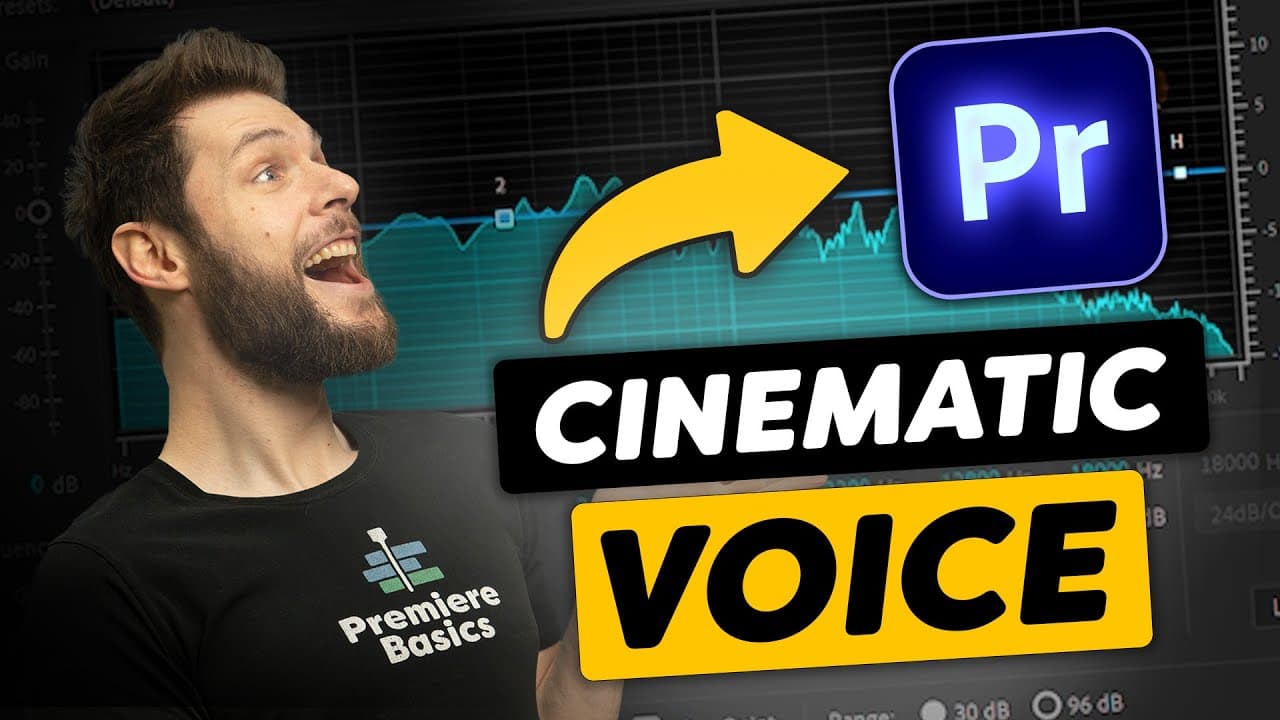
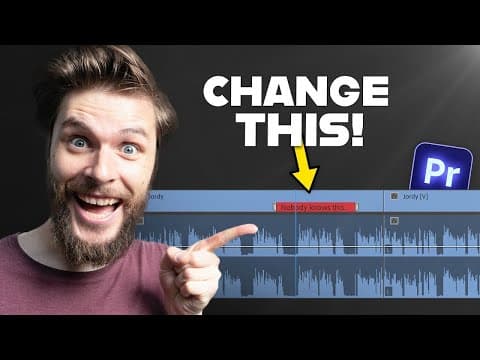
How To Make Your VOICE Sound CINEMATIC (Premiere Pro)
TL;DR
Learn how to enhance the sound quality of your voice in Adobe Premiere Pro using built-in effects.
Transcript
hey folks jordy here from premiere basics and what's wrong with the audio let's fix that that is better today we're going to learn how to improve the sound quality of your voice and adobe premiere pro using nothing but built-in effects and just like color grading we can do audio grading making your voice pop more and make it sound more cinematic be... Read More
Key Insights
- 🎥 Using built-in effects in Adobe Premiere Pro, you can improve the sound quality of your voice and make it sound more cinematic.
- 🎤 The EQ effect allows you to cut or boost different voice frequencies, creating different effects like sounding like you're in a bottle or on a phone call.
- 📊 To improve your voice, enable the high pass band to let high frequencies pass through, cut away frequencies below 60-80 Hz, and boost the lows around 100 Hz for more bass and warmth.
- 🔊 Boosting the high frequencies can make your voice sound crystal clear, while cutting DC bells in the 200-400 Hz range can eliminate muddiness.
- 🎙 If you're short on time or prefer presets, you can try the vocal enhancer preset in Premiere Pro to improve your voice.
- 🌟 Storyblocks offers a vast library of high-quality stock footage, animations, music, sound effects, images, and more to level up your creative work.
- ⚖️ After cleaning up your voice, you can compress it using the single band compressor and apply the voice thickener preset to balance the audio levels.
- 🔇 To eliminate any noise in your recording, you can experiment with the denoiser effect, being careful not to overdo it and affect the entire recording.
- 🎚️ By using the audio track mixer in Premiere Pro, you can apply effects to multiple clips at once, making it more efficient when editing a recording with multiple segments.
Install to Summarize YouTube Videos and Get Transcripts
Explore YouTube Video Summarizer or Get YouTube Transcript Extractor
Questions & Answers
Q: How can I use Adobe Premiere Pro to enhance the sound quality of my voice?
To improve the sound quality of your voice in Adobe Premiere Pro, you can use the parametric equalizer to cut unwanted frequencies and boost desired ones, use a compressor to balance the audio, and use a denoiser to reduce background noise.
Q: What is the purpose of using a parametric equalizer in Adobe Premiere Pro?
The parametric equalizer in Adobe Premiere Pro allows you to cut unwanted frequencies and boost desired ones, helping to enhance the sound quality of your voice.
Q: How does a compressor affect the audio signal in Adobe Premiere Pro?
A compressor in Adobe Premiere Pro helps to balance the audio signal by making the louder parts quieter and the quieter parts louder, resulting in a more balanced sound.
Q: How can I reduce background noise in Adobe Premiere Pro?
To reduce background noise in Adobe Premiere Pro, you can use the denoiser effect, which allows you to adjust the amount of noise reduction applied to the audio.
Q: Is it possible to apply these sound enhancement effects to multiple audio clips at once in Adobe Premiere Pro?
Yes, you can apply the sound enhancement effects to multiple audio clips at once in Adobe Premiere Pro by using the audio track mixer and applying the effects to the mixer tracks.
Q: How can I make my voice sound cinematic in Adobe Premiere Pro?
To make your voice sound cinematic in Adobe Premiere Pro, you can use the parametric equalizer to enhance certain frequencies, use a compressor to balance the audio, and apply other effects like the vocal enhancer preset if desired.
Q: What is the role of Storyblocks in the video tutorial?
Storyblocks is the sponsor of the video tutorial and is introduced as a resource for finding high-quality stock footage, music, sound effects, images, and templates. The tutorial encourages viewers to check out Storyblocks for their creative projects.
Summary & Key Takeaways
-
The video tutorial explains how to use Adobe Premiere Pro's built-in effects to improve the sound quality of your voice.
-
The first step is to use the parametric equalizer to cut unwanted frequencies and boost desired ones.
-
The tutorial also covers using a compressor to balance the audio and using a denoiser to reduce background noise.
Read in Other Languages (beta)
Share This Summary 📚
Summarize YouTube Videos and Get Video Transcripts with 1-Click
Try YouTube Summary with ChatGPT & Claude or YouTube Transcript Generator
Explore More Summaries from Premiere Basics 📚
Summarize YouTube Videos and Get Video Transcripts with 1-Click
Try YouTube Summary with ChatGPT & Claude or YouTube Transcript Generator