How to Create a Free Bio Link Website with Canva
TL;DR
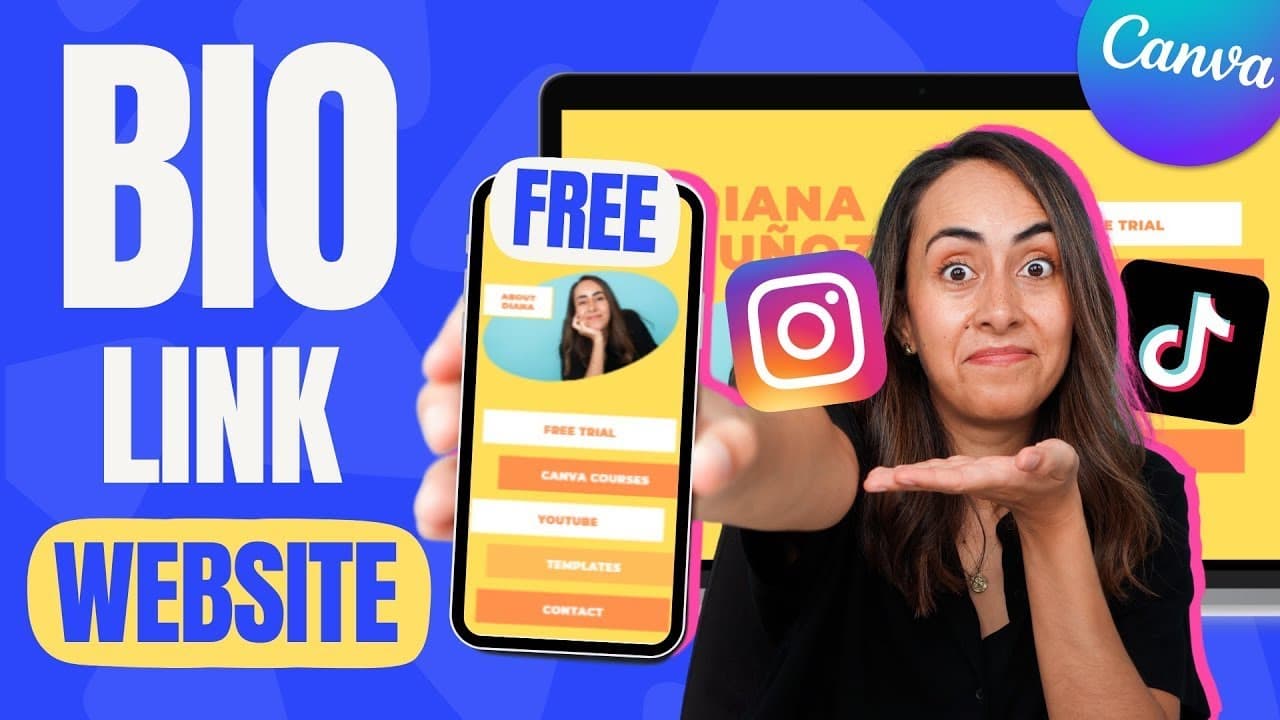
To create a free bio link website for Instagram or TikTok using Canva, choose a template, customize its colors, fonts, and images, and add clickable buttons for your links. After previewing the design on both mobile and desktop, you can publish your website with a personalized URL.
Transcript
today I'll show you how to create this link website for your Instagram or Tick Tock bio we create this website completely free using canva we're going to create buttons links to send emails automatically and also the website will be responsive meaning that it will look great on mobile phones but also on desktop so if you guys are interested in this... Read More
Key Insights
- 🥶 Canva provides free templates for creating link websites suitable for personal brands or businesses.
- 💱 Customization options include changing colors, fonts, and images to match branding preferences.
- 💌 Add clickable buttons with direct links or email contact forms for seamless user interaction.
- 🫵 Preview website designs for both desktop and mobile views to ensure responsiveness.
- 👨🦱 Canva offers options to publish websites with customizable URLs, favicon, and website descriptions.
- 🍻 Utilize Canva's resources for website creation, including tutorials and affiliate links for additional support.
- 👨🔬 Enable password protection and search engine visibility settings based on website access preferences.
Install to Summarize YouTube Videos and Get Transcripts
Explore YouTube Video Summarizer or Get YouTube Transcript Extractor
Questions & Answers
Q: How can Canva help in creating a link website?
Canva offers free templates and customization options to create a professional link website for social media bios.
Q: What are some key features of the link website created with Canva?
The website is responsive, allows for customization of text, colors, and images, includes clickable buttons for links or email contact, and offers preview options for desktop and mobile views.
Q: What are the steps to add links to buttons in Canva?
Copy the link, paste it into the text box and corresponding shape, remove underlines for aesthetics, and ensure all buttons have functional links for a user-friendly experience.
Q: How can one publish a link website created in Canva?
Canva allows for publishing with a free Canva domain, purchasing a domain through Canva, or connecting to an existing domain, each with customization options for website details.
Summary & Key Takeaways
-
Create a free link website with Canva for Instagram or TikTok bios.
-
Customize templates for personal brands or businesses.
-
Add clickable buttons and test functionalities before publishing.
Read in Other Languages (beta)
Share This Summary 📚
Summarize YouTube Videos and Get Video Transcripts with 1-Click
Try YouTube Summary with ChatGPT & Claude or YouTube Transcript Generator
Explore More Summaries from Design with Canva 📚






Summarize YouTube Videos and Get Video Transcripts with 1-Click
Try YouTube Summary with ChatGPT & Claude or YouTube Transcript Generator