How to Design Bestselling T-Shirts with Canva
TL;DR
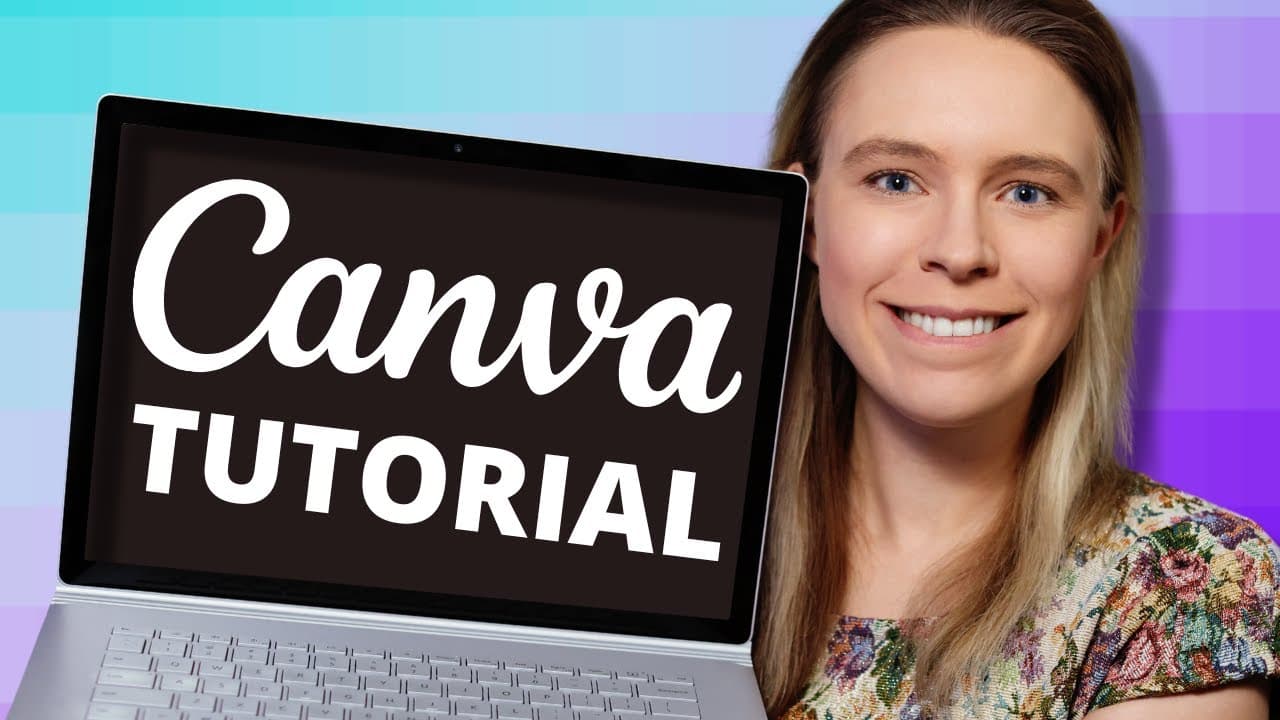
To create a top-selling T-shirt design in Canva, start by selecting a popular design to recreate with a unique twist. Use Canva's pro account features for access to a wider range of graphics and fonts. Ensure your design is optimized for black T-shirts, which are the most popular. Export the design as a high-resolution PNG with a transparent background for best printing results.
Transcript
- Hey everyone. So yesterday I was tracking my biggest print on demand store sales throughout the day and by the end of the day I'd sold around $3,700 worth of merch and so I was curious, I wanted to know how much of that was just in T-shirt sales alone. And so I checked it out and I discovered that about 57% of my sales were just in T-shirts. So o... Read More
Key Insights
- T-shirts are the top-selling item in print on demand, making up 57% of sales in a successful store.
- Using Canva's pro account is recommended for access to more graphics and features.
- Designs should be optimized for black T-shirts, as they are the most popular among customers.
- Ensure designs fill as much of the printing area as possible to increase sales.
- Canva allows editing of SVG graphics, which are scalable and ideal for T-shirt designs.
- Combining multiple elements in a design is necessary to legally use Canva's pro graphics.
- Export designs as high-resolution PNGs with transparent backgrounds to meet print provider requirements.
- Adjust text spacing to create balanced designs, especially when dealing with different text lengths.
Install to Summarize YouTube Videos and Get Transcripts
Explore YouTube Video Summarizer or Get YouTube Transcript Extractor
Questions & Answers
Q: How to create a top-selling T-shirt design with Canva?
To create a top-selling T-shirt design with Canva, start by selecting a popular design for inspiration. Use Canva's pro account for access to a wider range of graphics and fonts. Ensure your design is optimized for black T-shirts, as they are the most popular. Export the design as a high-resolution PNG with a transparent background.
Q: Why use Canva's pro account for T-shirt design?
Canva's pro account offers access to a broader selection of graphics, fonts, and features, which are essential for creating unique and professional T-shirt designs. Pro users can utilize exclusive graphics and adjust colors in SVG files, providing more creative flexibility. Additionally, pro accounts can export designs with transparent backgrounds, crucial for printing.
Q: What is the importance of optimizing T-shirt designs for black T-shirts?
Optimizing T-shirt designs for black T-shirts is crucial because black is the most popular color among customers, accounting for over 50% of sales in some cases. Designing for black T-shirts ensures that your design appeals to the largest market segment and increases the likelihood of higher sales volume.
Q: How can you ensure T-shirt designs fill the printing area effectively?
To ensure T-shirt designs fill the printing area effectively, make the design as large as possible within the designated printing space. This can be achieved by adjusting text spacing, using large graphics, and ensuring that all elements are well-aligned and balanced. Larger designs tend to attract more attention and convert better in sales.
Q: What are SVG graphics, and why are they used in T-shirt design?
SVG graphics, or scalable vector graphics, are images created using mathematical formulas, allowing them to be scaled up or down without losing quality. They are ideal for T-shirt design because they maintain clarity and sharpness at any size, ensuring high-quality prints. Canva allows color editing of SVGs, providing more design flexibility.
Q: How to legally use Canva's pro graphics for commercial purposes?
To legally use Canva's pro graphics for commercial purposes, you must combine multiple elements in your design. For instance, add text to a graphic or combine different graphics to create a unique design. This ensures compliance with Canva's licensing terms, which prohibit selling standalone pro elements.
Q: What are the best export settings for T-shirt designs in Canva?
The best export settings for T-shirt designs in Canva include exporting the design as a high-resolution PNG file with a transparent background. Increase the image size by three times to enhance the DPI, ensuring the design meets the print provider's requirements for quality and clarity. These settings ensure the design prints well on T-shirts.
Q: Why adjust text spacing in T-shirt designs?
Adjusting text spacing in T-shirt designs helps create visual balance, especially when dealing with lines of text of different lengths. By increasing or decreasing the spacing between letters, you can ensure that text elements fill the design space evenly, making the overall design more aesthetically pleasing and increasing its appeal to potential buyers.
Summary & Key Takeaways
-
To create a bestselling T-shirt design, start by researching popular designs and adding a unique twist. Use Canva's pro account for a wider range of graphics and fonts. Optimize designs for black T-shirts, which are the most popular color.
-
Ensure designs fill the printing area to increase sales. Use SVG graphics in Canva for scalable designs and combine multiple elements to legally use pro graphics. Export the final design as a high-resolution PNG with a transparent background.
-
Canva's pro account offers access to more graphics and fonts, enhancing design capabilities. Optimize designs for black T-shirts and adjust text spacing for balance. Export as high-resolution PNGs to meet print provider standards.
Read in Other Languages (beta)
Share This Summary 📚
Summarize YouTube Videos and Get Video Transcripts with 1-Click
Try YouTube Summary with ChatGPT & Claude or YouTube Transcript Generator
Explore More Summaries from Wholesale Ted 📚



Summarize YouTube Videos and Get Video Transcripts with 1-Click
Try YouTube Summary with ChatGPT & Claude or YouTube Transcript Generator