How to Create a Free Wiggle Text Animation in Canva
TL;DR
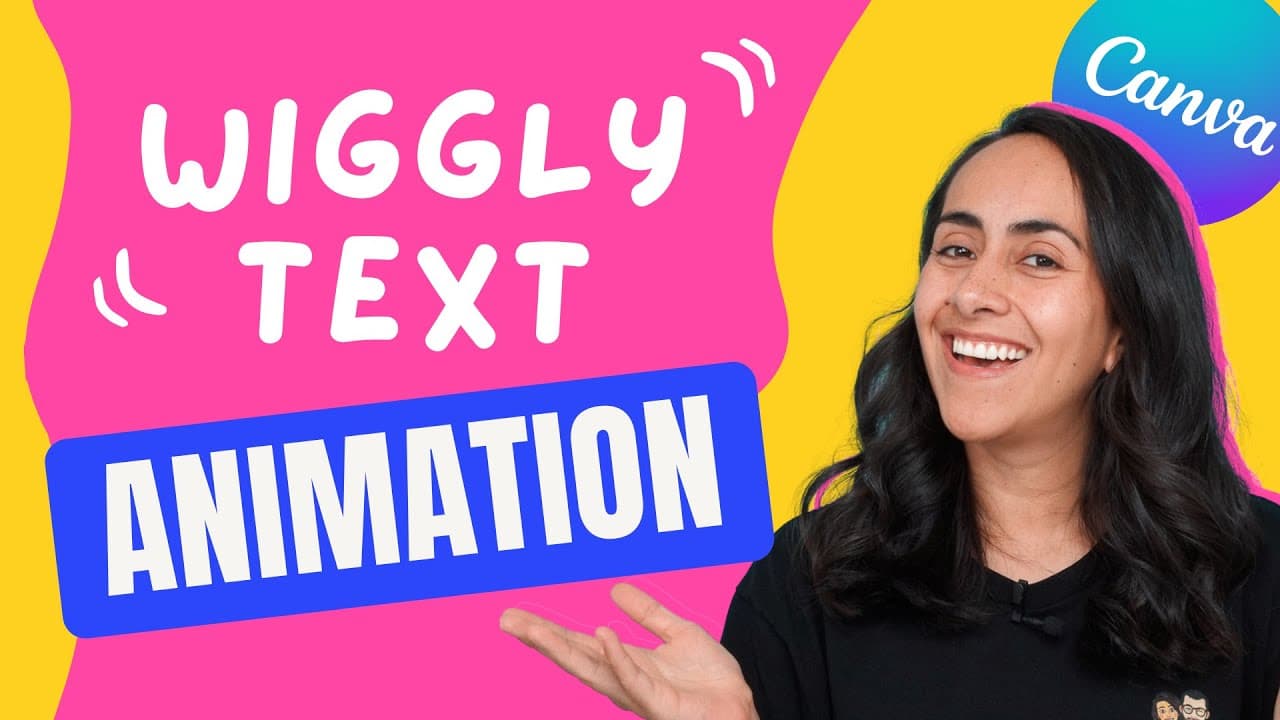
To create a wiggle text animation in Canva for free, use the new drawing feature to draw over your text and export it as a GIF file for looping animation. Choose thicker fonts for better visual effects and adjust scene lengths for dynamic movement. This process allows for creative customization and smooth playback of your animations.
Transcript
you guys asked for it in the last video so today i'm going to teach you how to create this wiggle text animation in canva and everything is going to be completely free so if you guys are interested in this tutorial let's go to my computer hi my name is diana munoz and welcome to our channel in today's tutorial we are going to be using one new featu... Read More
Key Insights
- 👶 Canva offers a new drawing feature for creating unique wiggle text animations.
- ❓ Thicker fonts are recommended for wiggle text animations to enhance the visual effect.
- 👤 Users can adjust the length of scenes and create multiple drawings for dynamic animations.
- 👻 Exporting the animation as a GIF file allows for smooth playback and looping effects.
- 💳 Canva Pro subscription provides access to more fonts and features for advanced animations.
- ❓ The tutorial demonstrates the step-by-step process of creating a wiggle text animation in Canva.
- ❓ Drawing on top of text in Canva enhances customization and creativity in animations.
Install to Summarize YouTube Videos and Get Transcripts
Explore YouTube Video Summarizer or Get YouTube Transcript Extractor
Questions & Answers
Q: What is the new feature in Canva for creating wiggle text animations?
The new feature allows users to draw on top of text, creating a unique wiggle effect in their animations.
Q: Why is it important to choose the right font for wiggle text animations?
Thicker fonts like Lacy Dog are preferable for wiggle text animations to avoid pixelation and make the strokes look smoother.
Q: How can users adjust the length of scenes in a Canva animation?
Users can adjust the length of scenes by changing the time duration, duplicating pages, and creating different drawings for each scene.
Q: How can users export their wiggle text animation from Canva?
Users can export their wiggle text animation as a GIF file to see the text wiggling in a loop, ensuring a smooth playback.
Summary & Key Takeaways
-
Tutorial on creating wiggle text animation in Canva for free.
-
Demonstrates the process on a tablet, using the drawing feature for customization.
-
Offers tips on font selection, color adjustment, drawing techniques, and exporting the animation.
Read in Other Languages (beta)
Share This Summary 📚
Summarize YouTube Videos and Get Video Transcripts with 1-Click
Try YouTube Summary with ChatGPT & Claude or YouTube Transcript Generator
Explore More Summaries from Design with Canva 📚


Summarize YouTube Videos and Get Video Transcripts with 1-Click
Try YouTube Summary with ChatGPT & Claude or YouTube Transcript Generator