Products
Features
YouTube Video Summarizer
Summarize YouTube videos
Web & PDF Highlighter
Highlight web pages & PDFs
Chat with PDF
Ask any PDF questions with AI
Ask AI Clone
Chat with your highlights & memories
Audio Transcriber
Transcribe audio files to text
Glasp Reader
Read and highlight articles
Kindle Highlight Export
Export your Kindle highlights
Idea Hatch
Hatch ideas from your highlights
Integrations
Obsidian Plugin
Notion Integration
Pocket Integration
Instapaper Integration
Medium Integration
Readwise Integration
Snipd Integration
Hypothesis Integration
Apps & Extensions
Chrome Extension
Safari Extension
Edge Add-ons
Firefox Add-ons
iOS App
Android App
Discover
Discover
Ideas
Discover new ideas and insights
Articles
Curated articles and insights
Books
Book recommendations by great minds
Posts
Essays and notes from readers
Quotes
Inspiring quotes collection
Videos
Curated videos and summaries
Explore Glasp
Glasp Story
How we grew from 0 to 3 million users
Glasp Newsletter
Weekly insights and updates
Glasp Talk
Interview series with great minds
Glasp Blog
Latest news and articles
Glasp Use Cases
Learn how others use Glasp
Build & Support
Glasp API
Access Glasp's API for developers
MCP Connector
Connect Glasp to Claude & ChatGPT
Community
Glasp Reddit Community
Students
Student discount and benefits
FAQs
Frequently Asked Questions
AboutPricing
DashboardLog inSign up

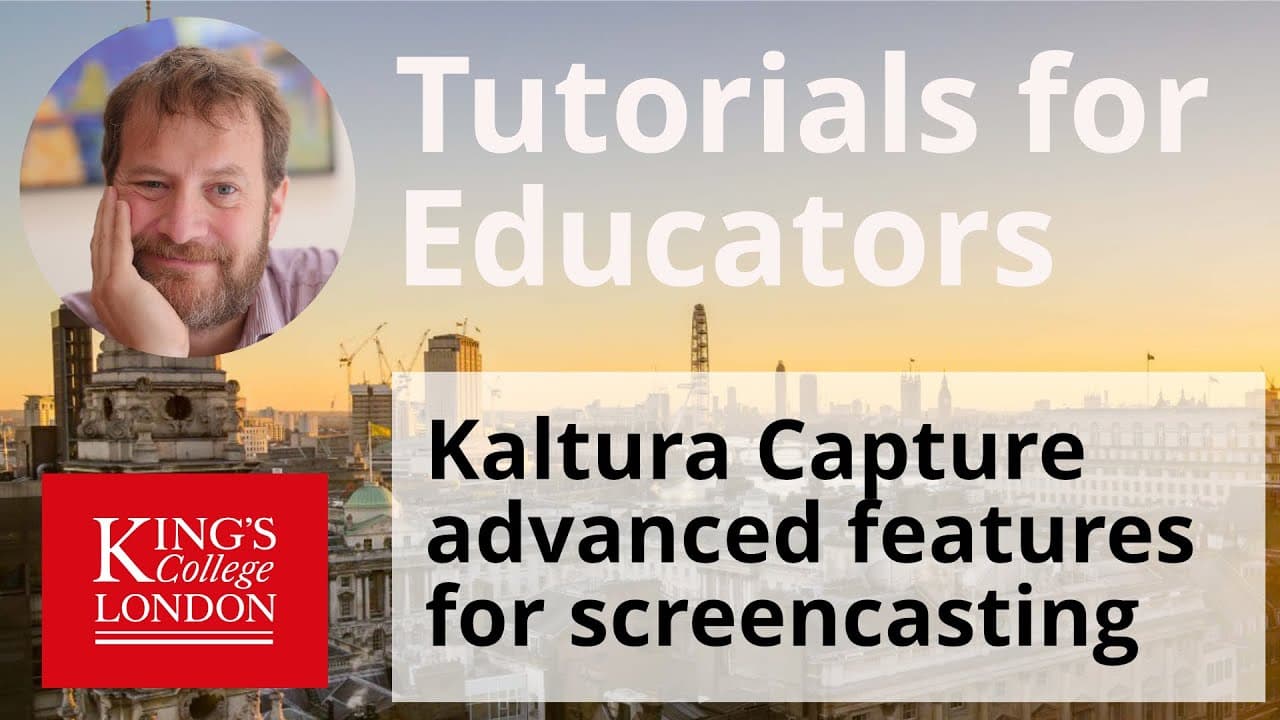
Using Kaltura Capture's advanced features for screen casting

262 views
•
July 15, 2020
by
Dory Video
YouTube video player
Using Kaltura Capture's advanced features for screen casting

TL;DR

Learn how to utilize advanced features in Kaltura Capture for screen and webcam recording with annotation tools.

Transcript

hello I'm James Clark from the department of physiology at King's College London and in this short tutorial I'm going to show you some of the more advanced features of Cal cheer capture once you've loaded Kaltura capture on your computer you'll be presented with a floating box as you can see on the screen on this floating box you have the interface... Read More

Key Insights

  • 💻 Kaltura Capture interface includes options for screen, webcam, and audio recording setup.
  • ❓ Advanced features like whiteboard annotation enhance the recording process.
  • 🎮 Customizable settings for screen and webcam recordings improve video quality.
  • 👻 Pausing and resuming recordings allow for seamless transitions in tutorial creation.
  • 🏣 Editing options are available post-recording on the Kaltura server.
  • ❓ Consider subscribing to the creator's YouTube channel for more tutorials.
  • ❓ Quality recording settings impact playback on various devices.

Install to Summarize YouTube Videos and Get Transcripts

Explore YouTube Video Summarizer or Get YouTube Transcript Extractor

Questions & Answers

Q: What are the key components of the Kaltura Capture interface?

The interface includes options for screen recording, webcam selection, and audio sources alongside advanced features like whiteboard annotation.

Q: How can users customize their screen recording settings?

Users can select specific areas to record, adjust webcam resolutions, and choose audio sources to ensure high-quality recordings.

Q: What advanced features does Kaltura Capture offer for annotations?

Kaltura Capture provides a whiteboard tool for drawing, adding text, and annotations on the screen during recording sessions.

Q: How can users pause and resume recordings in Kaltura Capture?

Users can pause recordings to switch between software demonstrations and resume recording seamlessly to create comprehensive tutorials.

Summary & Key Takeaways

  • Introduction to the interface and settings of Kaltura Capture.

  • Guidelines for setting up screen recording, webcam selection, and audio sources.

  • Demonstration of advanced features like whiteboard annotation and pause/resume recording.


Read in Other Languages (beta)

English

Share This Summary 📚

Summarize YouTube Videos and Get Video Transcripts with 1-Click

Download browser extensions on:

Try YouTube Summary with ChatGPT & Claude or YouTube Transcript Generator

Explore More Summaries from Dory Video 📚

Roland Cloud Anthology 1987 - Sampled D50 LA synth thumbnail
Roland Cloud Anthology 1987 - Sampled D50 LA synth
Dory Video
Playing Vienna Instruments (VSL) with a ROLI Seaboard RISE thumbnail
Playing Vienna Instruments (VSL) with a ROLI Seaboard RISE
Dory Video
What Are UVI Workstation String Machines and Their Features? thumbnail
What Are UVI Workstation String Machines and Their Features?
Dory Video
How to Set Up Multi-Instrument Layers in Kontakt 5 thumbnail
How to Set Up Multi-Instrument Layers in Kontakt 5
Dory Video
How to Perform Linear Regression in GraphPad Prism thumbnail
How to Perform Linear Regression in GraphPad Prism
Dory Video
WavesFactory MERCURY Piano for Kontakt thumbnail
WavesFactory MERCURY Piano for Kontakt
Dory Video

Summarize YouTube Videos and Get Video Transcripts with 1-Click

Download browser extensions on:

Try YouTube Summary with ChatGPT & Claude or YouTube Transcript Generator

Apps & Extensions

  • Chrome Extension
  • Safari Extension
  • Edge Add-ons
  • Firefox Add-ons
  • iOS App
  • Android App

Key Features

  • YouTube Video Summarizer
  • Web & PDF Summarizer
  • Web & PDF Highlighter
  • Chat with PDF
  • Ask AI Clone
  • Audio Transcriber
  • Glasp Reader
  • Kindle Highlight Export
  • Idea Hatch

Integrations

  • Obsidian Plugin
  • Notion Integration
  • Pocket Integration
  • Instapaper Integration
  • Medium Integration
  • Readwise Integration
  • Snipd Integration
  • Hypothesis Integration

More Features

  • APIs
  • MCP Connector
  • Blog & Post
  • Embed Links
  • Image Highlight
  • Personality Test
  • Quote Shots
  • Open Graph Checker

Company

  • About us
  • Our Story
  • Blog
  • Community
  • FAQs
  • Job Board
  • Newsletter
  • Pricing
Terms

•

Privacy

•

Guidelines

© 2026 Glasp Inc. All rights reserved.