How to Remove Video Backgrounds with CapCut Easily
TL;DR
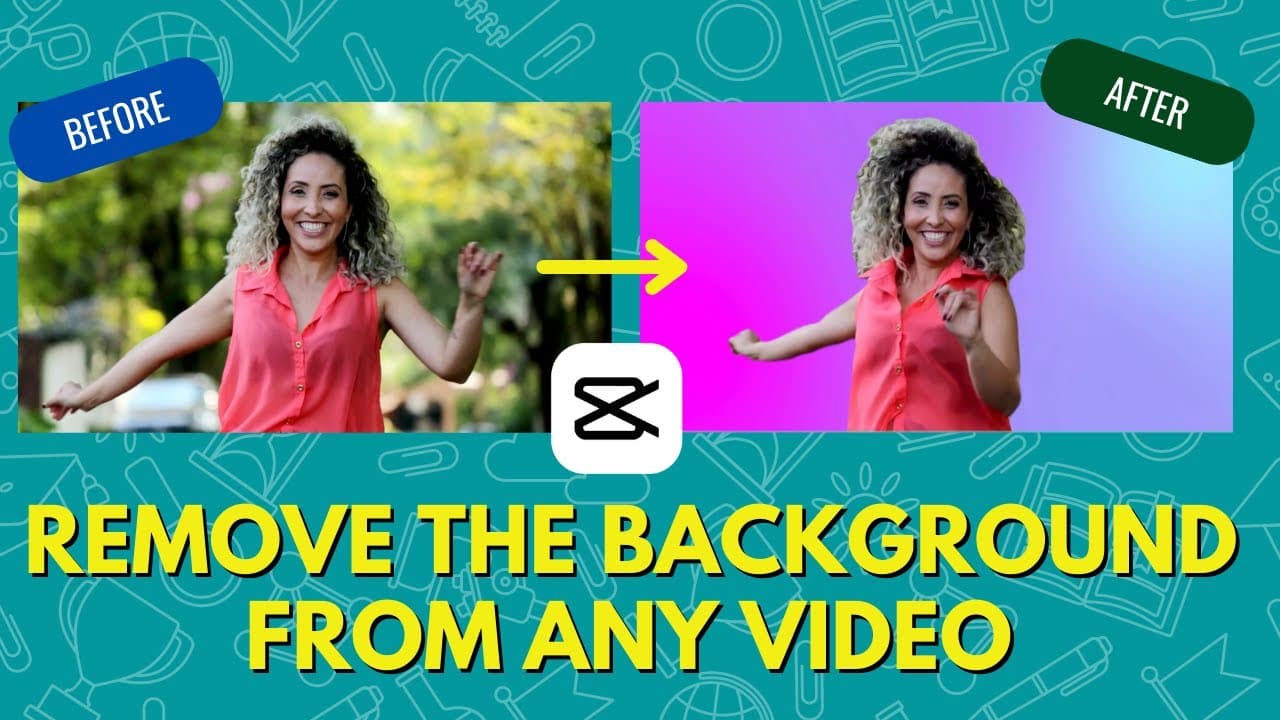
To quickly remove a video background using CapCut, upload your video, select the 'Remove Background' option, and add your desired background. This process is simple and effective without needing a green screen, making it ideal for creative video editing and social media use.
Transcript
so in this video i'm going to show you how you can remove the background of any video without a green screen in just a few seconds it's really powerful and really easy but before i do that consider subscribing to my youtube channel where each week i'll be uploading new videos on a variety of different topics including video so thank you for your co... Read More
Key Insights
- 🍏 Cap Cut app offers a simple and effective solution for removing backgrounds from videos without requiring a green screen.
- 👶 Users can easily upload their videos, remove the background, add new backgrounds, and customize the output using Cap Cut.
- 😀 The app provides additional editing features for creating engaging social media content, particularly for platforms like TikTok.
- 🎮 Cap Cut allows users to overlay videos, adjust clip lengths, and export the final edited videos directly to their camera roll.
- 👱 Removing backgrounds with Cap Cut can result in some imperfections, especially with moving objects like hair, but overall, the tool provides satisfactory results.
- 🏪 The tutorial emphasizes the versatility and convenience of Cap Cut for mobile video editing enthusiasts.
- 👤 Cap Cut enables users to enhance their videos by adding various backgrounds, textures, and effects to create visually appealing content.
Install to Summarize YouTube Videos and Get Transcripts
Explore YouTube Video Summarizer or Get YouTube Transcript Extractor
Questions & Answers
Q: How can you remove the background of a video without a green screen?
You can use the Cap Cut app, as demonstrated in the video, which offers a "remove background" feature to easily eliminate the background from any video.
Q: What types of backgrounds can you add after removing the original background?
Once the background is removed, you can add any new background of your choice, such as a colored backdrop or an animated scene, to enhance your video.
Q: Is Cap Cut available for both iOS and Android users?
Yes, Cap Cut is a free app that can be downloaded on both iOS and Android devices, making it accessible for a wide range of users interested in video editing.
Q: How can you remove the watermark from the edited video?
To remove the watermark added by Cap Cut, simply tap on the watermark card at the end of the video and delete it before exporting the final result.
Summary & Key Takeaways
-
The video demonstrates how to remove backgrounds from videos using the Cap Cut app without a green screen.
-
It showcases the simple process of uploading a video, removing the background, adding a new background, and exporting the final result.
-
Cap Cut provides a user-friendly solution for creative video editing and social media content creation.
Read in Other Languages (beta)
Share This Summary 📚
Summarize YouTube Videos and Get Video Transcripts with 1-Click
Try YouTube Summary with ChatGPT & Claude or YouTube Transcript Generator
Explore More Summaries from EdTech Hustle 📚






Summarize YouTube Videos and Get Video Transcripts with 1-Click
Try YouTube Summary with ChatGPT & Claude or YouTube Transcript Generator