What Are the Best Remote Desktop Solutions for Linux?
TL;DR
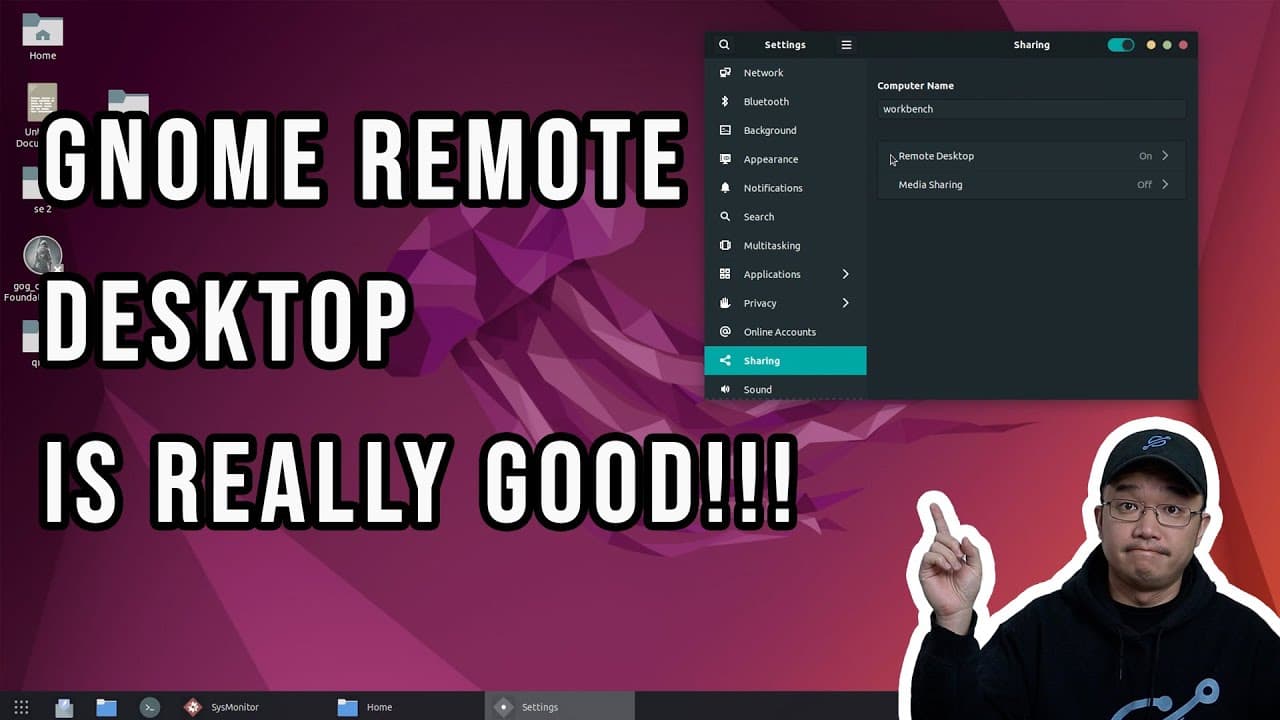
The best remote desktop solution for Linux is the GNOME Remote Desktop, which offers improved performance and reduced latency for media streaming without requiring extra software installation. Other options like VNC and XRDP have significant limitations, particularly in responsiveness, while NVIDIA Limelight via Moonlight can be effective for gaming but requires specific hardware. Overall, GNOME Remote Desktop provides a seamless experience for remote access.
Transcript
hey guys what's going on it's don here from nova spare tech and welcome back to the channel and today we're going to be talking about remote desktops for linux so let's get started so let me give you guys a little bit of a situation so you know what i'm looking for now i mainly sit in front of a windows machine either at work at home or at friend's... Read More
Key Insights
- 🔉 Remote desktop solutions for Linux vary in effectiveness, with many traditional protocols suffering from performance issues, particularly with media streaming.
- ✋ VNC's inability to handle responsiveness and high-quality video streaming makes it a less viable option for users needing robust remote access.
- 🥺 XRDP offers advantages by utilizing RDP, yet retains underlying VNC limitations, often leading to unsatisfactory user experiences.
- 🪡 NVIDIA Limelight via Moonlight provides a compelling alternative for gaming and media, needing specific hardware for optimal performance.
- 👤 GNOME Remote Desktop’s integration with Pipewire and focus on user experience addresses many concerns found in previous remote desktop protocols.
- 🇳🇨 Cursor lag is a common problem in remote desktop usage, but improvements in newer protocols help mitigate this, enhancing overall user satisfaction.
- 👤 Users seeking to operate remotely without a display must invest in additional hardware, although recent advancements in software capabilities are minimizing this need.
Install to Summarize YouTube Videos and Get Transcripts
Explore YouTube Video Summarizer or Get YouTube Transcript Extractor
Questions & Answers
Q: What are the main limitations of using VNC for remote desktop access on Linux?
VNC is widely used for remote desktop access on Linux; however, it suffers from significant lag and slow data compression, making it unsuitable for tasks that involve moving windows or streaming media. It also requires additional software installation on the local machine for full functionality, which can be inconvenient when accessing remote computers lacking software installation capabilities.
Q: How does XRDP compare to VNC in terms of performance for remote desktop sessions?
While XRDP utilizes the more efficient RDP protocol and can function without additional software, its foundation still relies on VNC, which leads to persistence of similar performance issues. Users experience lag and responsiveness problems with XRDP, particularly in media streaming and desktop interactivity, similar to the experiences with VNC.
Q: What advantages does the NVIDIA Limelight offer for Linux remote desktop usage?
NVIDIA Limelight, when used in conjunction with Moonlight, provides excellent desktop responsiveness, allowing users to stream media and play games on remote Linux machines effectively. Its efficient data compression means that it can be used over networks with lower bandwidth. However, it requires a compatible NVIDIA graphics card and significantly utilizes one CPU core, which may impact performance on less powerful machines.
Q: What improvements does GNOME Remote Desktop bring to remote access on Linux?
GNOME Remote Desktop incorporates Pipewire technology, allowing for better data compression and, most importantly, reducing cursor lag during sessions. This protocol supports smooth media streaming and eliminates the need for additional software installation, making it a practical choice for regular remote access users who require a seamless experience.
Q: Are there any downsides to using GNOME Remote Desktop?
While GNOME Remote Desktop delivers a highly functional experience, it requires a monitor connection, which presents a challenge for headless setups. Users can mitigate this by utilizing dummy HDMI dongles. There is also the risk that any actions on the remote desktop can be visible if someone plugs in a monitor directly, unlike XRDP, which securely hides sessions.
Q: Can users run GNOME Remote Desktop without additional hardware?
Yes, GNOME Remote Desktop can operate effectively without additional software. However, to use it in a headless environment where no monitor is connected, users may need to buy a dummy HDMI dongle for the system to recognize a display. This approach ensures that remote sessions function optimally.
Q: What is the speaker's conclusion on the best remote desktop option for Linux?
The speaker concludes that GNOME Remote Desktop is currently their preferred method for accessing Linux remotely, owing to its built-in capabilities with no need for extra installations and improved performance over previous methods like VNC and XRDP. They anticipate continuing to use this tool unless further advancements in remote desktop technology emerge.
Summary & Key Takeaways
-
The video discusses various remote desktop protocols available for Linux, emphasizing the limitations of options like VNC and XRDP in terms of performance and usability, particularly for media streaming and responsiveness.
-
The speaker highlights personal experiences with several protocols, ultimately favoring GNOME Remote Desktop, which offers significant improvements in latency and media handling without the need for additional software installation.
-
A brief overview of necessary hardware considerations, such as the need for a dummy HDMI dongle for headless setups, concludes the discussion, positioning the GNOME Remote Desktop as a practical solution for Linux users needing remote access.
Read in Other Languages (beta)
Share This Summary 📚
Summarize YouTube Videos and Get Video Transcripts with 1-Click
Try YouTube Summary with ChatGPT & Claude or YouTube Transcript Generator
Explore More Summaries from Novaspirit Tech 📚






Summarize YouTube Videos and Get Video Transcripts with 1-Click
Try YouTube Summary with ChatGPT & Claude or YouTube Transcript Generator