How to Create a 3D Render Cartoon in Microsoft Designer
TL;DR
To create a 3D render cartoon in Microsoft Designer, visit designer.microsoft.com, set up an account, and use prompts to describe your character. The tool requires no prior skills, allowing for easy customization and generation of unique designs, which you can also share with friends for collaborative projects.
Transcript
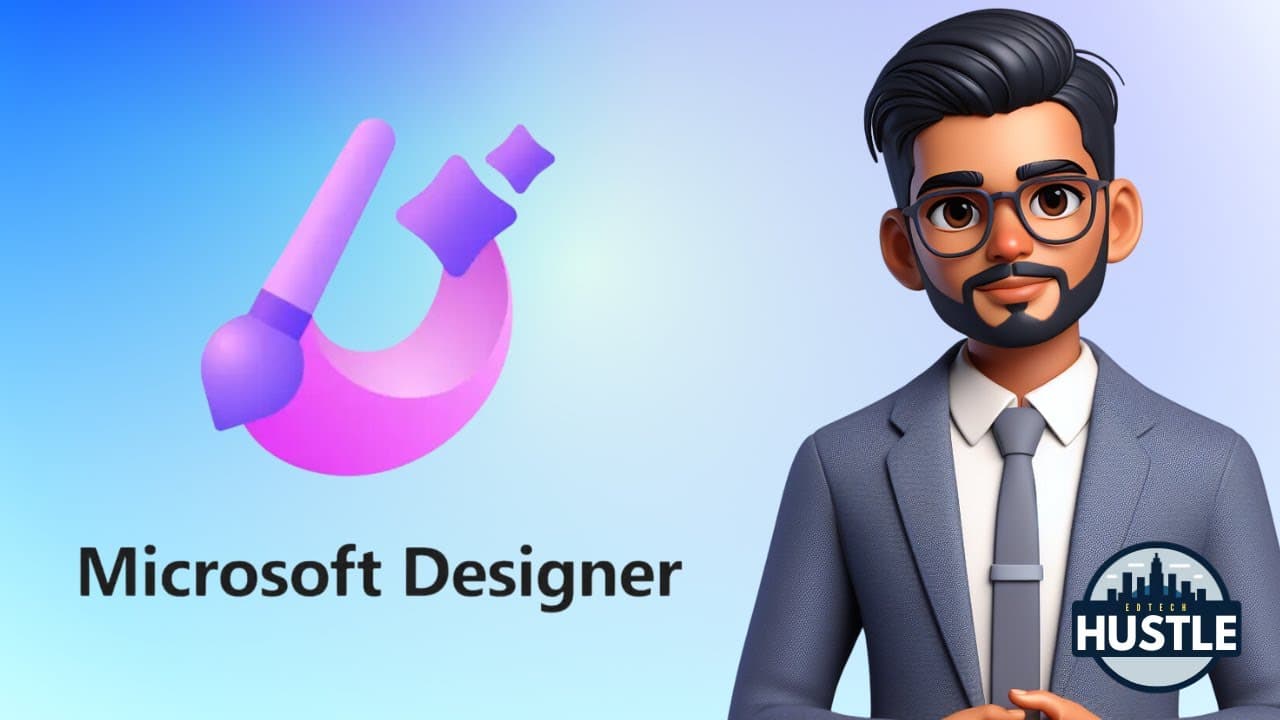
hey everyone welcome to ech hustle my name is Rich and in this video I'm going to show you how you can create an awesome looking 3D rendered cartoon like this one in just a few minutes using a new tool called the Microsoft designer there's no skills needed for this one it's simple and really powerful so the first thing you want to do is go to desig... Read More
Key Insights
- ❓ Microsoft Designer simplifies the process of creating 3D renders, requiring no prior skills.
- 👤 Users can generate unique 3D render designs by filling in text prompts with specific character descriptions.
- ❓ The sharing feature in Microsoft Designer enables collaboration and creativity in creating 3D renders with friends.
- 👻 Customization options allow users to personalize their 3D render designs by editing the prompts to match their preferences.
- 👤 Microsoft Designer offers a user-friendly interface for easy navigation and quick 3D render generation.
- 👶 Users can easily experiment with different design options by generating new prompts until they find the desired result.
- 🤗 Sharing prompts with friends opens up opportunities for collaborative design projects and sharing creativity.
Install to Summarize YouTube Videos and Get Transcripts
Explore YouTube Video Summarizer or Get YouTube Transcript Extractor
Questions & Answers
Q: How can Microsoft Designer help create 3D renders?
Microsoft Designer offers a simple process where users fill prompts to generate unique 3D render designs, making it easy for anyone to create stunning visuals without prior skills in rendering.
Q: Can users customize their 3D renders with Microsoft Designer?
Yes, users can customize their 3D renders by editing the text prompts to match the specific character or design they want to create, allowing for personalization and flexibility in the rendering process.
Q: How can users share their 3D render prompts with friends?
Users can use the sharing feature in Microsoft Designer to send their customized prompts to friends, enabling collaboration on designs and creativity in generating unique 3D renders together.
Q: What makes Microsoft Designer a powerful tool for 3D rendering?
Microsoft Designer stands out as a powerful tool for 3D rendering due to its simplicity, user-friendly interface, and the ability to create stunning visuals in just a few minutes, making it accessible to beginners and experienced users alike.
Summary & Key Takeaways
-
Rich demonstrates how to use Microsoft Designer to create 3D renders quickly without any skill requirements.
-
Users can fill in prompts to generate unique 3D render designs based on their preferences.
-
The sharing feature allows users to share prompts with friends for collaboration on designs.
Read in Other Languages (beta)
Share This Summary 📚
Summarize YouTube Videos and Get Video Transcripts with 1-Click
Try YouTube Summary with ChatGPT & Claude or YouTube Transcript Generator
Explore More Summaries from EdTech Hustle 📚




![Keynote: Remove The Background of Any Photo [Using Instant Alpha] thumbnail](/_next/image?url=https%3A%2F%2Fi.ytimg.com%2Fvi%2F0Ji-uTffzJE%2Fhqdefault.jpg&w=750&q=75)

Summarize YouTube Videos and Get Video Transcripts with 1-Click
Try YouTube Summary with ChatGPT & Claude or YouTube Transcript Generator