How to Structure HTML Headings and Paragraphs
TL;DR
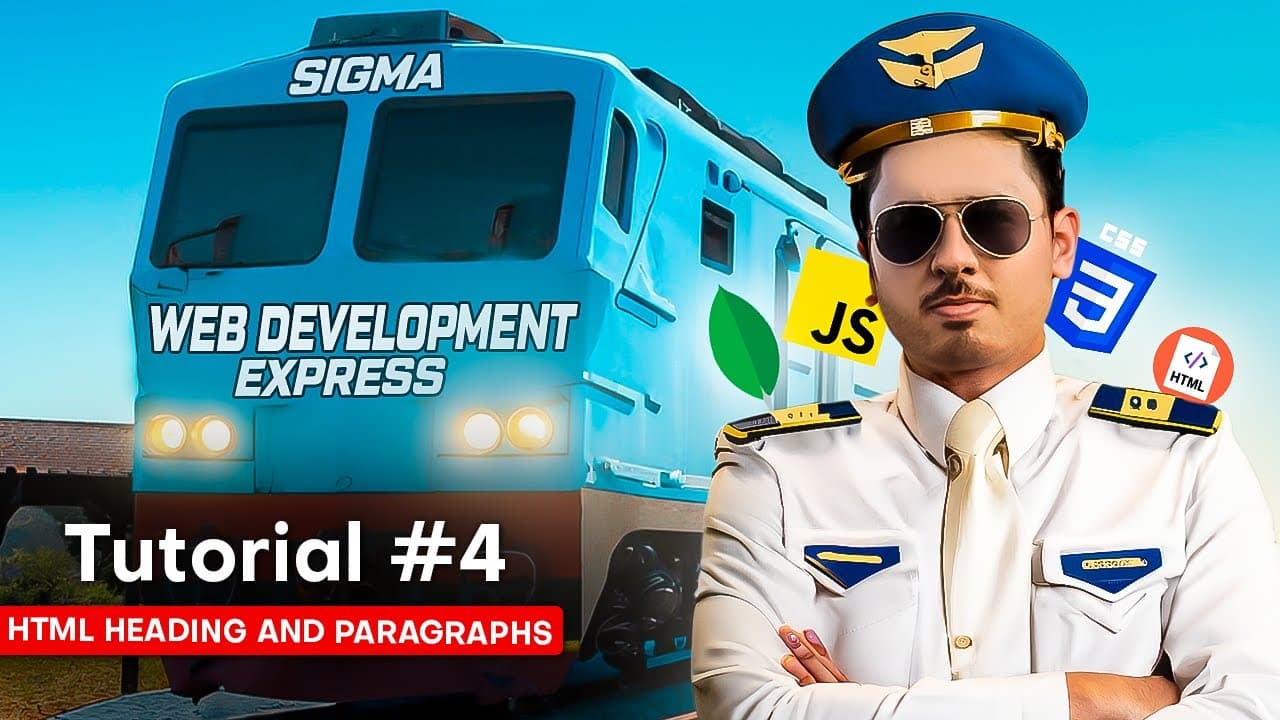
Use HTML heading tags from h1 through h6 to create a clear content hierarchy, and use the p tag for paragraphs. In VS Code, Emmet can generate placeholder text with commands such as lorem 10 or lorem 23, while a simple bookmark website provides practical experience organizing headings, paragraphs, and links.
Transcript
In today's video, I will tell you about heading and paragraphs. Along with that, I will tell you about anchor text. If you have found this course awesome till now, then do like this video. Your likes will help me in getting such free courses. In this video, we will make a small project which will be a bookmark website. This bookmark website will he... Read More
Key Insights
- HTML heading tags define content hierarchy from h1 through h6. The h1 tag represents the main page heading, while h2 and subsequent levels identify sections and increasingly nested subsections within the page.
- The h1 tag gives meaning to a page title instead of presenting it as unclassified text. Marking “My Bookmarks” as h1 tells the browser that it is the page’s first-level heading.
- A bookmark website provides a practical exercise for organizing favorite websites in one place. Its structure can include a main page heading followed by separate second-level headings for main bookmarks and secondary bookmarks.
- HTML paragraphs are created with the p tag. Paragraph content can appear beneath relevant headings, while its visual styling is handled separately through CSS rather than by changing the semantic purpose of the paragraph tag.
- Emmet generates placeholder text when a developer enters a lorem abbreviation in VS Code. Adding a number, such as lorem 10, lorem 23, or lorem 100, controls how many placeholder words are produced.
- Placeholder text helps developers fill unfinished templates before final content is available. It allows layouts resembling existing websites to be assembled without first writing every product label, description, or content block.
- VS Code word wrap keeps long paragraphs visible without requiring horizontal scrolling. The option can be enabled through the View menu when large amounts of generated placeholder text extend beyond the editor’s visible width.
- VS Code supports faster editing through keyboard shortcuts and multiple cursors. Alt, Shift, and the Down Arrow replicate a line, while holding Alt and clicking in several locations creates cursors that accept the same typed changes.
Install to Summarize YouTube Videos and Get Transcripts
Explore YouTube Video Summarizer or Get YouTube Transcript Extractor
Questions & Answers
Q: How do HTML heading tags create a page hierarchy?
HTML heading tags create a hierarchy by assigning levels from h1 through h6. The h1 tag is used for the page’s main heading, h2 identifies major sections beneath it, and lower heading levels represent nested subsections. The tutorial demonstrates this structure with an HTML introduction as the main heading, followed by topics and smaller exercises at appropriate lower levels.
Q: Why should a page title use an h1 tag?
A page title should use an h1 tag because the tag tells the browser that the text is the page’s first-level heading. Writing “My Bookmarks” as ordinary text would display words without identifying their structural role. Using h1 communicates that the phrase is the principal heading, while lower-level tags can organize the sections that follow it.
Q: How can h2 tags organize a bookmark website?
The h2 tag can divide a bookmark page into major categories beneath its h1 heading. In the demonstrated project, “My Bookmarks” serves as the main heading, while “Main Bookmarks” and “Secondary Bookmarks” can serve as second-level headings. This arrangement makes both categories part of the same page while clearly distinguishing their roles in the content hierarchy.
Q: How do you add a paragraph in HTML?
A paragraph is added with the p tag inside the body of the HTML document. The paragraph can contain normal written content or temporary placeholder copy during layout development. Its role is to mark the content as a paragraph, while details about its visual appearance and styling are handled through CSS rather than through the paragraph tag itself.
Q: How can Emmet generate placeholder text in VS Code?
Emmet can generate placeholder text by expanding a lorem abbreviation in VS Code. Entering lorem followed by a number controls the amount of text generated. For example, lorem 10 produces 10 words, lorem 23 produces 23 words, and lorem 100 fills the page with much more text. This is useful when testing unfinished page templates.
Q: Why is placeholder text useful when building websites?
Placeholder text is useful because a developer can test and complete a page template before the final wording is available. When recreating the layout of a popular website, the developer does not need to invent every product name or description immediately. Lorem text fills those spaces temporarily, and real content can later be supplied through the intended content source or database.
Q: How does word wrap help when editing HTML paragraphs?
Word wrap keeps long paragraph text within the visible width of the VS Code editor. Without wrapping, a large block such as text generated with lorem 100 can create a horizontal scrollbar and require sideways navigation. Enabling word wrap from the View menu places the text on additional visible lines, making long content easier to inspect and edit.
Q: Which VS Code shortcuts speed up repeated HTML edits?
Alt, Shift, and the Down Arrow can replicate the current line, which is helpful when creating several similar heading elements. Holding Alt while clicking multiple locations creates multiple cursors. Any text entered afterward appears at every cursor, allowing repeated labels or tag levels to be changed together instead of editing each location individually.
Summary & Key Takeaways
-
HTML pages place descriptive information, such as the title and linked CSS, inside the head, while visible content belongs inside the body. The lang attribute can identify the page content as English. Within the body, heading and paragraph tags communicate the purpose and structure of content to the browser.
-
Headings from h1 through h6 establish a hierarchy rather than merely changing text size. An h1 represents the main page heading, while h2 and lower levels organize sections and nested subsections. The demonstrated bookmark project uses a main heading and separate headings for main bookmarks and secondary bookmarks.
-
Paragraphs are created with the p tag, and VS Code Emmet can quickly produce placeholder copy by expanding commands such as lorem 10, lorem 23, or lorem 100. Word wrap prevents long placeholder paragraphs from creating horizontal scrolling, making templates and practice layouts easier to view while editing.
Read in Other Languages (beta)
Share This Summary 📚
Summarize YouTube Videos and Get Video Transcripts with 1-Click
Try YouTube Summary with ChatGPT & Claude or YouTube Transcript Generator
Explore More Summaries from CodeWithHarry 📚



Summarize YouTube Videos and Get Video Transcripts with 1-Click
Try YouTube Summary with ChatGPT & Claude or YouTube Transcript Generator