How to Use Canva Beat SYNC for Engaging Slideshows
TL;DR
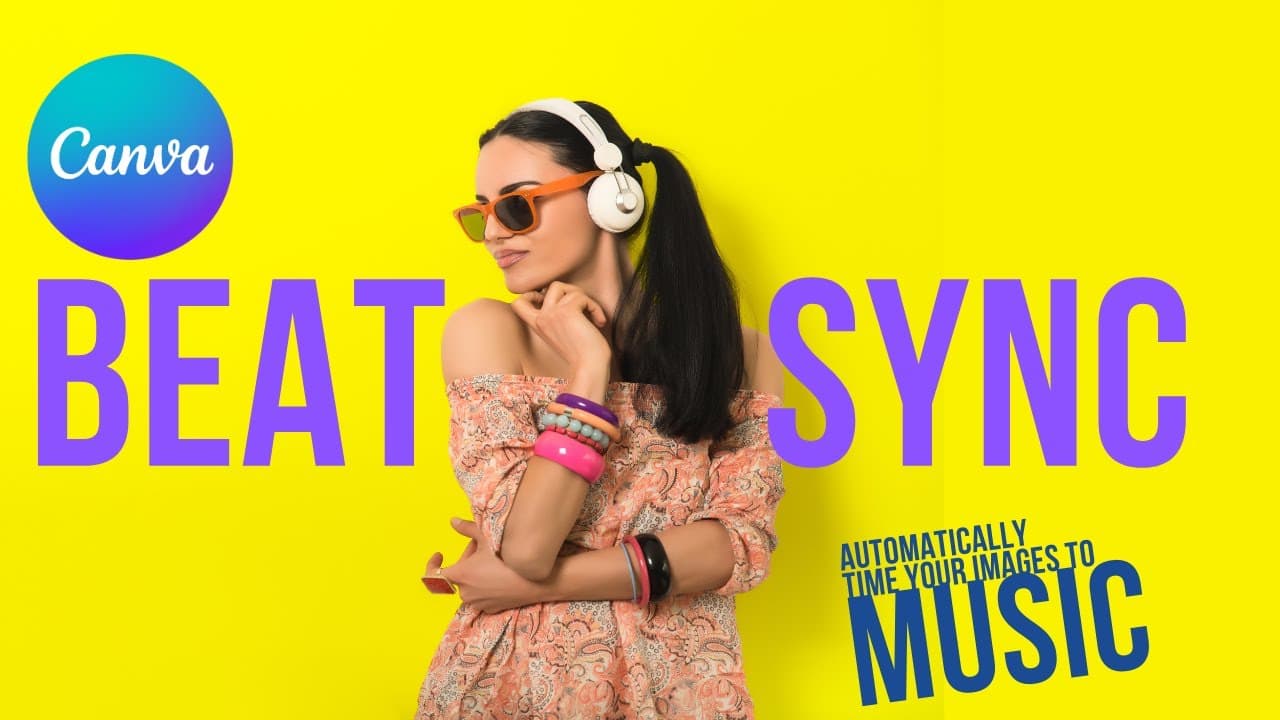
To create engaging slideshows, use Canva's Beat SYNC feature to automatically synchronize images with music beats. Simply select your audio track, enable Beat SYNC, and Canva will align your slides to match the rhythm of the music, making your presentations dynamic and enjoyable for viewers.
Transcript
hey everyone welcome to edtech hustle my name is Rich and today we're going to learn how to create a better slideshow using canvas beat SYNC feature so here's an example of a slideshow that I put together with a number of different images from students now what I want to do is to add music underneath in this case I'm going to I uploaded an audio tr... Read More
Key Insights
- 💓 Canva Beat SYNC enables users to synchronize slideshow elements with music beats for a dynamic presentation.
- 🫵 The feature enhances viewer engagement by timing images to the music, creating visually appealing slideshows.
- 💓 Creators can easily customize slideshows by adjusting the timing of images to match different beats in the music.
- 💄 Canva Beat SYNC improves presentation quality by synchronizing elements with music, making slideshows more engaging.
- ❓ With Beat SYNC, creators can create interactive and visually appealing presentations that capture audience attention.
- 👻 The feature allows for easy synchronization of slideshow elements with music beats, enhancing the overall viewer experience.
- 💨 Canva Beat SYNC offers a quick and efficient way to make slideshows more engaging and fun for the audience.
Install to Summarize YouTube Videos and Get Transcripts
Explore YouTube Video Summarizer or Get YouTube Transcript Extractor
Questions & Answers
Q: How can Canva Beat SYNC improve slideshow presentations?
Canva Beat SYNC allows users to synchronize slideshow elements with music beats, creating dynamic and engaging presentations. By timing images to the music, presentations become more visually appealing and interactive.
Q: What are the benefits of using the Beat SYNC feature in Canva?
The Beat SYNC feature in Canva enhances viewer experience by synchronizing slideshow elements with music beats. It improves engagement, making presentations more visually appealing and dynamic for the audience.
Q: Can Canva Beat SYNC help creators customize their slideshows?
Yes, creators can customize their slideshows by adjusting the timing of images to match different beats in the music. This feature allows for more personalized and engaging presentations tailored to specific preferences.
Q: How does Beat SYNC feature impact the overall presentation quality?
The Beat SYNC feature in Canva elevates the quality of presentations by synchronizing slideshow elements with music beats. This synchronization enhances viewer engagement and creates a more captivating visual experience.
Summary & Key Takeaways
-
Use Canva Beat SYNC to time slideshow elements to music for a more engaging presentation.
-
Easily synchronize images and music beats in Canva to create dynamic slideshows.
-
Canva Beat SYNC feature enhances viewer experience and engagement with synchronized slideshows.
Read in Other Languages (beta)
Share This Summary 📚
Summarize YouTube Videos and Get Video Transcripts with 1-Click
Try YouTube Summary with ChatGPT & Claude or YouTube Transcript Generator
Explore More Summaries from EdTech Hustle 📚

![Keynote: Remove The Background of Any Photo [Using Instant Alpha] thumbnail](/_next/image?url=https%3A%2F%2Fi.ytimg.com%2Fvi%2F0Ji-uTffzJE%2Fhqdefault.jpg&w=750&q=75)




Summarize YouTube Videos and Get Video Transcripts with 1-Click
Try YouTube Summary with ChatGPT & Claude or YouTube Transcript Generator