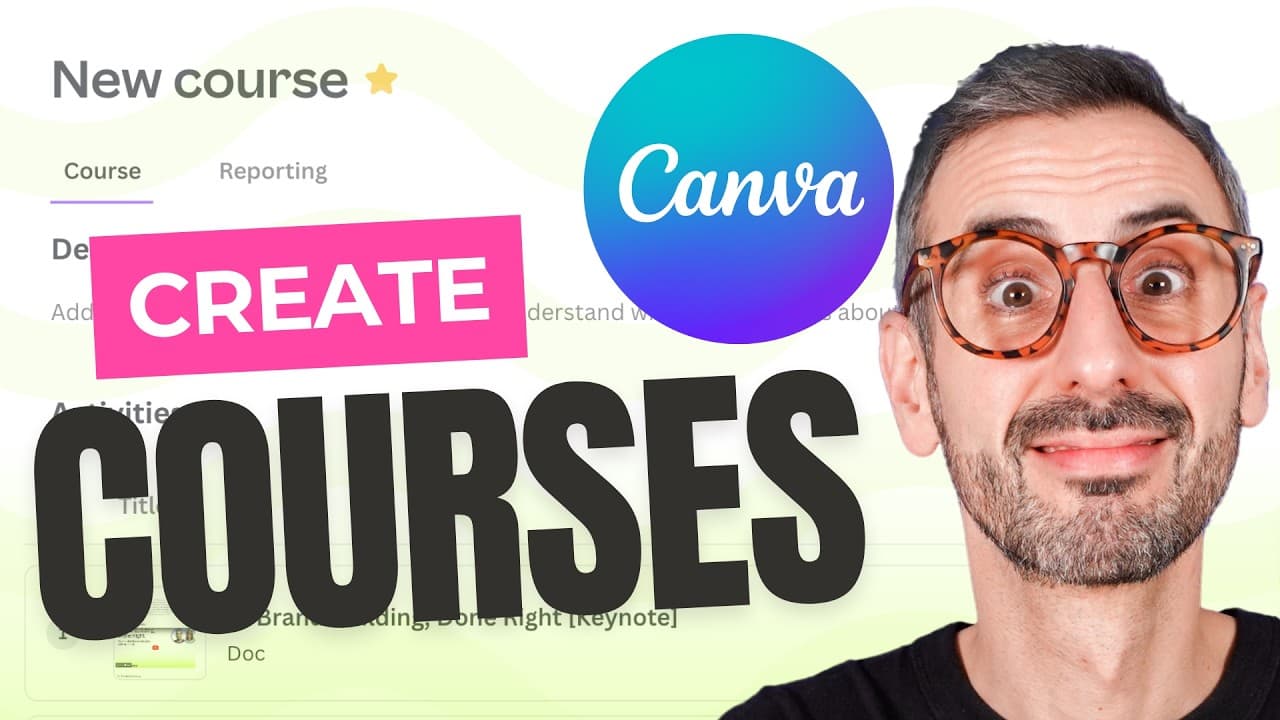
How to Create Courses Using Canva in 2024
TL;DR
Canva's new course feature allows users to create and organize educational content using various media like videos and documents. By leveraging tools such as YouTube transcripts and ChatGPT, users can summarize content and generate quizzes. This feature is ideal for training teams or self-learning, though currently limited to sharing within Canva teams.
Transcript
ever since canva announced their new course feature I've been eager to try them out I just didn't have the right project to do so until today this morning I discovered a series of keynote videos from Cana create featuring top branding and marketing experts now that's what people paid for a lot of money to see live at canva create and now it's avail... Read More
Key Insights
- Canva's course feature enables users to create educational content using embedded videos, documents, and quizzes.
- To start creating a course, users must find the course icon under the 'More' button on Canva's homepage.
- Courses can include a variety of activities such as new documents, existing documents, or uploads from cloud services.
- YouTube videos can be embedded into Canva documents by copying the video URL and pasting it into the document.
- Key takeaways from videos can be generated using ChatGPT by analyzing video transcripts to summarize main points.
- Quizzes can be created in Canva using templates and ChatGPT to generate multiple-choice questions based on video content.
- Courses can be assigned to team members in Canva for Teams, allowing for tracking of engagement and progress.
- Currently, Canva courses cannot be shared outside of Canva teams, limiting public accessibility.
Install to Summarize YouTube Videos and Get Transcripts
Explore YouTube Video Summarizer or Get YouTube Transcript Extractor
Questions & Answers
Q: How to create a course in Canva?
To create a course in Canva, navigate to the homepage and click on the 'More' button to find the course icon. Click on 'Create a blank course' to start. You can then add a name, description, and activities such as new or existing documents, and embed videos to structure your course.
Q: What types of content can be included in a Canva course?
A Canva course can include various types of content such as new documents, existing documents, videos, quizzes, and uploads from cloud services like Google Drive. You can also embed YouTube videos directly into Canva documents, making it versatile for educational purposes.
Q: How to embed a YouTube video in a Canva document?
To embed a YouTube video in a Canva document, copy the URL of the video from YouTube. Then, paste the URL into your Canva document where you want the video to appear. Canva will automatically embed the video, allowing it to be played directly within the document.
Q: How to generate key takeaways from a video using ChatGPT?
To generate key takeaways from a video using ChatGPT, first obtain the video transcript. Then, use a prompt in ChatGPT to analyze the transcript and summarize the main points or key takeaways. This process helps in quickly identifying important information without watching the entire video.
Q: How to create a quiz in a Canva course?
To create a quiz in a Canva course, use Canva's quiz templates available in the design tab. Customize the template with your questions and answers, which can be generated using ChatGPT based on the video's content. This allows for interactive learning assessments within the course.
Q: Can Canva courses be shared outside of Canva teams?
Currently, Canva courses cannot be shared outside of Canva teams. They are designed for internal use within a team, allowing for assignment and engagement tracking among team members. This limitation restricts the ability to share courses publicly or with users outside the Canva team.
Q: How to assign a Canva course to team members?
To assign a Canva course to team members, click on the 'Assign Course' button within the course interface. You can choose to assign the course to the entire team or select individual members. This feature allows for tracking of engagement and progress within the team.
Q: What are the benefits of using Canva's course feature?
Canva's course feature offers a streamlined way to organize educational content using multimedia elements like videos and documents. It facilitates learning and training by allowing for structured content delivery and engagement tracking. However, the sharing limitation to Canva teams is a notable drawback.
Summary & Key Takeaways
-
Canva's course feature provides a platform to create and organize educational content using videos, documents, and quizzes. Users can embed YouTube videos and utilize ChatGPT to summarize content and create quizzes, enhancing learning experiences. However, sharing is limited to Canva teams.
-
To create a Canva course, users access the course feature via the 'More' button on the homepage, then organize content by adding activities like documents and quizzes. Embedding videos and summarizing content with ChatGPT are key steps in this process.
-
Courses in Canva can be shared within teams, allowing for assignment and engagement tracking. Although this feature facilitates structured learning and training, it currently lacks the ability to share courses outside Canva teams, limiting broader accessibility.
Read in Other Languages (beta)
Share This Summary 📚
Summarize YouTube Videos and Get Video Transcripts with 1-Click
Try YouTube Summary with ChatGPT & Claude or YouTube Transcript Generator
Explore More Summaries from Design with Canva 📚


Summarize YouTube Videos and Get Video Transcripts with 1-Click
Try YouTube Summary with ChatGPT & Claude or YouTube Transcript Generator