Checking In On My Budget | Simplifi Budgeting App Recap
TL;DR
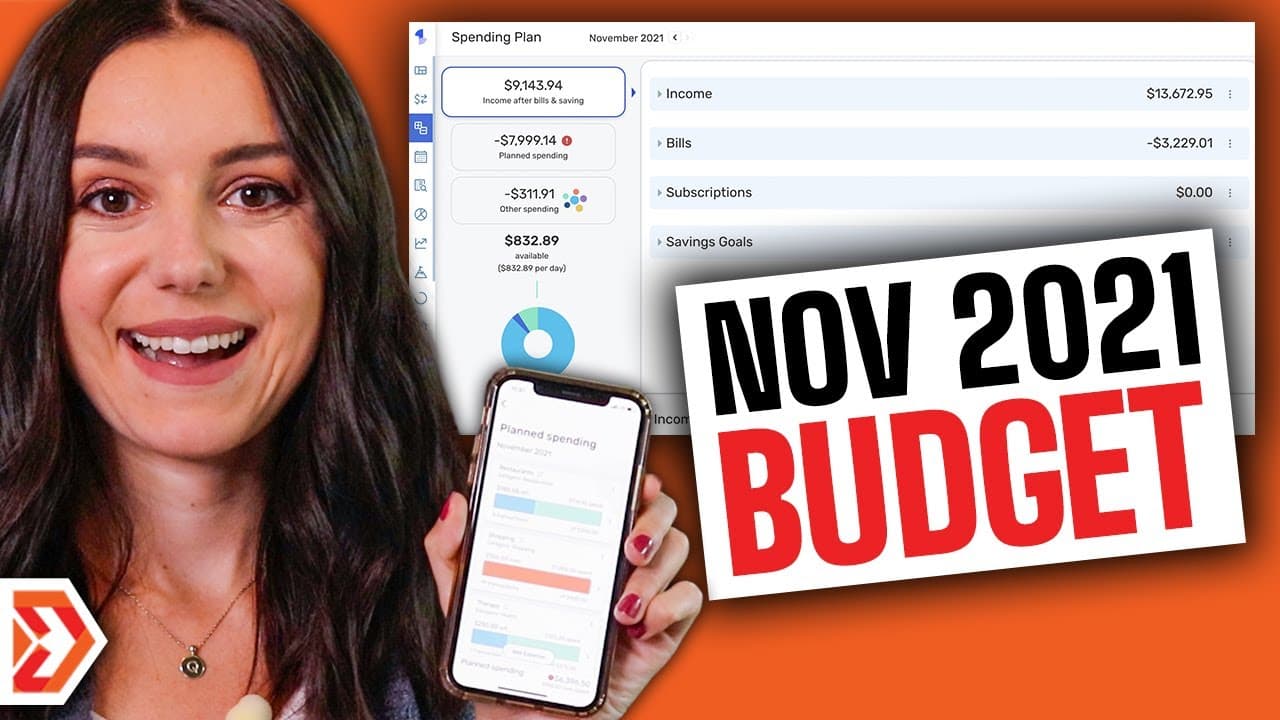
A mid-month budget check-in in Simplifi by Quicken involves reviewing the spending plan, recategorizing transactions, checking savings goals, and identifying categories that need adjustment. Justine finds $394 remaining for groceries, tracks gifts through a sinking fund funded with $200 per month, and reviews shopping, childcare, and investments. Read on for her exact workflow, watchlist tips, and concerns about linking goals to spending.
Transcript
it's November it's the middle of the month so it means it's time to do a mid-mon budget check in grab your phones grab your computers whatever you are using to budget we are going to be going over a mid-mon check-in for the month of November but first if you are using an app for budgeting you definitely have to be using simplify by quick and simpli... Read More
Key Insights
- 😀 Simplify by Quicken app syncs finances, tracks spending, and sets customizable savings goals.
- 💝 Creating subcategories like gifts and Christmas gifts in spending plans helps better categorize expenses.
- 😀 Watchlists in the app help monitor specific spending categories or merchants over time for better financial management.
- 🖕 Justine emphasizes the importance of a mid-month budget check-in to assess spending habits and make necessary adjustments.
- 💝 Utilizing sinking funds for gifts and connecting them to spending plans helps in tracking and managing expenses effectively.
- 🛍️ Evaluate spending categories like groceries, shopping, and restaurants to stay within budget limits.
- 😀 Simplify by Quicken app provides insights into monthly spending averages to help users understand their financial habits.
Install to Summarize YouTube Videos and Get Transcripts
Explore YouTube Video Summarizer or Get YouTube Transcript Extractor
Questions & Answers
Q: How do you conduct a mid-month budget check-in with Simplifi by Quicken?
Open the spending plan and review each category against the month’s progress. Justine checks shopping, gifts, childcare, investments, and groceries, then recategorizes transactions and investigates any flagged areas.
Q: What financial information can Simplifi by Quicken show in one dashboard?
The app displays bank accounts, credit cards, debt, and investments in one dashboard through automatic syncing. It also shows paid bills and paychecks reaching an account.
Q: How does Justine organize gift spending in Simplifi?
She creates a dedicated gifts category and recategorizes birthday and Christmas purchases into it. She also considers changing her Christmas savings goal to a broader gifts goal covering Christmas, birthdays, and anniversaries.
Q: How does Justine use a sinking fund for gifts?
Justine treats her gifts savings goal as a sinking fund that she can use throughout the year. She contributes $200 per month and expects to spend heavily from it during November and December.
Q: What limitation does Justine find with savings goals and spending plans?
She says the connection between savings goals and spending is not yet clear to her. She wants the app to show that gift purchases are funded by money already set aside, rather than making them appear simply over budget.
Q: How can watchlists help control spending in Simplifi?
Watchlists let users monitor specific expenses that may be approaching overspending. The app can send notifications when spending gets close to the selected limit.
Q: What did the November check-in reveal about groceries and shopping?
Shopping was flagged and appeared higher than Justine expected, partly because she had started Christmas shopping early. Groceries were just under halfway through the category budget, with $394 remaining.
Q: How much does Simplifi by Quicken cost in the recap?
The stated price is $3.99 per month. The transcript also offers the Debt Free Millennials audience a free 30-day test when signing up through the description link.
Summary & Key Takeaways
-
The content discusses a mid-month budget check-in using the Simplify by Quicken budgeting app.
-
Justine highlights how the app syncs finances, tracks spending, and sets customizable savings goals.
-
She demonstrates reorganizing spending categories, connecting savings goals, and creating watchlists to monitor spending habits.
Read in Other Languages (beta)
Share This Summary 📚
Summarize YouTube Videos and Get Video Transcripts with 1-Click
Try YouTube Summary with ChatGPT & Claude or YouTube Transcript Generator
Explore More Summaries from Debt Free Millennials 📚




Summarize YouTube Videos and Get Video Transcripts with 1-Click
Try YouTube Summary with ChatGPT & Claude or YouTube Transcript Generator