How to set up 6 AI agents for beginners
TL;DR
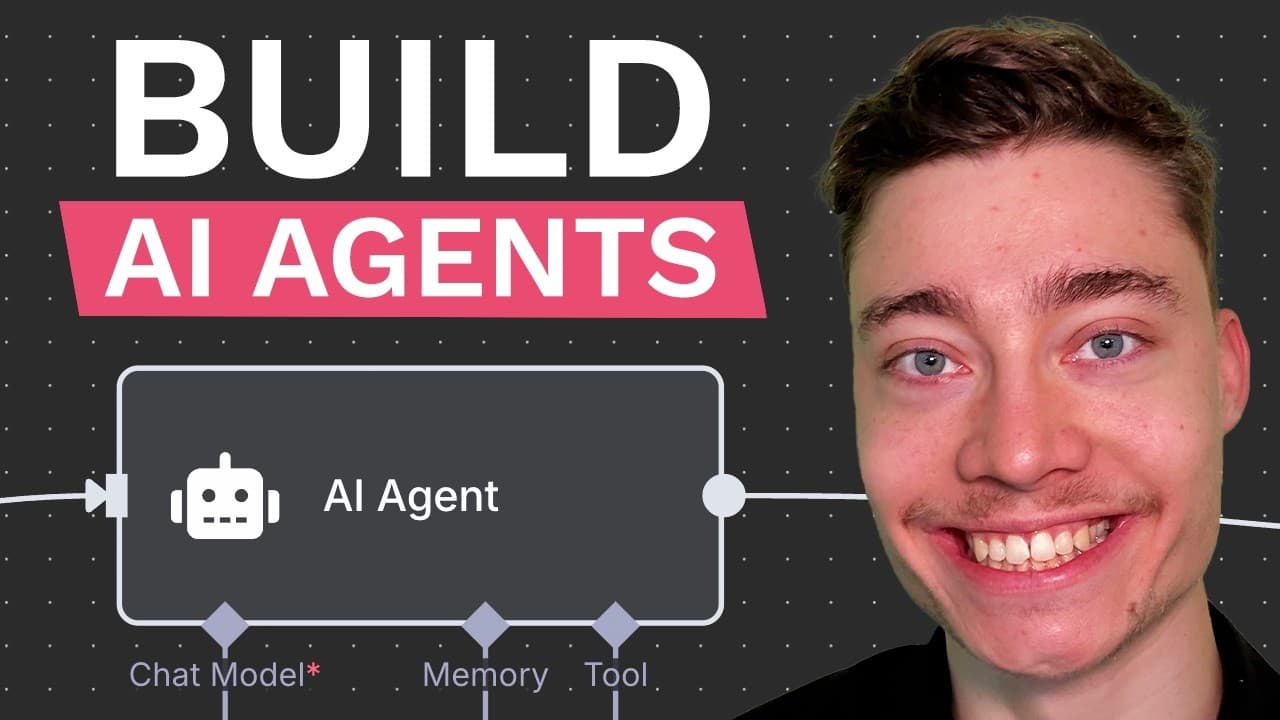
The video shows six AI agents you need and explains how to build them in NA10, including an infinite lead follow up, Gmail integration, and testing steps. It also covers how to obtain Google credentials, configure triggers, and test the automation to save time. The guide emphasizes practical setup and incremental testing to ensure progress and results.
Transcript
I have built hundreds of AI agents and in this video I'll show you the six agents that everyone needs and I'll also explain how to turn this into a profitable side hustle and no it's not by building an automation agency. So to build AI agents NA10 is the simplest way by far. It is more powerful than make.com's API and it is easy to get started and ... Read More
Key Insights
- Six AI agents are presented as essential for beginners to automate common workflows
- NA10 is positioned as the simplest way to build AI agents and customize actions
- A schedule trigger can run tasks at set intervals such as daily
- Gmail integration is demonstrated for reading and processing emails
- Proper credentials setup in Google Cloud Console is a critical step
- Testing is emphasized after each node to ensure data flows correctly
- JavaScript or Python blocks are used to customize processing logic
- Following a loop over results enables scalable automation across multiple items
- More videos from this channel:
- More from this channel: David Ondrej
Install to Summarize YouTube Videos and Get Transcripts
Explore YouTube Video Summarizer or Get YouTube Transcript Extractor
Questions & Answers
Q: How can I start building AI agents for automation like in the video?
To start, follow the tutorial steps to set up NA10 and choose a trigger such as schedule to run tasks at intervals. Then connect Gmail as the first action to read and analyze incoming messages. Save progress frequently and test each node individually to confirm data is flowing correctly before expanding to additional agents.
Q: What is the role of the Gmail node in the example?
The Gmail node is used to pull messages from your inbox so the agent can analyze emails, determine which actions to take, and apply filters such as sent messages to create follow ups. It’s essential for enabling autonomous email handling and follow up workflows without manual intervention.
Q: Why is enabling OAuth and Google API setup important in this workflow?
Setting up OAuth and Google API access is necessary for secure access to your Gmail data from the automation platform. It authorizes the agent to read emails, manage messages, and perform actions on your behalf, which makes the automation capable of real day to day operations rather than a read only demo.
Q: What does the JavaScript or Python code add to the pipeline?
The code block adds custom processing logic to transform raw Gmail data into meaningful actions. For example, it can identify messages that did not receive responses and generate thread IDs for follow ups. This customization enables the agent to perform targeted, intelligent automation rather than generic actions.
Q: How does the setup handle follow ups for unresponsive leads?
The setup includes a loop that iterates over non responsive conversations and uses a decision making AI agent to craft follow up messages. This approach ensures you re engage with prospects or candidates who did not reply, increasing the chance of conversion while keeping outreach organized.
Q: What is the benefit of testing each node as you build?
Testing each node helps catch errors early, ensures data outputs are as expected, and prevents larger issues later in the automation chain. This incremental debugging approach saves time and makes it easier to scale to additional agents without losing control over the workflow.
Q: Can this method be applied to different use cases beyond email follow ups?
Yes, the approach is described as universal and can be adapted to other tasks by changing the trigger, data sources, and the AI agent's decision logic. By describing the desired outcome in the generation step, you can build various automation flows beyond email follow ups.
Q: What practical outcome can a beginner expect from implementing these agents?
A beginner can expect to automate repetitive email handling and follow ups, save several hours per week, and gain a scalable framework for building more agents. The guidance focuses on practical setup, validation, and incremental expansion to create a productive automation stack.
Summary & Key Takeaways
-
The video outlines six essential AI agents and demonstrates building them in NA10, highlighting practical setup steps and testing to ensure automation works. It emphasizes a beginner friendly approach and practical, repeatable workflows that save time.
-
A key focus is configuring a schedule trigger, Gmail integration, and JavaScript or Python code blocks to process data and automate follow ups.
-
The presenter stresses that sticking with the setup steps and testing iteratively will help viewers implement multiple automations efficiently.
Read in Other Languages (beta)
Share This Summary 📚
Summarize YouTube Videos and Get Video Transcripts with 1-Click
Try YouTube Summary with ChatGPT & Claude or YouTube Transcript Generator
Explore More Summaries from David Ondrej 📚





Summarize YouTube Videos and Get Video Transcripts with 1-Click
Try YouTube Summary with ChatGPT & Claude or YouTube Transcript Generator