How to Add Web & File Search to n8n AI Agents with OpenAI
TL;DR
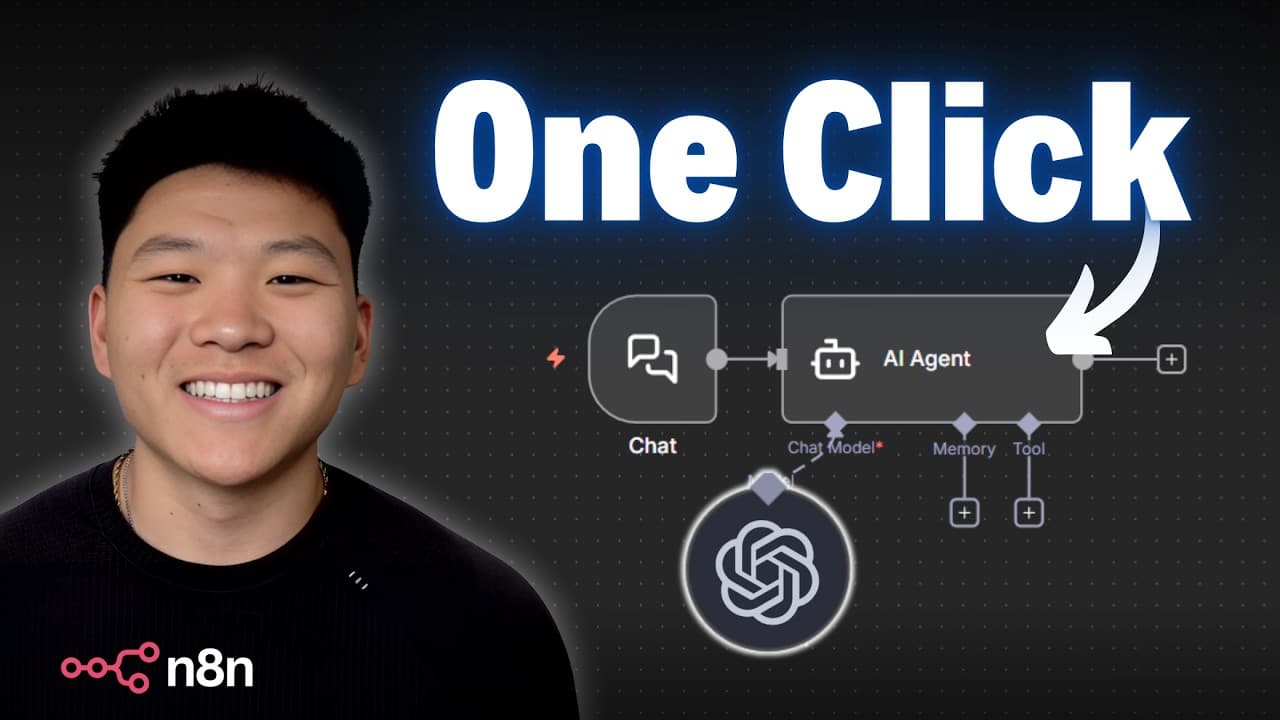
OpenAI's Responses API lets n8n AI agents search the web and search files directly inside the chat model node, with no separate tool nodes, system prompts, or data pipelines. Enable the 'use responses API' toggle on OpenAI chat model version 1.3 (n8n 1.118 or later), then switch on web search or file search to bake these capabilities straight into the agent.
Transcript
So if we want to have an AI agent that can search through documents and search the web, we would have to give that agent access to tools. So something like perplexity for web search and something like a subbase vector store for file search. So that way I can ask my AI agent what number is the rule about the flag stick and what is the Chicago Bears ... Read More
Key Insights
- OpenAI's Responses API provides built-in tools that enrich a model's response directly, so an n8n agent with no attached tool nodes and no system prompt can still answer questions using web search and file search from inside the chat model.
- Access requires the updated OpenAI chat model node in n8n version 1.3, which is available in n8n 1.118 or later; without it you will not have the Responses API or its 'use responses API' toggle.
- The Responses API is not yet available through OpenRouter, even for OpenAI models, so you currently have to use the native OpenAI chat model node to get these built-in tool capabilities.
- Web search lets the model search the web for the latest information before responding, with options to set context size to low, medium, or high, restrict by city, country, or region, and limit results to specific allowed domains.
- The allowed-domains filter does not work with GPT 4.1 or older models; the demo only succeeded after switching to GPT 5 mini, which correctly reported it could not find an answer within the restricted domain.
- File search requires a vector store ID and a filter; you create the vector store at platform.openai.com under Storage, drop in files, and OpenAI handles the embedding, indexing, and storage automatically.
- OpenAI charges 10 cents per gigabyte per day for vector store data even when it sits unused, whereas Gemini's file search only charges for uploading files, making Gemini cheaper for storing knowledge bases.
- OpenAI file search returns less metadata than Gemini and, without a system prompt, does not cite the exact source or section it pulled an answer from, though prompting the agent can make citations more specific.
Install to Summarize YouTube Videos and Get Transcripts
Explore YouTube Video Summarizer or Get YouTube Transcript Extractor
Questions & Answers
Q: What is the OpenAI Responses API in n8n?
The OpenAI Responses API is a mode of the OpenAI chat model node that provides a range of built-in tools to enrich the model's response. In n8n it lets AI agents perform web search and file search directly inside the chat model, without connecting separate tool nodes, writing system prompts, or building data pipelines. It also supports code interpretation and, with extra coding, MCP servers.
Q: How do you enable the Responses API in n8n?
Open the OpenAI chat model node, go to settings, and confirm it is on version 1.3, which requires n8n version 1.118 or later. Add a credential using an API key from platform.openai.com, not the standard ChatGPT environment. Then enable the toggle labeled 'use responses API,' which unlocks the built-in tools: web search, file search, and code interpreter.
Q: Why can an n8n agent answer questions with no tools or system prompt attached?
Because the capabilities live inside the OpenAI chat model that acts as the agent's brain rather than in separate nodes. With the Responses API enabled and web search and file search turned on, the model itself searches the web and its vector store to pull knowledge. In the demo the agent had no attached tools and only 'you are a helpful assistant,' yet still returned the correct answers.
Q: How do you set up file search with the Responses API?
Turn on file search in the node, which needs a vector store ID and a filter. Create the vector store at platform.openai.com under Storage, give it a name, and drop in files; OpenAI handles embedding, indexing, and storage. Copy the vector store ID into the node as an array, adding more separated by commas for multiple stores, and include the required filter or it will error.
Q: Why did the domain restriction fail until switching models?
The web search allowed-domains filter cannot be used with GPT 4.1 or some older models. In the demo, restricting search to the presenter's old agency website initially would not work, and only after switching to GPT 5 mini did it run successfully, correctly stating it was limited to that domain and could not find information about the 2025 World Series there.
Q: How much does OpenAI vector store file search cost compared to Gemini?
OpenAI charges 10 cents per gigabyte per day for vector store data, meaning you are billed even when the store sits unused and you are not querying it. Gemini, by contrast, only charges for uploading files, which is why many people found it much cheaper. The presenter noted this cost difference as an important consideration when choosing between the two.
Q: What web search options are available in the Responses API?
Web search lets the model search the web for the latest information before it creates a response. You can set the context size to low, medium, or high as guidance for how much context window space to use for the search. You can also restrict searches by city, country, or region, and limit results to specific allowed domains such as certain websites.
Q: Does OpenAI file search cite its sources like Gemini?
By default, with no system prompt, OpenAI file search does not cite the exact source or section it pulled an answer from, unlike Gemini which returns more metadata and clearer citations. The presenter is currently leaning toward Gemini for that reason but had not explicitly tested retrieval quality. You can make OpenAI more specific about sources by prompting the agent.
Summary & Key Takeaways
-
An AI agent normally needs separate tool nodes like Perplexity for web search and a Supabase vector store for file search. The OpenAI Responses API replaces this by enabling web search and file search inside the chat model itself, so an agent with no tools and no system prompt can still answer questions correctly.
-
To set it up, add an OpenAI chat model node on version 1.3 in n8n 1.118 or later, add an API key from platform.openai.com, and enable the 'use responses API' toggle. This unlocks built-in tools including web search, file search, and code interpreter, with MCP servers also possible via extra coding.
-
Web search supports context size settings and location or domain restrictions but requires newer models like GPT 5 mini for domain filtering. File search needs a vector store ID plus a specific filter. OpenAI charges 10 cents per gigabyte per day for storage, while Gemini only charges for uploads and returns more citation metadata.
Read in Other Languages (beta)
Share This Summary 📚
Summarize YouTube Videos and Get Video Transcripts with 1-Click
Try YouTube Summary with ChatGPT & Claude or YouTube Transcript Generator
Explore More Summaries from Nate Herk | AI Automation 📚






Summarize YouTube Videos and Get Video Transcripts with 1-Click
Try YouTube Summary with ChatGPT & Claude or YouTube Transcript Generator