How to Build and Secure n8n Webhook Workflows
TL;DR
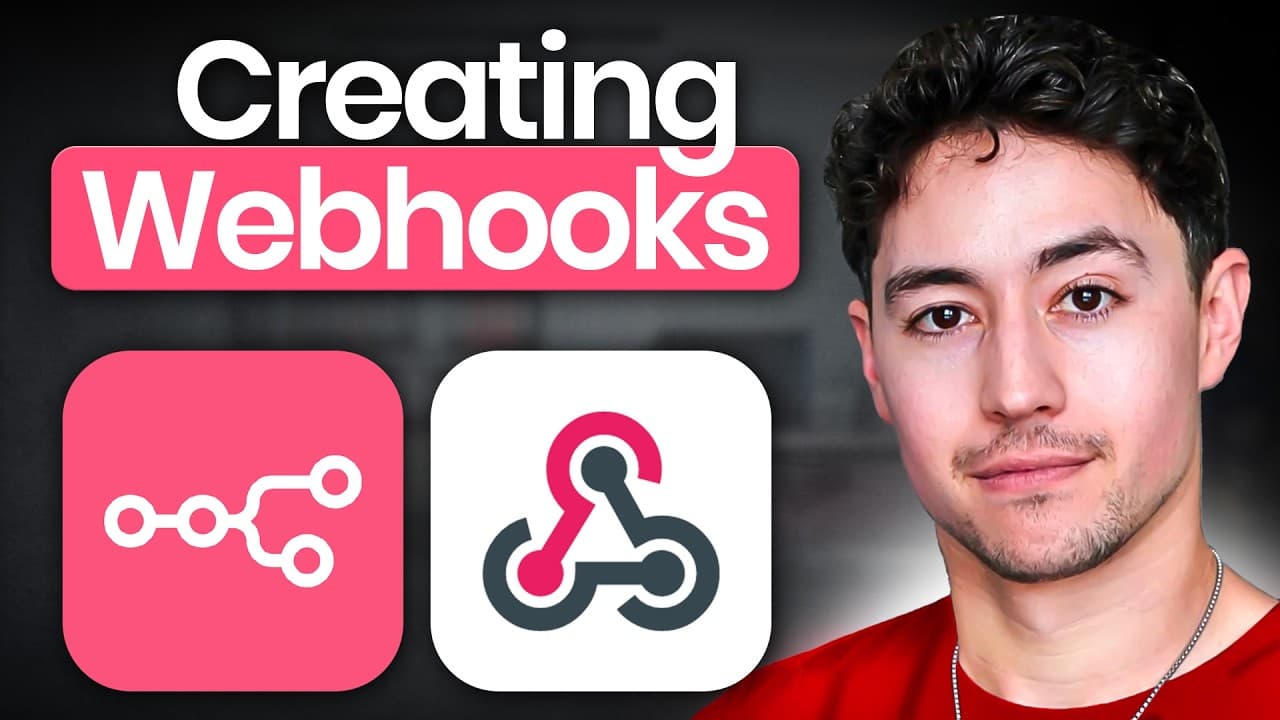
An n8n webhook exposes a custom URL that receives formatted messages and triggers a workflow. Use the test URL while building, switch to the production URL after activation, select the expected HTTP method, add authentication when access must be restricted, and choose whether n8n responds immediately, after the final node, or through a Respond to Webhook node.
Transcript
web hooks in nadn can be extraordinarily powerful but a lot of people misunderstand how they work so in this video I'm going to run you through everything you need to know about the nadn web hook game to crush it let's get into it so I'm going to get into the NAD and canvas in a second but just before I do I want to talk a little bit about what web... Read More
Key Insights
- Webhooks are formatted messages that carry data between applications. They can connect an email client to a CRM, allowing information such as an email address, first name, and last name to move from the incoming email event into a newly created CRM record.
- The n8n Webhook node is a listener that exposes a custom URL. Sending a correctly configured request to that endpoint can trigger a workflow, making the URL a connection point between n8n and another application or service.
- Webhooks are a custom integration option for applications that are absent from n8n's built-in action list. This enables n8n to connect with a wider range of internet services instead of relying exclusively on preconfigured platform integrations.
- Test and production webhook URLs serve different workflow stages. The test address includes "webhook-test" and should be used before deployment, while the production address includes "webhook" and is intended for a workflow that has been made live.
- The webhook path is configurable and remains consistent across the test and production URLs. Changing this field gives the creator control over the endpoint's identifying path while n8n changes the test or production portion of the address.
- The selected HTTP method determines which requests can trigger the webhook. n8n offers DELETE, GET, HEAD, PATCH, POST, and PUT, while GET and POST are identified as the methods users will probably encounter most often in practice.
- Webhook authentication works like a secret password for an internet-accessible endpoint. n8n supports several authentication choices, including basic authentication, header authentication, and JSON Web Token authentication, while unauthenticated testing can also be used depending on the setup.
- Webhook responses can be sent immediately, after the workflow's final node completes, or through a Respond to Webhook node. The options also allow control over response codes, including successful, unauthorized, forbidden, redirect, and bad-request outcomes.
Install to Summarize YouTube Videos and Get Transcripts
Explore YouTube Video Summarizer or Get YouTube Transcript Extractor
Questions & Answers
Q: What is a webhook in n8n?
A webhook in n8n is a formatted message received through a custom URL exposed by the Webhook node. Another application sends data to that URL, and the request can trigger an n8n workflow. The message may contain information such as an email address, first name, or last name for use by later workflow steps.
Q: How do n8n webhooks connect applications?
n8n webhooks connect applications by giving one system a URL to which it can send a formatted message. For example, an email client can send details from a new email to n8n, which can then add those details to a CRM record. This provides a custom connection when a built-in integration is unavailable.
Q: What is the difference between n8n test and production webhook URLs?
The test webhook URL is intended for building and checking a workflow before it goes live, and its address contains "webhook-test." The production URL is used after the workflow has been activated and contains "webhook" instead. The rest of the address, including the configured path, remains based on the same endpoint setup.
Q: How do I customize an n8n webhook URL?
Customize an n8n webhook URL by changing the path field in the Webhook node. The chosen path becomes part of both the test and production addresses, so it remains consistent when moving between development and live use. The surrounding domain can differ depending on whether n8n Cloud or a self-hosted installation is being used.
Q: Which HTTP methods can an n8n webhook accept?
An n8n webhook can be configured for DELETE, GET, HEAD, PATCH, POST, or PUT. The selected method acts as a requirement for incoming requests. If the node expects GET but receives POST, PATCH, PUT, or another method, the request will not trigger that workflow. GET and POST are described as the most commonly used choices.
Q: Does an n8n webhook require authentication?
An n8n webhook does not always require authentication, and the walkthrough uses no authentication while initially testing the flow. Authentication becomes useful when the endpoint should accept requests only from parties with a secret credential. Available approaches shown include basic authentication, header authentication, and JSON Web Token authentication.
Q: How can an n8n webhook return a response?
An n8n webhook can respond in three ways. It can answer immediately when the request arrives, wait until the last node in the workflow finishes, or use a Respond to Webhook node. The third option supports returning selected data to the same source that originally sent the incoming webhook request.
Q: How do response codes work in an n8n webhook?
Response-code options let the webhook tell the requesting server how the request was handled. The configuration can indicate success, a created but not yet handled request, no content, a redirect, a bad request, unauthorized access, or forbidden access. For workflows expected to complete successfully, a 200-series response is generally the intended result.
Summary & Key Takeaways
-
Webhooks are structured messages that transfer data between applications. An email client, for example, can send email details to a CRM so the receiving system can create a record. This message-based approach helps no-code and low-code platforms connect services, including applications that do not appear in their built-in integration lists.
-
The n8n Webhook node creates a custom URL that other applications can call. Its test URL contains "webhook-test" and is intended for workflow development, while its production URL contains "webhook" and is used after the workflow goes live. Both addresses retain the configurable path selected for the endpoint.
-
Webhook configuration includes an HTTP method, authentication, response timing, and optional behavior. GET and POST are presented as the most commonly used methods. Responses can be sent immediately, after the last workflow node finishes, or through a Respond to Webhook node that returns selected data to the original requester.
Read in Other Languages (beta)
Share This Summary 📚
Summarize YouTube Videos and Get Video Transcripts with 1-Click
Try YouTube Summary with ChatGPT & Claude or YouTube Transcript Generator
Explore More Summaries from Nick Saraev 📚





Summarize YouTube Videos and Get Video Transcripts with 1-Click
Try YouTube Summary with ChatGPT & Claude or YouTube Transcript Generator