UPDATED VERSION IN DESC. How to Make an Automatic Wheat Farm in Minecraft PE!
TL;DR
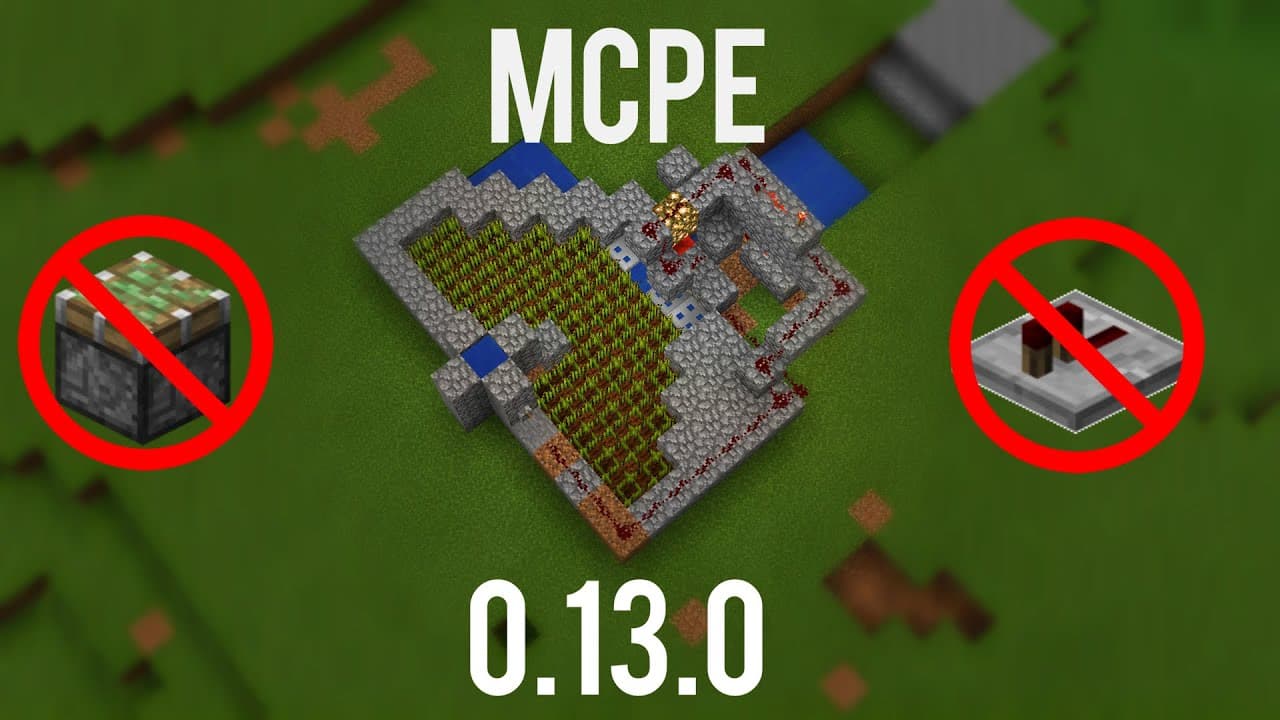
Learn how to build an automatic wheat farm in Minecraft Pocket Edition using TNT and water collection.
Transcript
hello youtube i am at video productions and welcome to my tutorial rendition or version of the automatic wheat farm in minecraft pocket edition i'm playing on windows 10 edition because simply it's because it's easier to record and it's less lag and all that good stuff so this is technically pocket edition see if you look here windows 10 edition is... Read More
Key Insights
- 💦 The video tutorial provides step-by-step instructions on how to build an automatic wheat farm in Minecraft Pocket Edition using TNT and water collection.
- 🧑🌾 The design of the farm is relatively simple and easy to replicate, making it accessible for beginners.
- 😒 The use of TNT as a piston substitute and water collection ensures a smooth and efficient wheat farming process.
- 💬 The video creator encourages viewers to like, comment, and subscribe to their channel, indicating the importance of community support and engagement.
- 🫵 The tutorial highlights the popularity of beetroot as a crop in Minecraft and the positive response from viewers for including it in the demonstration.
- 😑 The creator expresses gratitude for the support received, including high viewership on their recent videos.
- 🧑🌾 While the farm is not fully automated, it offers a time-saving alternative to manual wheat farming in Minecraft Pocket Edition.
Install to Summarize YouTube Videos and Get Transcripts
Explore YouTube Video Summarizer or Get YouTube Transcript Extractor
Questions & Answers
Q: How does the automatic wheat farm in Minecraft Pocket Edition work?
The wheat farm uses TNT to break the wheat blocks, and water is used to collect the dropped items. When the TNT is activated, it acts as a piston, breaking the wheat. The water then flows down, carrying the wheat to a collection area.
Q: What materials are needed to build the automatic wheat farm?
To build the automatic wheat farm, you will need blocks, TNT, water, redstone, trapdoors, and a lever. The video provides a step-by-step guide on where to place each material and how to set up the redstone circuit.
Q: Can the automatic wheat farm be built in other versions of Minecraft?
The tutorial is specifically for Minecraft Pocket Edition, but the concept of using TNT and water to automate wheat farming can be adapted to other versions of Minecraft as well.
Q: Are there any limitations to the automatic wheat farm design?
While the wheat farm design is considered semi-automatic as some manual interaction is required to activate the TNT and collect the items, it provides a convenient and efficient way to farm wheat in Minecraft Pocket Edition.
Summary & Key Takeaways
-
This video tutorial demonstrates how to build an automatic wheat farm using TNT and water collection in Minecraft Pocket Edition.
-
The farm design is simple and can be copied directly from the video or followed step-by-step in the tutorial.
-
TNT is used to break the wheat blocks, and water is used to collect the dropped items.
Read in Other Languages (beta)
Share This Summary 📚
Summarize YouTube Videos and Get Video Transcripts with 1-Click
Try YouTube Summary with ChatGPT & Claude or YouTube Transcript Generator
Explore More Summaries from MattVidPro AI 📚






Summarize YouTube Videos and Get Video Transcripts with 1-Click
Try YouTube Summary with ChatGPT & Claude or YouTube Transcript Generator