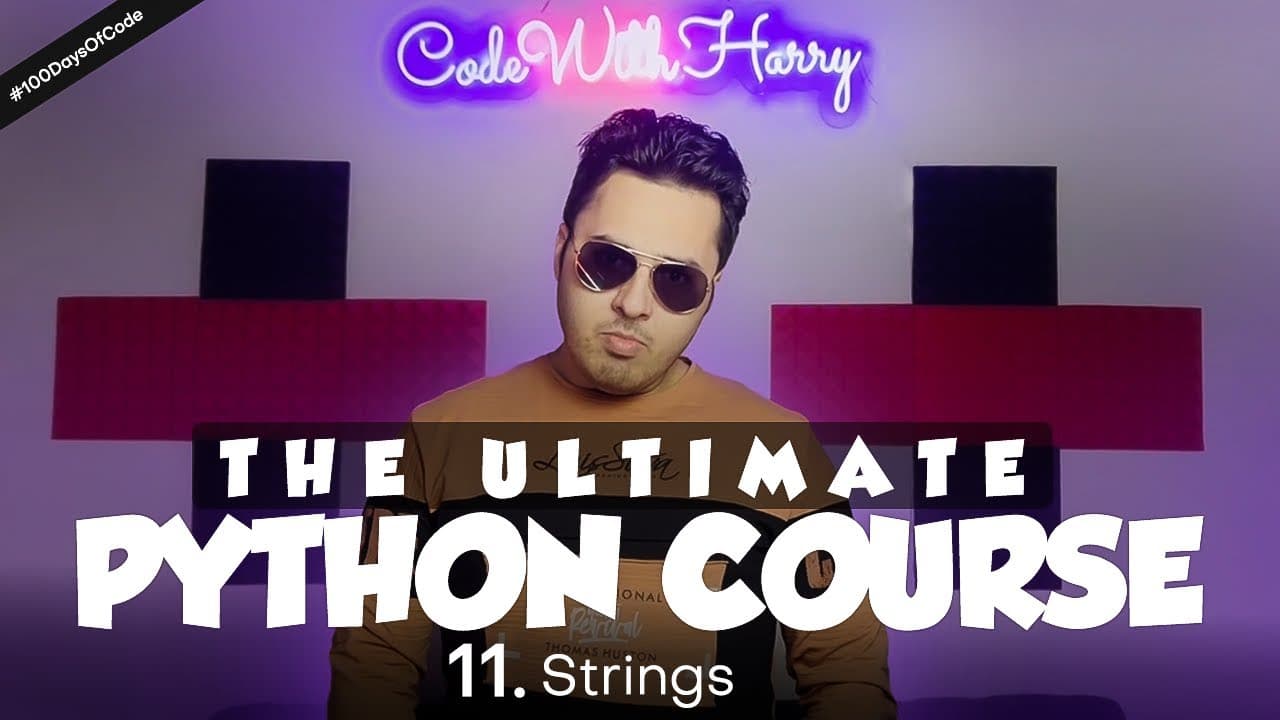
How Do Strings Work in Python? | Python Tutorial Day #11
TL;DR
Python strings are sequences of textual data created by enclosing text in single or double quotation marks. Triple quotes support multi-line text, escape sequences handle quotation marks inside strings, and zero-based indexing or for loops let you access and process individual characters. Read on for direct answers about creating, formatting, indexing, and iterating through Python strings.
Transcript
You're back in 100 Days Of Code And I'm also here to the finish And today I'll tell you about 'Strings' We studied about 'String' a lot We learned that it is a quite special 'Data Type' We can write 'String' by enclosing our name, poem or any text by enclosing i... Read More
Key Insights
- Strings in Python are created by enclosing text in single or double quotes.
- Triple quotes are used for multi-line strings in Python.
- Python strings are sequences of characters, similar to arrays.
- Indexing in Python strings starts at 0, allowing access to individual characters.
- Using a for loop, you can iterate over each character in a string.
- Escape sequences allow special characters, like quotes, within strings.
- Python strings can be concatenated and manipulated using various methods.
- Understanding string operations is fundamental for text processing in Python.
Install to Summarize YouTube Videos and Get Transcripts
Explore YouTube Video Summarizer or Get YouTube Transcript Extractor
Questions & Answers
Q: How do you create a string in Python?
Enclose text in either single or double quotation marks. For example, the tutorial creates strings containing the names Harry, Rohan, and Lovish.
Q: What is covered in Strings in Python, Python Tutorial Day #11?
Day #11 of the Python tutorial explains how to create strings with single, double, and triple quotes. It also covers quotation marks inside strings, multi-line text, indexing, and iteration.
Q: Is there a difference between single-quoted and double-quoted Python strings?
The tutorial says that either single or double quotation marks can create a string, and the output remains the same. The choice can depend on which quotation marks need to appear inside the text.
Q: How can you include quotation marks inside a Python string?
You can use an escape sequence when the inner quotation marks match the marks surrounding the string. Alternatively, enclose the string in single quotes when its text contains double quotes.
Q: How do you create a multi-line string in Python?
Use triple quotes when a string needs to span multiple lines. The tutorial introduces triple single quotes as a solution for content such as a multi-line chat.
Q: Why does Python report “EOL while scanning string literal”?
Python reports this error when it reaches the end of a line without finding the closing quotation mark for a string. For text that intentionally spans several lines, the tutorial resolves the problem with triple quotes.
Q: How does indexing work with Python strings?
Python treats a string as a sequence of characters, so an index can retrieve a particular character. String indexing begins at 0, making the first character index 0.
Q: How can you loop through a Python string?
Use a for loop to iterate through the string. The loop processes its characters one at a time because a string is a sequence of textual data.
Summary & Key Takeaways
-
Strings in Python are defined using single or double quotes, and triple quotes for multi-line text. They behave like arrays of characters, allowing indexing and iteration. Python provides flexibility in string creation and manipulation, essential for handling text data.
-
To include special characters like quotes within strings, escape sequences are used. Python's indexing starts at 0, which is crucial for accessing specific characters within a string. Looping through strings with a for loop is a common practice for processing each character.
-
Python strings are versatile, supporting various operations such as concatenation and slicing. This makes them powerful tools for text manipulation and processing, a key aspect of programming in Python.
Read in Other Languages (beta)
Share This Summary 📚
Summarize YouTube Videos and Get Video Transcripts with 1-Click
Try YouTube Summary with ChatGPT & Claude or YouTube Transcript Generator
Explore More Summaries from CodeWithHarry 📚

Summarize YouTube Videos and Get Video Transcripts with 1-Click
Try YouTube Summary with ChatGPT & Claude or YouTube Transcript Generator