How to Replace the Battery in a Tile Mate Easily
TL;DR
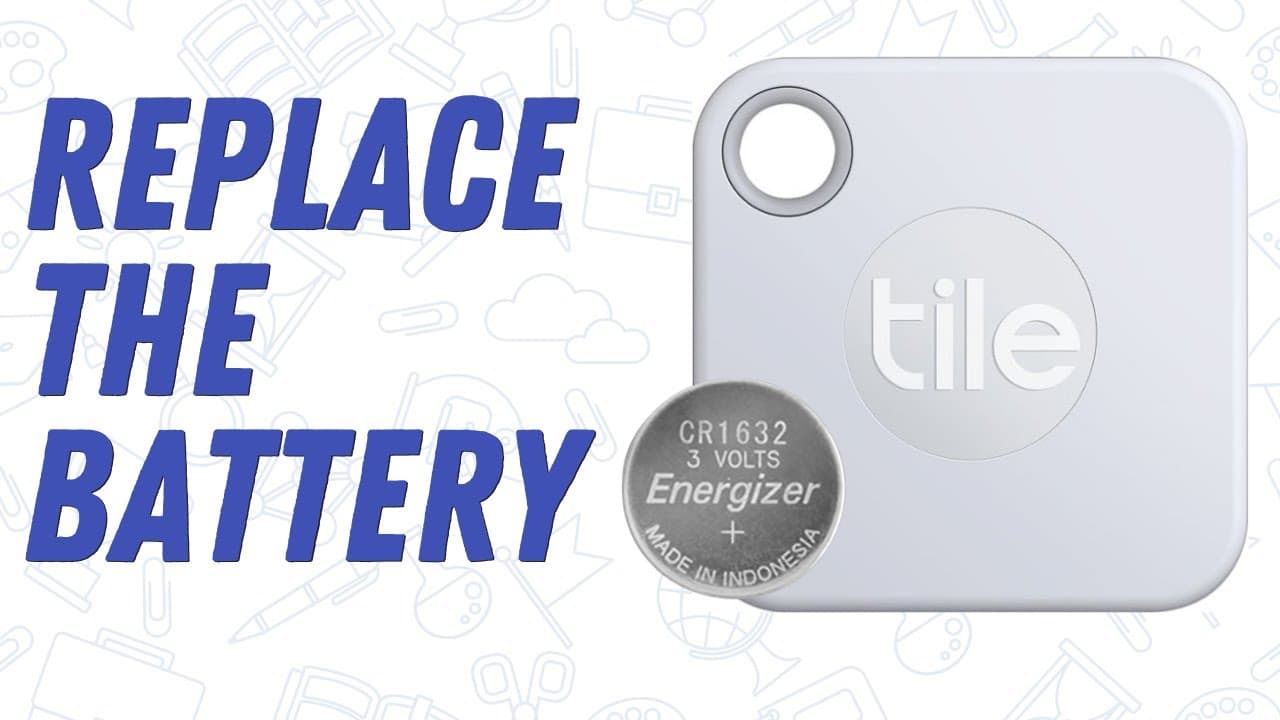
To replace the battery in a Tile Mate, first open the device and remove the old CR1632 coin battery. Then, insert the new battery with the plus side facing up and secure the cover. Finally, tap on the device to confirm the battery replacement and clear any low battery warnings.
Transcript
so in this video we are going to learn how to replace the battery out of a tile key finder so years ago i had my first tile it was the original one and it worked perfect the problem was once the battery wears out you had to send it away and pay for a new one and it was really a pain so i stopped using it until about a year or so ago when i picked t... Read More
Key Insights
- 🤩 The Tile key finder offers a user-friendly, replaceable battery option, eliminating the need for costly replacements.
- 🤩 Selecting the correct CR1632 coin battery is crucial for maintaining the Tile key finder's efficiency.
- 🔋 The battery replacement process involves simple steps like opening the Tile and swapping out the battery.
- 🪫 Resetting the Tile key finder after replacing the battery will remove low battery warnings and restore its functionality.
- 🤩 Keeping the Tile key finder on frequently misplaced items like keys enables easy location through the ringing feature.
- 🤩 The tutorial provides clarity on replacing Tile key finder batteries, ensuring users can manage it independently.
- 🤩 The reuseable battery feature in the Tile key finder makes it a cost-effective and user-friendly device.
Install to Summarize YouTube Videos and Get Transcripts
Explore YouTube Video Summarizer or Get YouTube Transcript Extractor
Questions & Answers
Q: Why did the narrator stop using the original Tile key finder?
The narrator abandoned the original Tile key finder because replacing the battery required sending it away for a new one, which was inconvenient and costly.
Q: What type of battery is needed to replace the Tile key finder's battery?
The Tile key finder requires a CR1632 coin battery, with specific numbers that ensure proper functionality, making it essential to get the correct replacement.
Q: How does one access the battery compartment in the Tile key finder?
To replace the battery in a Tile key finder, simply flip it over, and with minimal effort, you can access the battery compartment to swap out the old battery.
Q: What should you do if the low battery warning persists after replacing the battery?
If the low battery warning continues even after replacing the battery, tapping on the prompt to indicate the battery has been replaced will reset the Tile key finder.
Summary & Key Takeaways
-
The video demonstrates step-by-step how to replace the battery in a Tile key finder, avoiding the inconvenience of sending it for repairs.
-
By using a specific CR1632 coin battery, the Tile key finder can be easily restored to full functionality.
-
The process involves simply opening the Tile, swapping the battery, and resetting it to eliminate low battery warnings.
Read in Other Languages (beta)
Share This Summary 📚
Summarize YouTube Videos and Get Video Transcripts with 1-Click
Try YouTube Summary with ChatGPT & Claude or YouTube Transcript Generator
Explore More Summaries from EdTech Hustle 📚






Summarize YouTube Videos and Get Video Transcripts with 1-Click
Try YouTube Summary with ChatGPT & Claude or YouTube Transcript Generator