How to Choose the Right Type of Personal Software
TL;DR
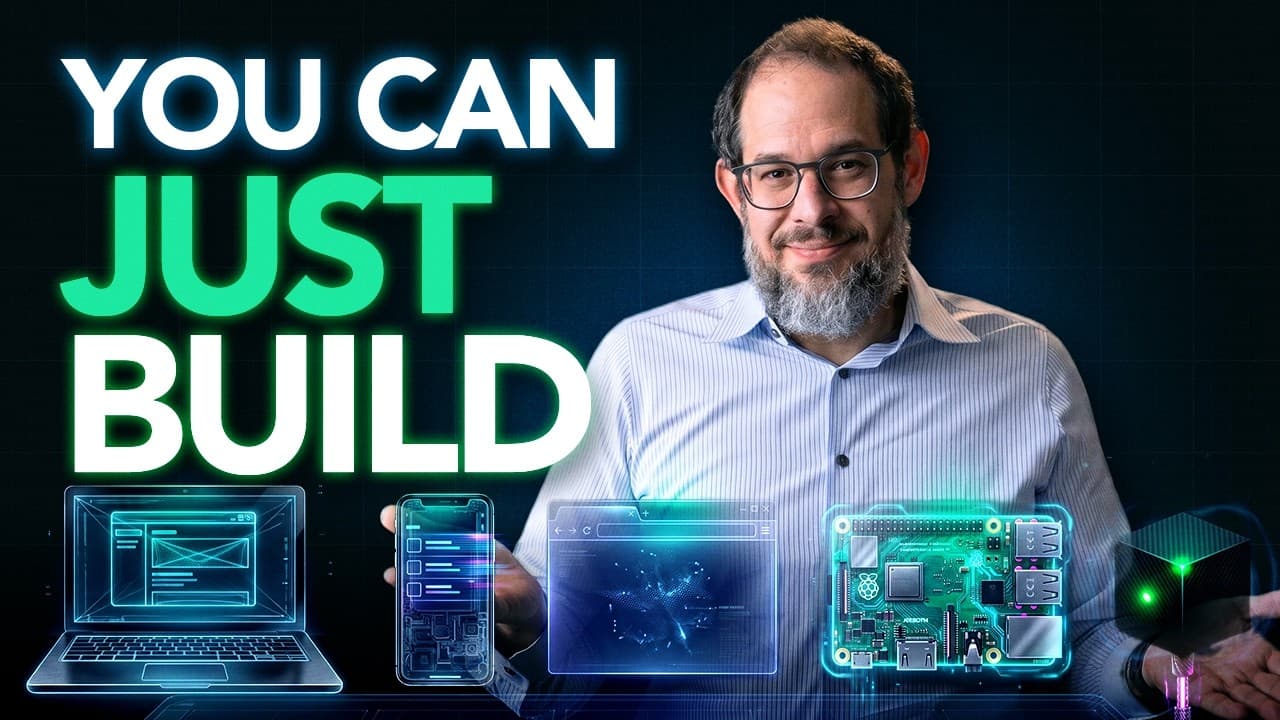
Start by identifying the software shape that best matches your goal: a local tool, web app, native phone app, background service, or hardware project. Most personal software should begin as a web app because one version can work across computers and phones, while hosted AI builders such as Lovable provide a short path from a description to a published interface.
Transcript
I'll bet you know what you want to make with AI and you just don't know how to turn that wish into something that's actually running, right? Running on a phone, running on a computer, or maybe running just on a little tiny box in the house. So, I'm going to make this super simple. There are actually five software shapes that cover most of the thing... Read More
Key Insights
- Personal software is software designed around the specific needs of one person or household, such as tracking home maintenance or showing a ferry's actual arrival. Its narrow scope can make it useful without requiring the infrastructure, accounts, or distribution systems of a mass-market product.
- A local tool runs on one computer and stores information in files or a small local database. It is the simplest option for a single-user document organizer, private research tool, or photo-renaming utility that does not require a website, login, or shared access.
- A web app opens through a link, runs in a browser, and can usually be added to a phone's home screen. It is the recommended default for most personal software because one version can serve laptops, phones, spouses, or small groups without app-store registration.
- A native phone app is appropriate when software requires deeper phone capabilities, including reliable push notifications, Bluetooth, background location, NFC, or app-store distribution. Without one of these requirements, beginning with a web app avoids complexity that may not contribute to the desired result.
- A background service performs work on a schedule or in response to an event, and it may have no visual interface. It can check a public record each morning, process an arriving file, or send an alert when a sensor crosses a threshold.
- A hardware project places software close to a physical signal or device. A Raspberry Pi can serve as a small general-purpose computer, an ESP32 can read one sensor or control one device, and Home Assistant can connect devices that already exist in a household.
- Lovable is a strong starting point for a nontechnical person building a clean web app because it prepares the development environment, generates a project from a description, displays a preview, and provides a publishing route without requiring initial command-line or programming-language knowledge.
- Data location is a deliberate long-term choice because changing an interface is usually easier than moving years of information. Lovable Cloud offers the simplest managed route, while Supabase requires more setup but separates the database and authentication using the widely adopted PostgreSQL database standard.
Install to Summarize YouTube Videos and Get Transcripts
Explore YouTube Video Summarizer or Get YouTube Transcript Extractor
Questions & Answers
Q: What are the five types of personal software?
The five software shapes are local tools, web apps, native phone apps, background services, and hardware projects. A local tool runs on one computer, while a web app runs in a browser. A native app uses deeper phone features, a background service performs scheduled or event-driven jobs, and a hardware project interacts directly with physical devices or signals.
Q: How do I choose what type of personal software to build?
Begin by describing the change you want in your life, then identify where the required information comes from, who must view or edit it, where the result should appear, and what the consequences of failure would be. Those practical requirements reveal whether the project needs a local tool, browser interface, phone integration, unattended service, or nearby hardware.
Q: Why should most personal software start as a web app?
A web app is a practical default because it opens from a link, works in a browser, and can usually be placed on a phone's home screen. The same version can work on a laptop, an iPhone, or an Android phone. It can also be shared with a spouse or a few coworkers without app-store registration or public-scale infrastructure.
Q: When should I build a native phone app instead of a web app?
Build a native phone app when the project depends on capabilities that require deeper access to the phone. Examples given include reliable push notifications, Bluetooth, background location, NFC, and distribution through an app store. If the project does not require those capabilities, starting with a web app provides the desired interface with less complexity.
Q: What is a background service and when is it useful?
A background service is software that wakes on a schedule or responds when an event occurs, performs a task, and sends the result somewhere. It may have no screen at all. Suitable jobs include checking a public record every morning, processing a file when it arrives, or sending an alert after a sensor reading crosses a defined threshold.
Q: Which hardware should I use for a personal software project?
The appropriate hardware depends on how closely the software must interact with the physical world. A Raspberry Pi is useful as a small general-purpose computer, as in a receiver placed near an antenna. An ESP32 suits a job focused on reading one sensor or controlling one device. Home Assistant fits projects that connect devices already present in a household.
Q: Why is Lovable recommended for a first personal web app?
Lovable is recommended as a strong default for a nontechnical builder who wants a clean web app and a short route from description to interface. The service prepares the development environment, creates the project, presents a preview, and supplies a publishing method. This allows a user to see working results without first installing a language, starting a server, or understanding the command line.
Q: Should I choose Lovable Cloud or Supabase for app data?
Choose Lovable Cloud when the main goal is getting a first useful application working with minimal setup, because the builder helps manage the database and login. Choose Supabase from the start when the information is important, future portability already matters, or another tool may later use the same data. Supabase requires more setup but keeps authentication and the database in a separate service.
Summary & Key Takeaways
-
Personal software begins with a desired change, not a programming stack. Identify where the information originates, who needs access, which device should display the result, and what happens if the software fails. These answers reveal the technical shape of a project before an AI model writes any code.
-
Five software shapes cover most personal projects: local tools, web apps, native phone apps, background services, and hardware projects. A web app is the recommended default for many projects because it opens from a link, works across devices, supports limited sharing, and avoids the extra requirements of app stores.
-
Tool and data choices become clearer after selecting the software shape. Lovable offers a short route to a hosted web app, while Replit and Bolt occupy a similar category. Lovable Cloud minimizes setup, whereas Supabase separates the database and authentication when portability and future reuse of important data matter more.
Read in Other Languages (beta)
Share This Summary 📚
Summarize YouTube Videos and Get Video Transcripts with 1-Click
Try YouTube Summary with ChatGPT & Claude or YouTube Transcript Generator
Explore More Summaries from AI News & Strategy Daily | Nate B Jones 📚






Summarize YouTube Videos and Get Video Transcripts with 1-Click
Try YouTube Summary with ChatGPT & Claude or YouTube Transcript Generator