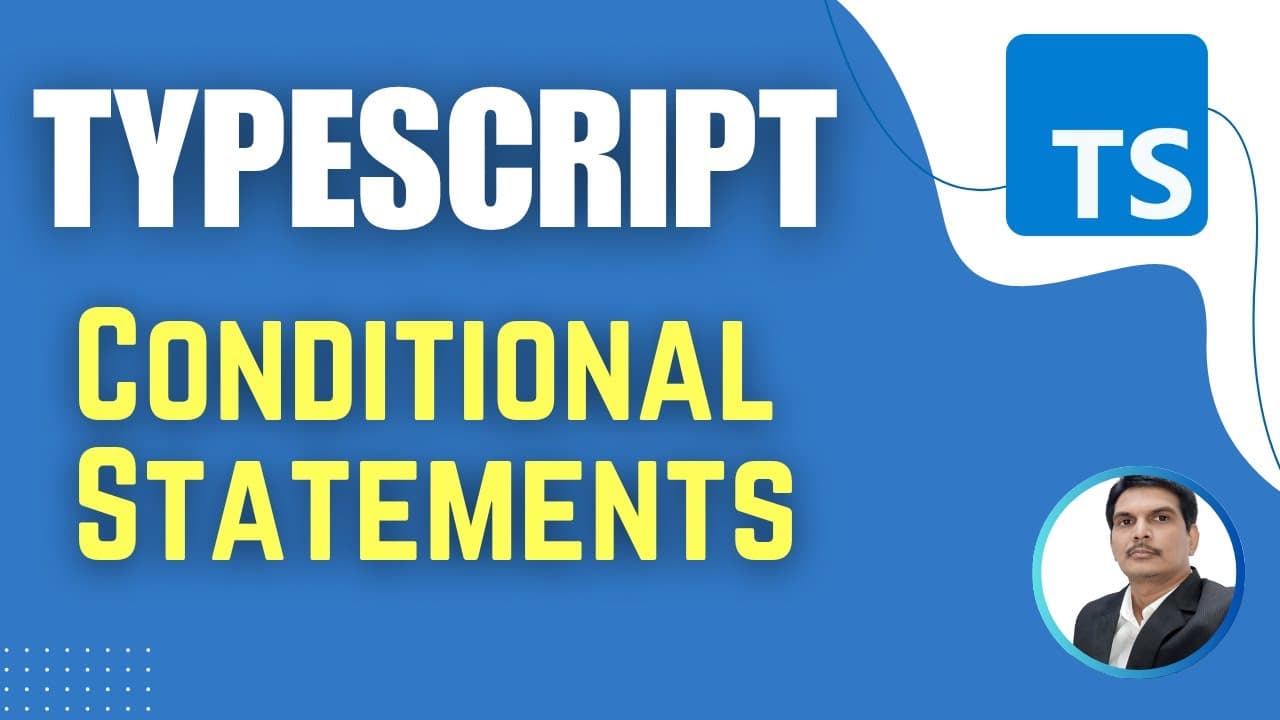
How Do TypeScript If and If-Else Statements Work in Playwright? (Session 5)
TL;DR
TypeScript if and if-else statements select which code runs according to whether a condition evaluates to true or false. A simple if block runs only when its condition is true, while if-else chooses between two blocks; for example, age >= 18 checks eligibility, and division by 2 with a zero remainder identifies an even number. Read on for syntax, examples, and execution guidance.
Transcript
All right. So in the previous classes uh we have seen the basics of uh programming like we have seen variables, data types, how we can work with the data types, operators like different types of operators in Typescript. So we have covered these uh topics and today we'll start with uh statements, TypeScript statements. So basically there a... Read More
Key Insights
- TypeScript statements are divided into conditional statements and looping statements in the lesson. Conditional statements support decision-making, while looping statements support iterative execution and are reserved for discussion in the next session.
- Conditional statements are used when a specific statement or group of statements should execute only under a certain condition. They allow a program to choose its behavior according to whether an expression evaluates to true or false.
- An if statement executes its code block only when its condition is true. If the condition is false, TypeScript skips every statement within that block, so a simple if statement is suitable when only the positive case requires action.
- A TypeScript condition must produce a Boolean value of true or false. Relational and logical operators are useful within conditions because their expressions return Boolean results that determine whether the associated block should execute.
- The age eligibility example checks whether age is greater than or equal to 18. With an age of 20, the condition is true and the eligibility message appears. With an age below 18, the if block produces no output.
- An else block is optional and does not have its own condition. It becomes useful when the program must perform one action for a true condition and a different action when that same condition is false.
- An if-else statement executes exactly one of its two alternative blocks for a given evaluation. A true condition selects the if block and ignores the else block, while a false condition skips the if block and selects the else block.
- The modulo operator can classify a number as even or odd by checking the remainder after division by two. A remainder equal to zero selects the even case, while a remainder other than zero selects the odd case.
Install to Summarize YouTube Videos and Get Transcripts
Explore YouTube Video Summarizer or Get YouTube Transcript Extractor
Questions & Answers
Q: What are conditional statements in TypeScript?
Conditional statements are decision-making statements that control which code executes based on a condition. The lesson identifies if, if-else, nested if-else, and switch case as TypeScript conditional forms.
Q: When should you use a simple if statement in TypeScript?
Use a simple if statement when code should run only if a condition is true and no alternative action is required. If the condition is false, TypeScript skips every statement in the if block.
Q: How does a TypeScript if condition work?
The condition inside the parentheses evaluates to either true or false. When it is true, TypeScript executes the statements in the block; when it is false, the block is ignored.
Q: Which operators can be used in a TypeScript if condition?
The lesson uses relational and logical operators to form conditions because their expressions return Boolean values. Those true or false results determine whether the associated block executes.
Q: How can TypeScript check age eligibility with an if statement?
Define age as a number and test whether age is greater than or equal to 18. An age of 20 makes the condition true and prints the eligibility message, while an age of 15 makes it false and skips the block.
Q: What is the difference between if and if-else in TypeScript?
A simple if statement supplies one conditional block and may do nothing when its condition is false. An if-else statement supplies two alternatives: the if block runs for true, and the else block runs for false.
Q: How do you check whether a number is even or odd in TypeScript?
Use the modulo operator to examine the remainder after dividing the number by 2. A remainder equal to zero selects the even case, while a nonzero remainder selects the odd case.
Q: How do you run the TypeScript conditional-statement example?
Save the code in a file with the .ts extension and open a terminal. Run it with tsx followed by the folder and file path, as demonstrated with the conditional-statements file, and the terminal displays output from any executed console.log statement.
Summary & Key Takeaways
-
TypeScript statements include conditional statements and looping statements. Conditional statements are also called decision-making statements because they select code for execution according to a condition. Looping statements are also called iterative statements, but the lesson focuses on conditional logic and leaves looping statements for the following session.
-
An if statement contains a condition that evaluates to true or false and a block holding one or more statements. When the condition is true, TypeScript executes that block. When it is false, TypeScript ignores the block. The age eligibility example checks whether an age is at least 18.
-
An if-else statement handles two possible outcomes. The if block runs when its condition is true, while the else block runs when it is false. The even-or-odd example uses the modulo operator to examine the remainder after division by two. A zero remainder identifies an even number.
Read in Other Languages (beta)
Share This Summary 📚
Summarize YouTube Videos and Get Video Transcripts with 1-Click
Try YouTube Summary with ChatGPT & Claude or YouTube Transcript Generator
Explore More Summaries from SDET- QA 📚



Summarize YouTube Videos and Get Video Transcripts with 1-Click
Try YouTube Summary with ChatGPT & Claude or YouTube Transcript Generator