How to Build a Cheap RAG Agent with Gemini File Search
TL;DR
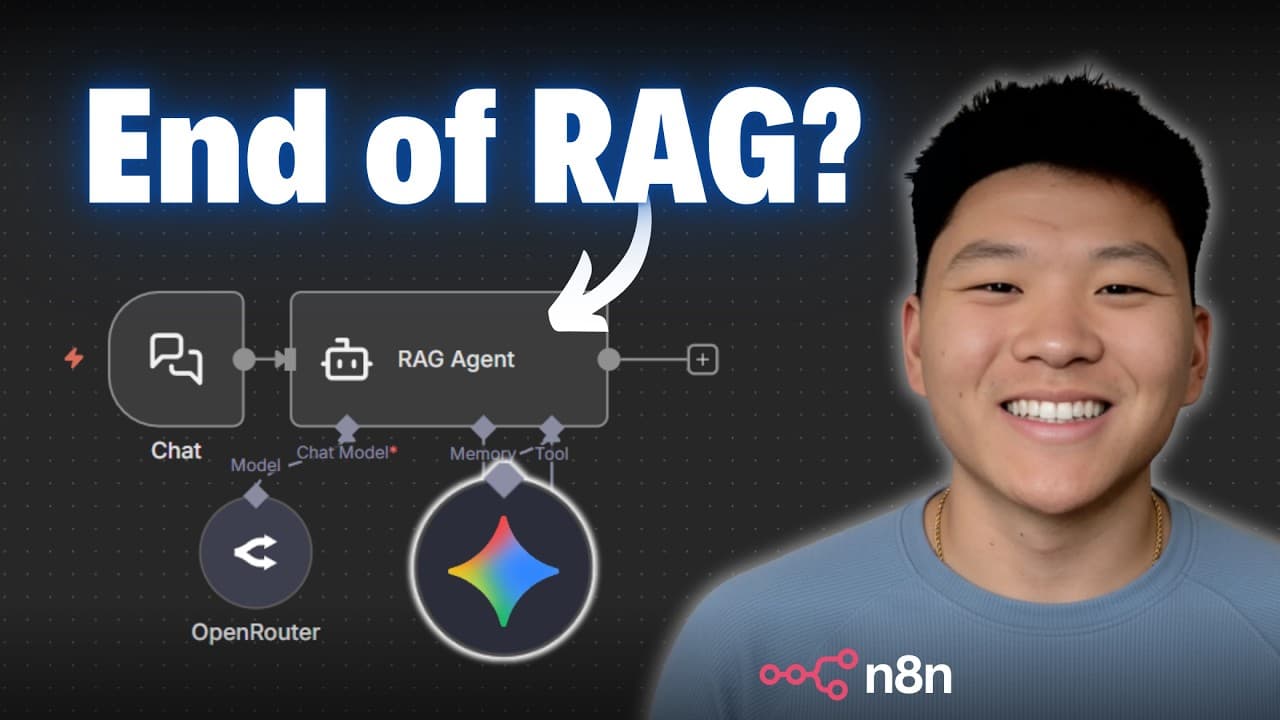
Gemini's File Search API lets you upload a document, and it automatically chunks, embeds, and stores it so an AI agent can chat with it right away, skipping the entire vector-database pipeline. Indexing costs 15 cents per million tokens, storage is currently free, and you only pay chat-model usage on queries.
Transcript
So Gemini's new file search API is awesome because it allows you to drop in a document. It generates those embeddings and then you're right away able to just chat with it and ask it questions and get answers back. So that functionality along with the fact that they're offering it for a super super cheap price is probably why you've been seeing it o... Read More
Key Insights
- Gemini File Search works by letting you upload files that Google automatically chunks and embeds, then your n8n agents can use the stored content as knowledge without building a data pipeline of file-type handling, metadata, context, splitting, and a vector store.
- Indexing pricing is 15 cents for every 1 million tokens processed. A 121-page PDF came out to about 95,000 tokens, less than a tenth of a dollar, making it very affordable to index a document one time.
- Storage on Gemini File Search is currently completely free regardless of how much data you put in, unlike Pinecone Assistant and OpenAI Vector Store, which the video shows charging significantly more for storage.
- Querying only charges you for chat-model usage, though there is some limit when query volume gets very high. A sample table of 100 GB storage and 1 million monthly queries showed roughly $12 one-time indexing plus about a $35 first-month base fee.
- The setup in n8n uses four HTTP requests: create the file store, upload the file to Google, move that file into the store, then hook an AI agent to a query tool to chat with the content.
- Uploading a file and placing it in a store are two separate steps. Uploading only puts the file in the Google Cloud environment, so a third request is required to actually move it into the folder you created.
- Authentication can be set up as a reusable generic query auth in n8n, storing the API key under a name like 'key' so you avoid copy-pasting the Gemini API key into every request's query parameter.
- The presenter is honest that File Search is not magic. Google's API documentation is described as confusing and not intuitive, and final accuracy considerations are promised at the end of the video.
Install to Summarize YouTube Videos and Get Transcripts
Explore YouTube Video Summarizer or Get YouTube Transcript Extractor
Questions & Answers
Q: What is Gemini File Search and how does it work?
Gemini File Search is an API where you upload your files to Gemini, and it automatically chunks and embeds them so your n8n agents can use them as knowledge. It is similar to building a RAG agent with a vector database like Pinecone or Supabase, except it cuts out the data pipeline of understanding the file type, adding metadata and context, splitting the file, running it through an embeddings model, and loading it into a vector store. You upload the document, send it to Google, and Google handles storage and searching so an AI agent can return answers right away.
Q: How much does Gemini File Search cost to use?
You only pay for indexing and embedding when you upload. It charges 15 cents for every 1 million tokens processed. As an example, a 121-page PDF was about 95,000 tokens, less than a tenth of what would cost 15 cents. Storage is currently completely free regardless of how much you store. For queries you mainly pay for chat model usage, though there is some limit at very high query volumes. In a sample scenario of 100 GB storage and 1 million queries per month, storage was free, indexing was almost 12 dollars one time, and a base fee for heavy querying was estimated around 35 dollars for the first month.
Q: Why is Gemini File Search useful for building RAG agents?
It is useful because you do not have to build your own search system or database, since Gemini handles the storage and searching for you. You only need to know how to upload your files through the Gemini file API, without special technical setup. This means you can build a RAG agent in n8n without constructing a huge data pipeline that handles file types, metadata, context, chunking, embeddings, and a vector store. You just drop in a file and get answers back, which makes building RAG systems easier than before.
Q: How does Gemini File Search compare to Pinecone, Supabase, and OpenAI Vector Store?
Gemini is shown as very cheap for the file search API. Supabase with a PG vector extension is still fairly affordable but requires much more technical setup and maintenance from you. Pinecone Assistant and OpenAI Vector Store have essentially the same value proposition as Gemini File Search, where you drop in docs and chat right away, but the video shows them charging a lot more for storage plus costs for indexing and querying. Pinecone Assistant also charges about 5 cents for every hour it runs, which stacks up over time and was not even included in the comparison table.
Q: What are the four HTTP requests needed to set this up in n8n?
There are four HTTP requests. The first creates the file store, referred to as a folder to make it easier to understand. The second uploads a file to the Google Cloud environment, though that does not yet place it in the folder. The third request moves that uploaded file into the folder created in step one. The fourth sets up the request to query it, hooking up an AI agent to the tool so you can chat with it and get all the information contained in the file inside that folder.
Q: How do you set up authentication for the Gemini API key in n8n?
You first need a Gemini API key, obtained from the documentation page's get API key link or from Google AI Studio when you create your profile. One way is to paste the key directly as a query parameter named key on each request. A better way is to create a reusable authentication in n8n by choosing generic type, selecting query, creating a new query auth with the name key and the API key as the value, and naming it something like Google demo 1119. Then you reuse that auth on every request instead of resending query parameters each time.
Q: What document did the presenter use to demonstrate the workflow?
In the pricing example, the presenter referenced a 121-page PDF that was about 95,000 tokens to illustrate indexing cost. For the actual n8n build demonstration, the presenter used a form submission trigger to drop in a PDF of the rules of golf, described as roughly a 22-page PDF. That file was uploaded to Google and then moved into the file store named YouTube-test that was created in the first HTTP request, so an AI agent could later query its contents.
Q: Is Gemini File Search a perfect solution with no downsides?
No, the presenter is upfront that it is not completely magic and tries to be as honest as possible about it. There are details that matter for accuracy and performance, and the video promises final considerations and things to think about at the end. The presenter also notes that Google's file search API documentation is not their favorite and is often confusing and not very intuitive. While an LLM can help set up requests by pasting in the docs viewed as markdown, it is not perfect and requires some manual work.
Summary & Key Takeaways
-
Gemini's new File Search API lets you drop in a document, and Google automatically generates the embeddings so you can immediately chat with it and get answers back. This removes the need to build a large data pipeline with a vector database like Pinecone or Supabase for RAG agents.
-
Pricing is the main draw. Indexing costs 15 cents per million tokens, storage is free for now no matter the volume, and queries only incur chat-model usage plus a possible base fee at very high query counts, making it cheaper than Pinecone Assistant or OpenAI Vector Store.
-
In n8n the build uses four HTTP requests: create a file store, upload a file to Google, move that file into the store, and query it through an AI agent. The presenter found the steps in Google's file search API docs and offers the workflow for free via a Skool community.
Read in Other Languages (beta)
Share This Summary 📚
Summarize YouTube Videos and Get Video Transcripts with 1-Click
Try YouTube Summary with ChatGPT & Claude or YouTube Transcript Generator
Explore More Summaries from Nate Herk | AI Automation 📚






Summarize YouTube Videos and Get Video Transcripts with 1-Click
Try YouTube Summary with ChatGPT & Claude or YouTube Transcript Generator