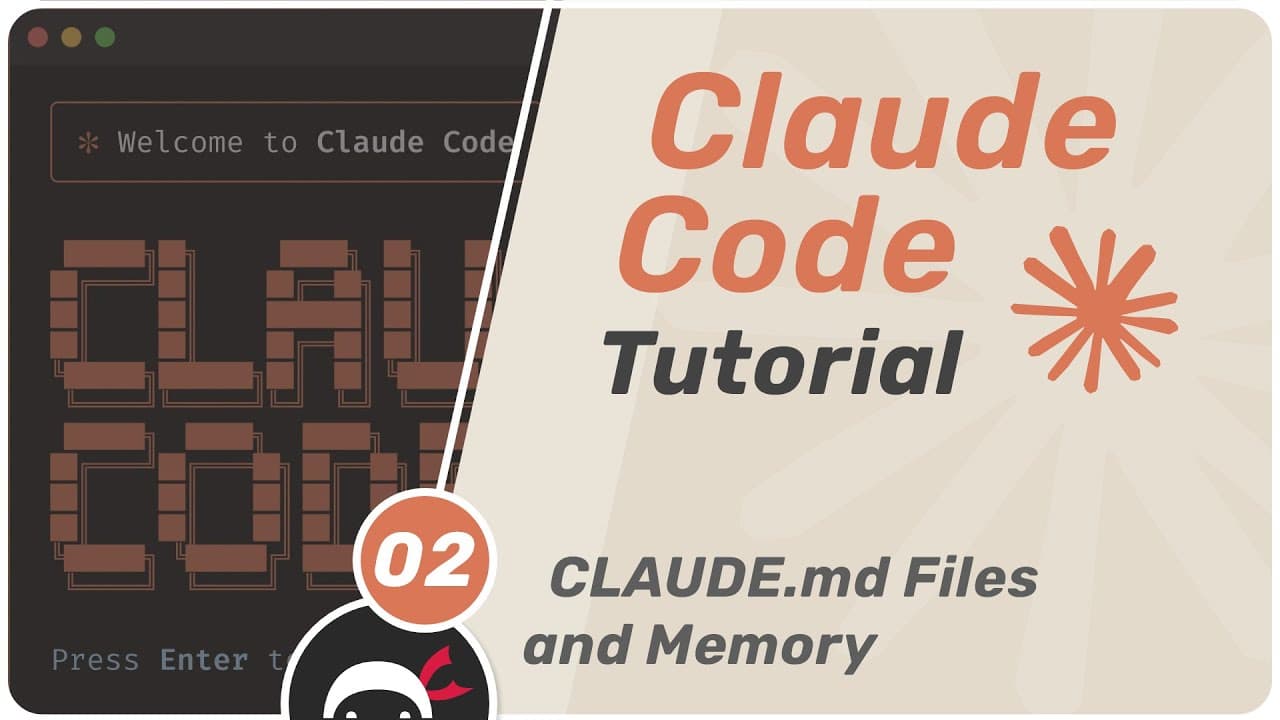
How Do You Use /init and CLAUDE.md in Claude Code Tutorial #2?
TL;DR
Use the /init command in Claude Code to scan an existing codebase and create a CLAUDE.md file that guides future questions and code changes. The generated file can document development commands, architecture, project structure, data, styling, testing, and development notes. Keep it updated as files, packages, and conventions change. Read on to see how this guidance affects code generation and file placement.
Transcript
Okay then. So now we've got Claude code set up and running inside this project. I would like to start using it to make some changes to the code and working on new components. But before we do that, it's always a good idea when you're starting to use the forward/init command to initialize a claude.md file inside the project root. And when we do this... Read More
Key Insights
- Claude Code uses the claude.md file as a guide for understanding the project structure and coding style.
- The /init command initializes a claude.md file by scanning the entire codebase for structure and state management.
- Updating the claude.md file ensures Claude Code stays aligned with the current project structure and dependencies.
- The claude.md file can be edited manually to include high-level project structures, tools, and preferences.
- Project memory, local memory, and global memory are different scopes for storing Claude Code's guidance.
- The claude.md file aids in consistent code generation across different developers by being part of version control.
- Adding instructions to the claude.md file can guide automatic code generation, like creating hooks or page links.
- The local memory option is being deprecated in favor of untracked project-level memory files.
Install to Summarize YouTube Videos and Get Transcripts
Explore YouTube Video Summarizer or Get YouTube Transcript Extractor
Questions & Answers
Q: How do you initialize a CLAUDE.md file with Claude Code?
Run the /init command while Claude Code is active inside the project. Claude scans the repository, prepares a plan, and asks whether you want to create the CLAUDE.md file in the project root.
Q: What does the Claude Code /init command analyze?
The command examines the folder structure, application startup process, state management, package.json, source code, and existing documentation. It uses those findings to prepare structured, human-readable project guidance.
Q: What is the purpose of a CLAUDE.md file?
CLAUDE.md acts as mini documentation that Claude Code automatically receives as session context. It helps Claude understand the repository and decide how to answer questions, implement features, and provide feedback.
Q: What information can a generated CLAUDE.md file contain?
It can contain development commands, an architecture overview, project structure, data architecture, styling details, testing setup, and additional development notes. In the demonstrated project, it identified a Next.js 15 blog application using React 19, Tailwind V4, and Hygraph.
Q: What should you put in CLAUDE.md for a new project?
For a project with little existing code, manually describe the planned high-level structure, tools, packages, frameworks, code-style preferences, and overall application. Continue updating the file as the project develops.
Q: When should you update CLAUDE.md?
Update it whenever the file structure, packages, tools, conventions, or other documented project details change. Outdated guidance can cause Claude Code to miss changes and take the implementation in a different direction.
Q: How can CLAUDE.md control where Claude Code creates files?
Add explicit project-structure guidance that names the appropriate location for each file type. The tutorial adds an instruction that reusable hooks belong in a hooks folder, then asks Claude Code to create a theme-preference hook.
Q: How was the CLAUDE.md guidance tested in the tutorial?
Claude Code was asked to create a hook that stores the user's theme preference in local storage for next time. The request also said not to use the hook anywhere yet, while the CLAUDE.md file instructed Claude to place reusable hooks in the hooks folder.
Summary & Key Takeaways
-
Definition: CLAUDE.md is human-readable project guidance that Claude Code automatically uses as context during active sessions.
-
Step 1: Run /init inside the project so Claude Code can inspect the existing repository.
-
Step 2: Review the generated plan and approve creation of CLAUDE.md in the project root.
-
Step 3: Open CLAUDE.md and check its commands, architecture, structure, data, styling, testing, and development notes.
-
Step 4: Add missing conventions, such as placing all reusable hooks inside a hooks folder.
-
Step 5: Keep CLAUDE.md updated when the file structure, packages, tools, or documented conventions change.
-
Compare: Existing projects provide enough code for detailed guidance, while new projects may require manual descriptions of planned structures and tools.
-
Tool: /init examines package.json, source code, repository structure, application startup, state management, and existing documentation.
-
Number: The example project is a Next.js 15 blog application using React 19 and Tailwind V4.
-
Tool: The example request creates a theme-preference hook that saves its value in local storage without using the hook yet.
Read in Other Languages (beta)
Share This Summary 📚
Summarize YouTube Videos and Get Video Transcripts with 1-Click
Try YouTube Summary with ChatGPT & Claude or YouTube Transcript Generator
Explore More Summaries from Net Ninja 📚





Summarize YouTube Videos and Get Video Transcripts with 1-Click
Try YouTube Summary with ChatGPT & Claude or YouTube Transcript Generator