How to Set Up GitHub SpecKit for AI Development
TL;DR
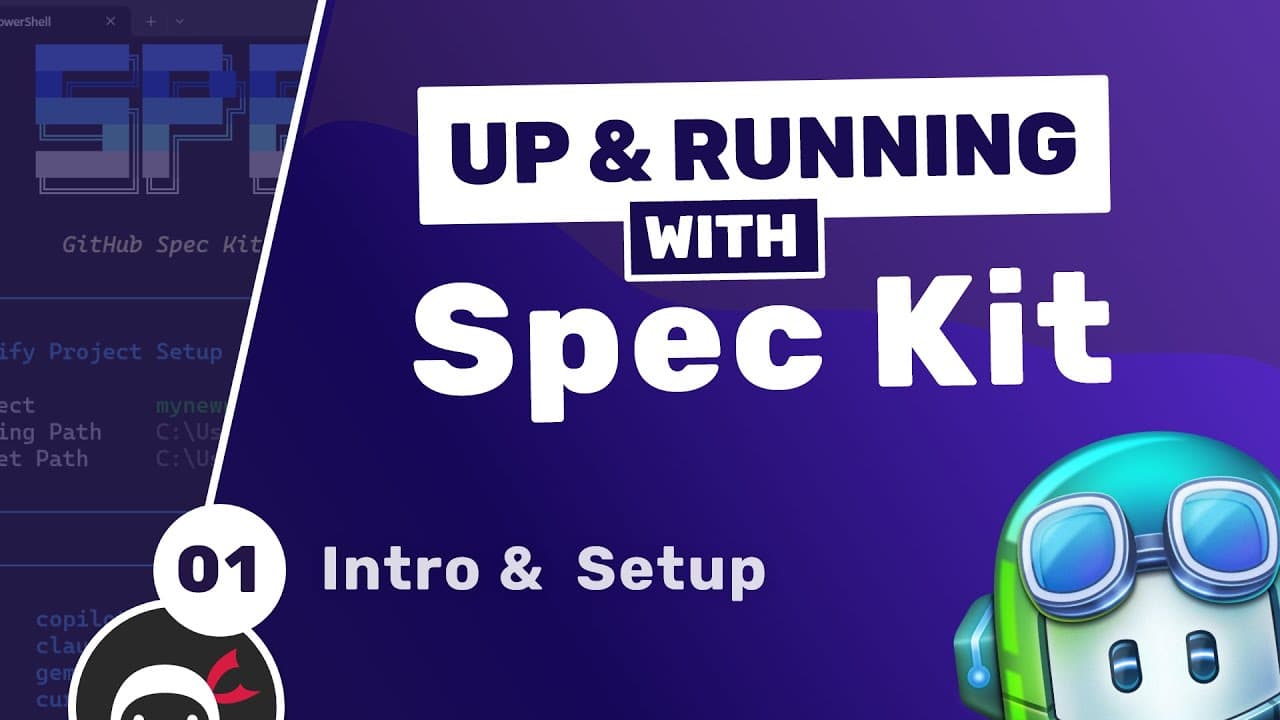
SpecKit is a framework for spec-driven development that integrates with AI coding agents like Copilot. It starts with a high-level specification, from which a detailed plan, tasks, and code are derived. SpecKit helps maintain control over AI-generated code by providing scripts and prompts for a structured workflow.
Transcript
All right then, my friends. In this series, we're going to be looking at something called SpecKit, which is a little bit of tooling that was recently released by GitHub. And I think the best way I could describe this bit of tooling is as an AI prompting framework for specd driven development, which integrates with various different coding agents. A... Read More
Key Insights
- SpecKit is an AI prompting framework for spec-driven development.
- Spec-driven development begins with a high-level specification.
- SpecKit integrates with AI coding agents like Copilot and Claude Code.
- SpecKit provides pre-made prompts and scripts for a structured workflow.
- SpecKit can be used for new or existing projects to add features.
- The 'here' flag in SpecKit sets it up in the current project folder.
- SpecKit's workflow includes constitution, spec, plan, tasks, and implement commands.
- Optional commands like clarify and analyze help refine the development process.
Install to Summarize YouTube Videos and Get Transcripts
Explore YouTube Video Summarizer or Get YouTube Transcript Extractor
Questions & Answers
Q: How to set up SpecKit in an existing project?
To set up SpecKit in an existing project, first install the necessary tools, such as uv, a package manager for Python. Navigate to the SpecKit repository and copy the setup command. Run this command in your terminal with the 'here' flag to integrate SpecKit into the current project folder, allowing it to work within your existing project structure.
Q: What is spec-driven development?
Spec-driven development is a methodology where the development process begins with a high-level specification outlining what the project should accomplish. This specification guides the creation of a detailed technical plan, actionable tasks, and ultimately the code itself. Spec-driven development ensures clarity and direction, minimizing the risk of deviating from the initial project goals.
Q: Why use SpecKit with AI coding agents?
SpecKit is used with AI coding agents like Copilot to maintain control and structure in AI-assisted development. It provides pre-made prompts and scripts that guide the AI through a spec-driven workflow, ensuring that the code generated aligns with the project's specifications. This structured approach helps prevent the AI from producing random or buggy code, improving the overall quality of the output.
Q: What are the main commands in SpecKit's workflow?
SpecKit's workflow includes several main commands: constitution, spec, plan, tasks, and implement. The constitution command outlines core principles for the application. The spec command creates a high-level specification for a feature. The plan command develops a detailed plan based on technical preferences. The tasks command generates a list of actionable coding tasks, and the implement command instructs the AI to start coding the feature.
Q: What is the role of the 'here' flag in SpecKit?
The 'here' flag in SpecKit is used during setup to specify that SpecKit should be integrated into the current project folder rather than creating a new one. This allows developers to add SpecKit's spec-driven workflow to an existing project, facilitating the addition of new features or the enhancement of the current project structure without starting from scratch.
Q: How does SpecKit improve AI-generated code?
SpecKit improves AI-generated code by providing a structured framework that guides the AI through a spec-driven development process. By starting with a clear specification and following a series of prompts and scripts, SpecKit ensures that the AI's output aligns with the project's goals. This reduces the risk of random or buggy code, resulting in a more coherent and reliable final product.
Q: What are the optional commands in SpecKit?
SpecKit includes optional commands like clarify and analyze, which help refine and validate the development process. The clarify command allows the AI to ask questions and resolve any ambiguities in the specification. The analyze command reviews the plan, spec, and tasks to ensure alignment and consistency, helping to identify and resolve any conflicting instructions before implementation.
Q: Why is spec-driven development beneficial?
Spec-driven development is beneficial because it provides a clear and structured approach to software development. By beginning with a high-level specification, it ensures that all subsequent development activities are aligned with the project's goals. This reduces the risk of scope creep, improves communication among team members, and ultimately leads to a more successful and coherent final product.
Summary & Key Takeaways
-
SpecKit is a tool for spec-driven development that integrates with AI coding agents like Copilot. It starts with a high-level specification, leading to a detailed plan, actionable tasks, and code. SpecKit helps maintain control over AI-generated code by providing scripts and prompts for a structured workflow.
-
To set up SpecKit, install the necessary tools and run the SpecKit CLI in your project. Use the 'here' flag to integrate it into an existing project. The workflow includes commands like constitution, spec, plan, tasks, and implement to guide the development process.
-
SpecKit's optional commands, clarify and analyze, help refine specifications and ensure alignment. While AI-generated code may not always meet expectations, SpecKit provides a structured approach to guide and refine the development process, ensuring better results with AI coding agents.
Read in Other Languages (beta)
Share This Summary 📚
Summarize YouTube Videos and Get Video Transcripts with 1-Click
Try YouTube Summary with ChatGPT & Claude or YouTube Transcript Generator
Explore More Summaries from Net Ninja 📚
Summarize YouTube Videos and Get Video Transcripts with 1-Click
Try YouTube Summary with ChatGPT & Claude or YouTube Transcript Generator