How to Use NotebookLM for Efficient Note-Taking
TL;DR
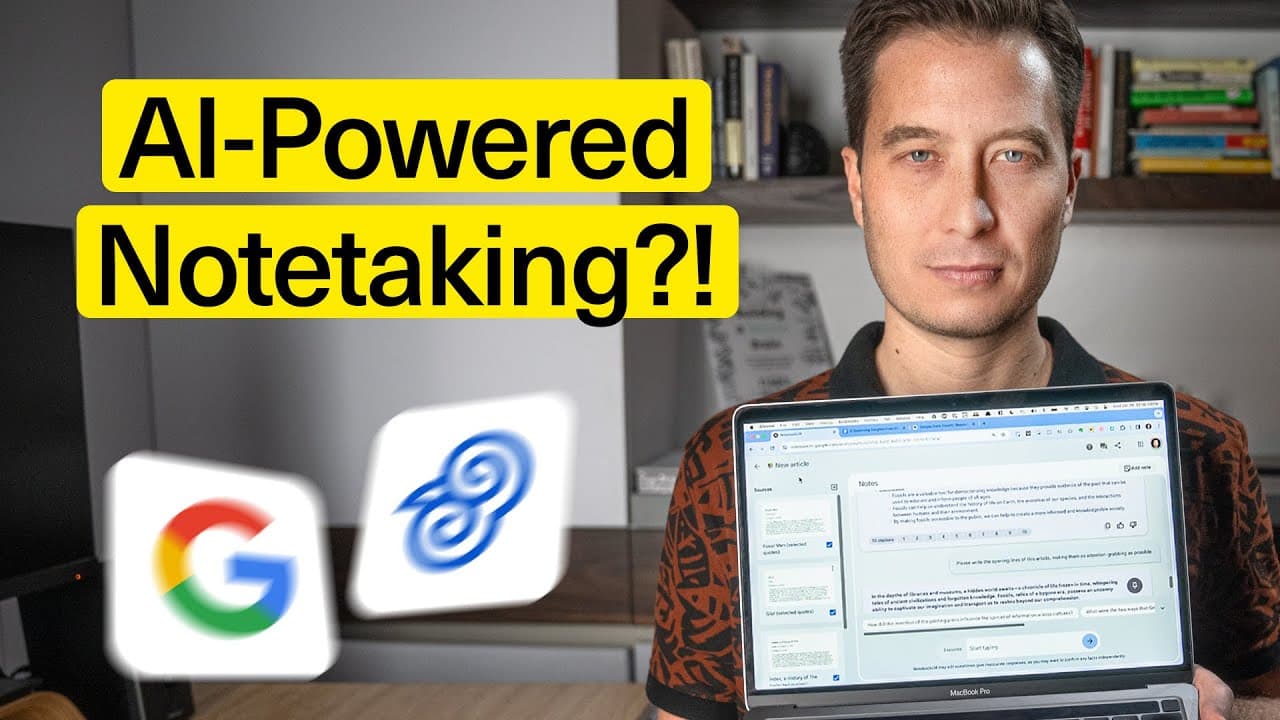
To use NotebookLM effectively, start by creating an account at notebooklm.google.com, then organize your notes into dedicated notebooks for specific projects. Upload various document types like Google Drive files and PDFs to extract relevant information, generate outlines, and collaborate with AI for enhanced writing and research efficiency.
Transcript
most of what we consider not taking and information management these days will disappear I'm talking organizing your notes gone formatting your notes no more searching your notes app and trying to find that one thing you know you saved but can't locate that is going to be gone forever it's a new platform that Google just released to the public call... Read More
Key Insights
- 💁 Notebook LM is a platform that combines note-taking, information management, and AI to streamline the creative process.
- ℹ️ Users can create organized notebooks for different projects and extract key information from multiple sources simultaneously.
- 👤 The AI in Notebook LM can generate outlines, proposals, and even entire articles based on user prompts and sources.
- 🎨 The platform is designed to enhance productivity and streamline the creative workflow, making it a valuable tool for writers, researchers, and professionals.
- ❓ Notebook LM is still in its early stages and has some limitations, but improvements and fixes are expected in the future.
- ℹ️ The platform offers unique features like source grounded AI, which ensures the AI only draws knowledge from trusted and private sources.
- ✍️ Notebook LM can be particularly useful for understanding complex texts, organizing meeting notes, and collaborating with the AI to improve writing.
Install to Summarize YouTube Videos and Get Transcripts
Explore YouTube Video Summarizer or Get YouTube Transcript Extractor
Questions & Answers
Q: What is Notebook LM and how does it work?
Notebook LM is a platform that integrates note-taking, information management, and AI. Users can create notebooks, upload documents, and extract information using the AI's knowledge of the sources.
Q: What are the main features of Notebook LM?
The main features of Notebook LM include creating notebooks, uploading and managing documents, extracting key information, generating outlines and proposals, and even writing entire articles with the help of the AI.
Q: Can Notebook LM be used for collaborative work?
Yes, Notebook LM can be used for collaborative work. Users can collaborate with the AI to improve their writing, generate ideas, and receive suggestions based on the sources and prompts provided.
Q: Is Notebook LM only limited to Google Drive and PDF documents?
Currently, Notebook LM supports Google Drive documents, PDFs, and copying and pasting text from other sources. It does not directly integrate with other note-taking apps like Evernote or Notion.
Summary & Key Takeaways
-
Notebook LM is a new platform by Google that combines note-taking, information management, and AI in a single integrated space.
-
Users can create notebooks for specific projects, upload documents, and extract key information from sources using the AI.
-
The platform offers features like generating outlines, proposals, and even entire articles based on user prompts and sources.
Read in Other Languages (beta)
Share This Summary 📚
Summarize YouTube Videos and Get Video Transcripts with 1-Click
Try YouTube Summary with ChatGPT & Claude or YouTube Transcript Generator
Explore More Summaries from Tiago Forte 📚


Summarize YouTube Videos and Get Video Transcripts with 1-Click
Try YouTube Summary with ChatGPT & Claude or YouTube Transcript Generator