Products
Features
YouTube Video Summarizer
Summarize YouTube videos
Web & PDF Highlighter
Highlight web pages & PDFs
Chat with PDF
Ask any PDF questions with AI
Ask AI Clone
Chat with your highlights & memories
Audio Transcriber
Transcribe audio files to text
Glasp Reader
Read and highlight articles
Kindle Highlight Export
Export your Kindle highlights
Idea Hatch
Hatch ideas from your highlights
Integrations
Obsidian Plugin
Notion Integration
Pocket Integration
Instapaper Integration
Medium Integration
Readwise Integration
Snipd Integration
Hypothesis Integration
Apps & Extensions
Chrome Extension
Safari Extension
Edge Add-ons
Firefox Add-ons
iOS App
Android App
Discover
Discover
Ideas
Discover new ideas and insights
Articles
Curated articles and insights
Books
Book recommendations by great minds
Posts
Essays and notes from readers
Quotes
Inspiring quotes collection
Videos
Curated videos and summaries
Explore Glasp
Glasp Story
How we grew from 0 to 3 million users
Glasp Newsletter
Weekly insights and updates
Glasp Talk
Interview series with great minds
Glasp Blog
Latest news and articles
Glasp Use Cases
Learn how others use Glasp
Build & Support
Glasp API
Access Glasp's API for developers
MCP Connector
Connect Glasp to Claude & ChatGPT
Community
Glasp Reddit Community
Students
Student discount and benefits
FAQs
Frequently Asked Questions
AboutPricing
DashboardLog inSign up

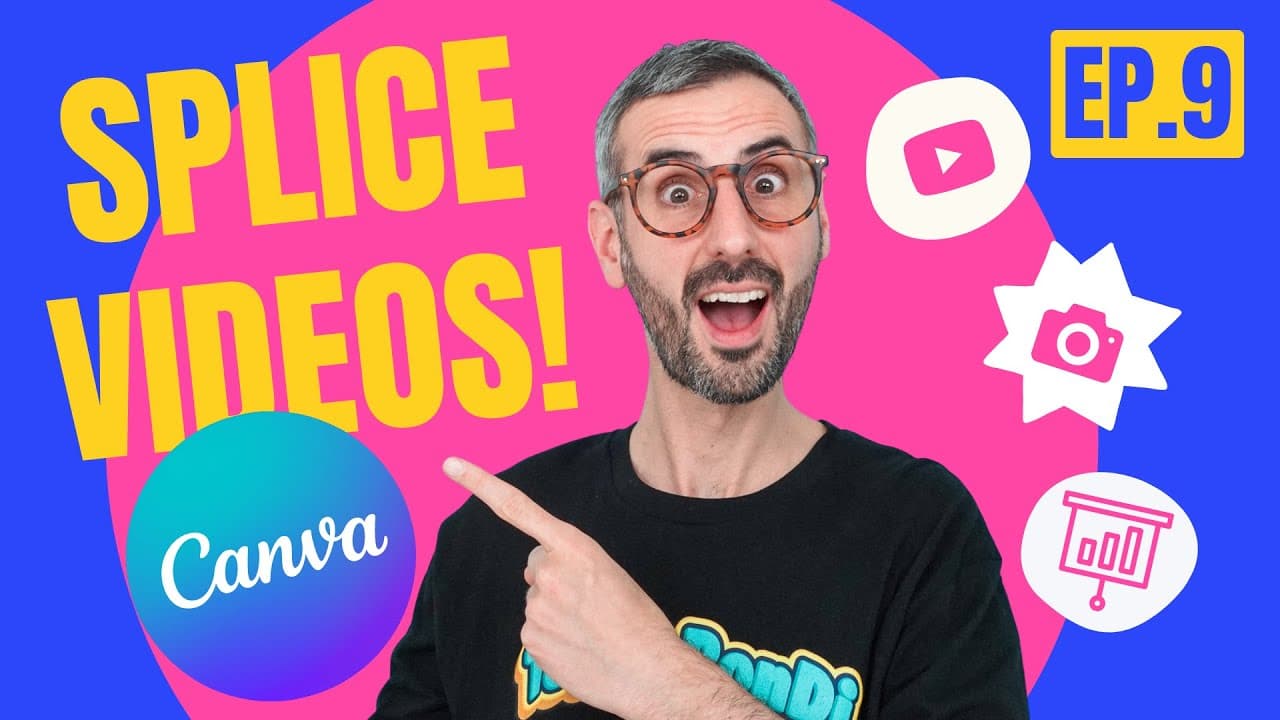
Oops!... I did it again! | What's HOT in Canva 🔥 [Ep. 09]

12.9K views
•
September 7, 2021
by
Design with Canva
YouTube video player
Oops!... I did it again! | What's HOT in Canva 🔥 [Ep. 09]

TL;DR

Exploring new Canva features, templates, and photographer highlights in detail.

Transcript

there are just so many new features with canva at the moment that it's impossible for me not to create another episode of what's hot and that's what's on the menu for today what is up everyone my name is ronnie welcome back to the channel this is the place for you if you want to learn how to design with canva so diana and i run this channel and we ... Read More

Key Insights

  • 🎮 Canva's video splicing feature enhances video editing capabilities by allowing users to slice footage for storytelling.
  • 💐 Transition effects in presentation designs add visual appeal and enhance the overall flow of content.
  • 🎨 The addition of filters to search for templates, like logos and YouTube designs, makes finding suitable designs easier.
  • 🧡 Viewbug, a collective of photographers featured in Canva, provides a diverse range of high-quality photos for users to utilize.

Install to Summarize YouTube Videos and Get Transcripts

Explore YouTube Video Summarizer or Get YouTube Transcript Extractor

Questions & Answers

Q: How can users access Canva's open beta for video products?

Users can access the open beta by opening a video document type and following prompts to join.

Q: What is the significance of the splicing feature in Canva's video editing tools?

Splicing allows users to cut video footage into segments, enabling precise editing and narrative shaping.

Q: How can transitions be applied to presentation designs in Canva?

Transitions can be added by clicking the three dots on a slide and selecting a transition effect, enhancing visual flow.

Q: How does exploring new template categories in Canva benefit users?

Users can find inspiration and ready-to-use designs like logos, YouTube templates, and visual charts for various projects.

Summary & Key Takeaways

  • Canva's new video splicing feature allows for precise video editing by slicing footage for storytelling.

  • Transition effects can now be added to presentation designs in Canva, enhancing visual appeal.

  • Improved template searching with filters makes finding suitable designs, like logos, easier.


Read in Other Languages (beta)

English

Share This Summary 📚

Summarize YouTube Videos and Get Video Transcripts with 1-Click

Download browser extensions on:

Try YouTube Summary with ChatGPT & Claude or YouTube Transcript Generator

Explore More Summaries from Design with Canva 📚

OFFEO - First Impressions & first animated video thumbnail
OFFEO - First Impressions & first animated video
Design with Canva
How to Make an Animated LOWER THIRD - Easy  & Quick Canva Tutorial thumbnail
How to Make an Animated LOWER THIRD - Easy & Quick Canva Tutorial
Design with Canva
Let's Design it with Canva: Long Shadow Effect thumbnail
Let's Design it with Canva: Long Shadow Effect
Design with Canva
Collaborative video editing - How to make a group video in Canva - New feature - Canva tutorial thumbnail
Collaborative video editing - How to make a group video in Canva - New feature - Canva tutorial
Design with Canva
How to Use DALL·E 3 in ChatGPT to Create Unique Images thumbnail
How to Use DALL·E 3 in ChatGPT to Create Unique Images
Design with Canva
How Does Canva Magic Design Create Custom Visuals? thumbnail
How Does Canva Magic Design Create Custom Visuals?
Design with Canva

Summarize YouTube Videos and Get Video Transcripts with 1-Click

Download browser extensions on:

Try YouTube Summary with ChatGPT & Claude or YouTube Transcript Generator

Apps & Extensions

  • Chrome Extension
  • Safari Extension
  • Edge Add-ons
  • Firefox Add-ons
  • iOS App
  • Android App

Key Features

  • YouTube Video Summarizer
  • Web & PDF Summarizer
  • Web & PDF Highlighter
  • Chat with PDF
  • Ask AI Clone
  • Audio Transcriber
  • Glasp Reader
  • Kindle Highlight Export
  • Idea Hatch

Integrations

  • Obsidian Plugin
  • Notion Integration
  • Pocket Integration
  • Instapaper Integration
  • Medium Integration
  • Readwise Integration
  • Snipd Integration
  • Hypothesis Integration

More Features

  • APIs
  • MCP Connector
  • Blog & Post
  • Embed Links
  • Image Highlight
  • Personality Test
  • Quote Shots

Company

  • About us
  • Our Story
  • Blog
  • Community
  • FAQs
  • Job Board
  • Newsletter
  • Pricing
Terms

•

Privacy

•

Guidelines

© 2026 Glasp Inc. All rights reserved.