How to build a sleep tracker app with AI using Pythagora
TL;DR
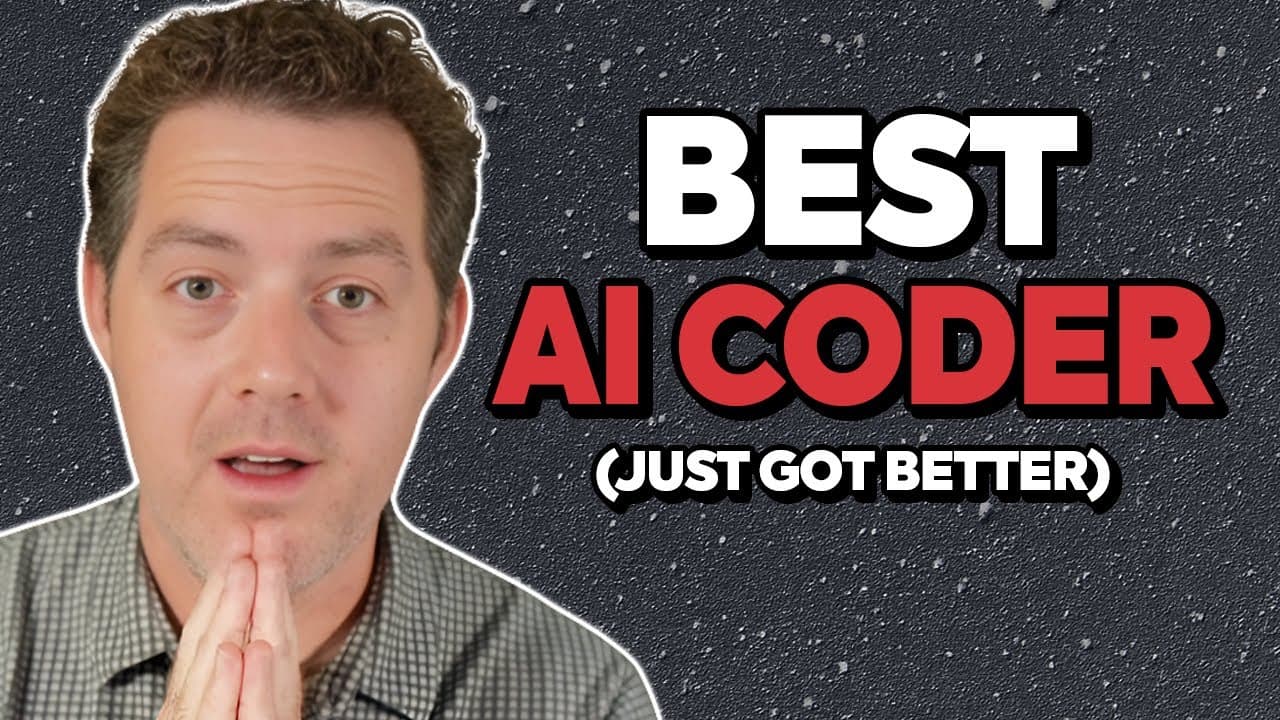
The video shows building a full stack sleep tracker app with AI support using Pythagora. It covers creating a detailed spec, generating frontend and backend code, and adding a sleep coach that analyzes data and provides recommendations. Authentication, data uploads, and a configurable AI model are included for a complete workflow.
Transcript
Watch me build a full sleep tracking application using Pythagora AI. This is vibe coding. Super easy. It's going to be thousands of lines of code in under an hour and a half of my own work. And at the end, I'm going to have a fully functional application. And thank you to Pythagora for sponsoring this video. They've been a fantastic partner. You al... Read More
Key Insights
- The project centers on building a sleep tracking app with AI powered analysis and recommendations.
- The creator uses a detailed, editable spec that AI refines into a full stack implementation.
- Pythagora generates the front end first and then the back end to ensure cohesive development.
- Authentication is implemented to keep user data private in the app.
- Users can upload sleep data and screenshots from external sources for AI parsing.
- The sleep coach interface is designed to answer questions about the user data.
- The app allows API key entry and LLM selection to customize AI responses.
- Live testing and human verification are used to validate the generated UI and APIs.
- More videos from this channel:
- More from this channel: Matthew Berman
Install to Summarize YouTube Videos and Get Transcripts
Explore YouTube Video Summarizer or Get YouTube Transcript Extractor
Questions & Answers
Q: How does the presenter outline the build process for the sleep tracker app?
The presenter begins with a detailed spec that describes the required pages and data flows, then uses Pythagora to generate a front end and back end. He treats the process as epic tasks with incremental progress, testing, and live previews. This approach emphasizes refining the spec as code is produced and keeping authentication and data parsing as core features throughout the build.
Q: What features are included in the initial app concept as shown in the video?
The video outlines a sleep tracker app with a home page, sleep coach page, login and registration pages, and an account page for configuring an OpenAI API key and selecting an AI model. It also emphasizes data ingestion through natural language input and external data uploads, all protected behind authentication for privacy.
Q: How is the AI front end and back end development sequenced in the workflow?
The workflow starts with the front end to establish the user interface, flows, and pages. After the UI skeleton is built and verified, the back end is tackled to implement APIs for sleep data, chat, and settings. This separation helps manage complexity and allows each layer to be tested independently before full integration.
Q: What user input methods are supported for sleep data entry in the app?
The app supports two main input methods for sleep data: uploading a sleep screenshot and recording a voice memo. The data from these inputs is intended to be parsed by AI and stored in the app database, enabling structured analysis of total sleep, REM sleep, and deep sleep.
Q: How does the video describe testing and validation during development?
The video shows a live testing flow where the developer logs in and registers through a hosted environment, then uses test pages to verify navigation and success messages. The process includes explicit test steps, expected results, and the ability to mark tests as complete or indicate issues for correction.
Q: What customization options are available for the AI features in the app?
Customization options include entering an OpenAI API key and choosing an LLM model, enabling personalized AI interactions for sleep coaching. This setup allows the AI to consult the user’s data and provide tailored recommendations based on the selected model and data inputs.
Q: How does the presenter describe the role of Pythagora in this development?
Pythagora is described as an all in one AI dev platform that accelerates full stack development by generating structured code from a detailed spec, providing a live hosted environment, and enabling quick iteration with in place testing. The tool is positioned as a helper that writes large parts of the app while the developer validates and guides the results.
Q: What is the purpose of the sleep coach page in the app?
The sleep coach page is designed to function as a chatbot interface where users can ask questions about their data and receive recommendations. It integrates the analysis of sleep metrics with AI generated insights, leveraging the user supplied data, API key, and chosen model to deliver personalized guidance.
Summary & Key Takeaways
-
This summary notes that the creator builds a complete sleep tracker app with an AI powered coach, including frontend, backend, authentication, and data parsing from user input and external sleep data sources. The process emphasizes a live, interactive coding workflow with the Pythagora platform and ongoing testing.
-
The app design features a sleep coach page, data visualization for sleep metrics, and a configurable OpenAI API key and model choice, enabling personalized recommendations and questions about user data within a secure access model.
-
The workflow demonstrates iterative development from a detailed spec to an operational MVP, highlighting the benefits of an AI driven dev platform that writes large parts of the app automatically while the user validates and guides the build.
Read in Other Languages (beta)
Share This Summary 📚
Summarize YouTube Videos and Get Video Transcripts with 1-Click
Try YouTube Summary with ChatGPT & Claude or YouTube Transcript Generator
Explore More Summaries from Matthew Berman 📚
Summarize YouTube Videos and Get Video Transcripts with 1-Click
Try YouTube Summary with ChatGPT & Claude or YouTube Transcript Generator