What Are the Best Secondary Productivity Apps to Try?
TL;DR
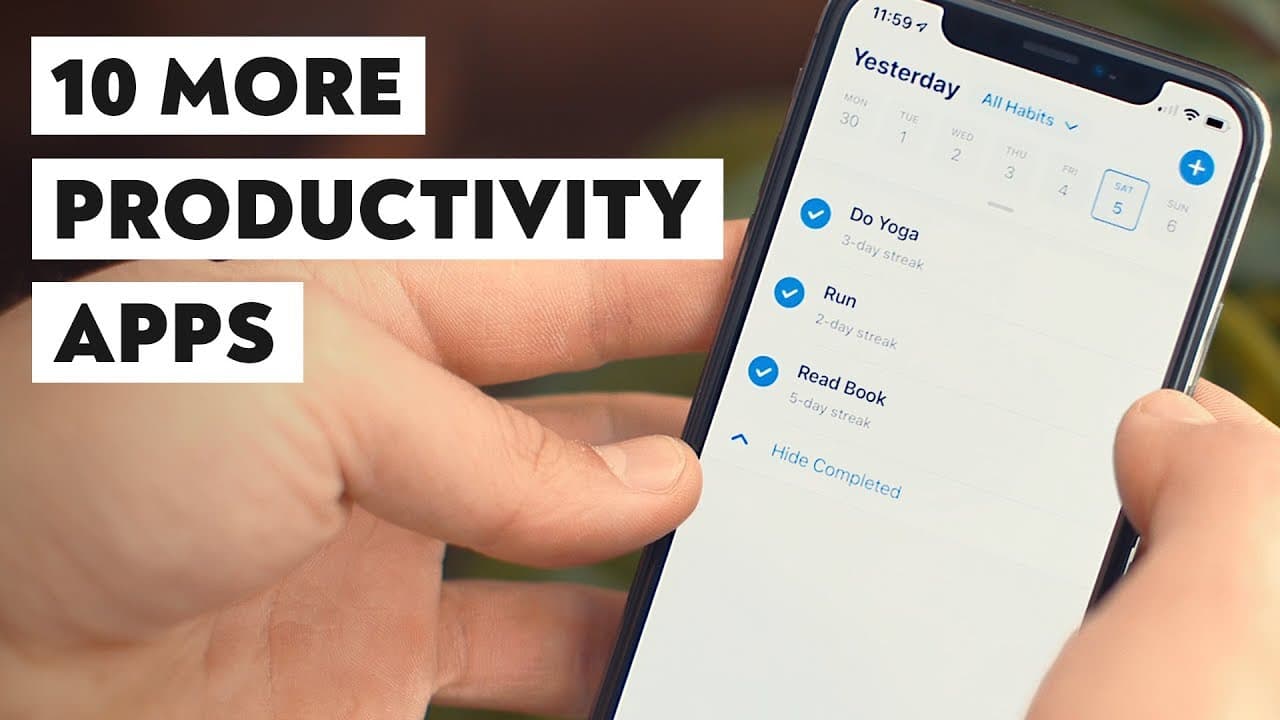
The best secondary productivity apps include TickTick for task management, Woven for calendars, Trello for project management, OneNote for note-taking, Typora for writing, Habitify for tracking habits, Timeular for time tracking, Front for team email, Twist for team chat, and Syncthing for file syncing. Additionally, Audible is recommended for those interested in audiobooks, with 'Bad Blood' highlighted as a must-listen.
Transcript
- So last week, I created a video that listed the best productivity app in my opinion in each of 10 different categories. And my original cut of that video actually had a second feature. In each of those categories, I was gonna give you a secondary recommendation to kind of compliment that first one, but there was a problem. With those secondary re... Read More
Key Insights
- 🪡 Some secondary recommendations are comparable to the main recommendations, while others offer unique features or cater to specific needs.
- 😀 TickTick, Woven, Trello, OneNote, Typora, Habitify, Timeular, Front, Twist, and Syncthing are noteworthy productivity apps.
- 👏 Audible is recommended for audiobook enthusiasts, with "Bad Blood: Secrets and Lies In A Silicon Valley Startup" being a highly praised audiobook.
- 😀 The author emphasizes the importance of finding productivity apps that suit individual preferences and requirements.
- 😀 These secondary recommendations add value to the author's previous roundup video on productivity apps.
- ❓ The author collaborates with Audible, a company that supports learning and personal growth through audiobooks.
Install to Summarize YouTube Videos and Get Transcripts
Explore YouTube Video Summarizer or Get YouTube Transcript Extractor
Questions & Answers
Q: Why does the author provide secondary recommendations for productivity apps?
The author initially planned to include these recommendations in a previous video but decided they were worth mentioning separately. These apps either complemented the main recommendations or were interesting enough to deserve a mention.
Q: What makes TickTick a good secondary recommendation for to-do list apps?
TickTick is comparable to Todoist, the author's main recommendation, but with additional features like a built-in calendar view, a Pomodoro timer, and a habit tracker. It's suitable for users who want all their productivity tools in one place.
Q: How does Front help with team email management?
Front allows teams to work on shared inboxes, assign emails to team members, and communicate within email threads. It provides a centralized platform for team collaboration, making it ideal for businesses that require multiple team members to handle customer emails.
Q: What is the benefit of using Syncthing for cloud sync?
Syncthing does not rely on third-party servers and instead keeps files synced only on the user's devices. This ensures data privacy and control, appealing to individuals who prefer to have their files solely on their devices.
Summary & Key Takeaways
-
The video lists secondary recommendations in various categories of productivity apps that didn't make it into the author's previous roundup video due to length limitations.
-
The secondary recommendations include TickTick for to-do lists, Woven for calendars, Trello for project management, Microsoft's OneNote for note-taking, Typora for serious writing, Habitify for habit tracking, Timeular for active time tracking, Front for team email management, Twist for team chat, and Syncthing for cloud sync.
-
The author also suggests Audible as a non-productivity app recommendation for expanding knowledge.
Read in Other Languages (beta)
Share This Summary 📚
Summarize YouTube Videos and Get Video Transcripts with 1-Click
Try YouTube Summary with ChatGPT & Claude or YouTube Transcript Generator
Explore More Summaries from Thomas Frank 📚




Summarize YouTube Videos and Get Video Transcripts with 1-Click
Try YouTube Summary with ChatGPT & Claude or YouTube Transcript Generator