How Fast Is the Mac Studio for Video Editing?
TL;DR
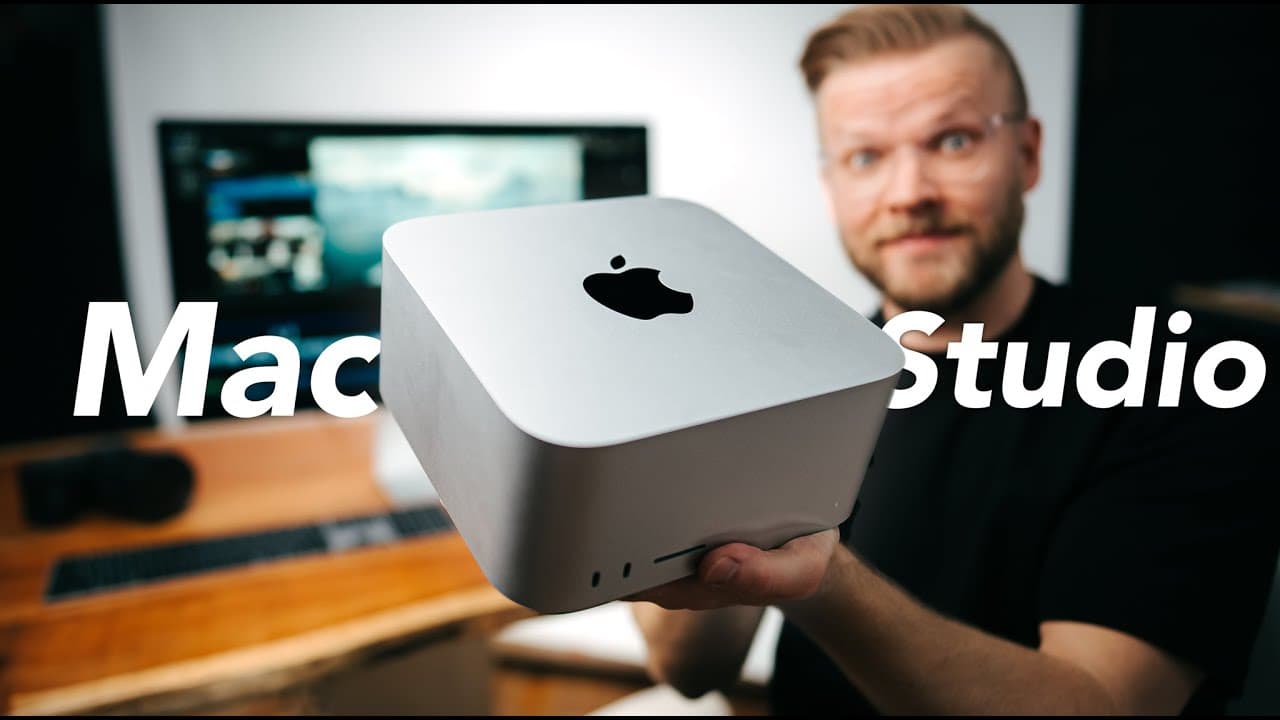
The Mac Studio, equipped with dual M1 Max chips, offers remarkable video editing speed, reducing export times by nearly 45% compared to the M1 Max MacBook Pro. With the ability to handle 18 layers of 8K ProRes footage smoothly, it's a powerful choice for creatives looking for high performance at a competitive price.
Transcript
what the heck seriously watching the keynote felt almost like a joke because the m1 max is already insanely fast and then they're just like let's take two of them and put them together bam ultra i literally laughed when i saw this graphic i already thought the m1 was crazy then we got pro which was like holy crap max and now we have ultra this mass... Read More
Key Insights
- 🐿️ The Mac Studio's dual M1 Max chips deliver exceptional performance for creatives.
- ✋ The Studio Display complements the Mac Studio setup with high-quality features at an affordable price.
- 🎨 The Mac Studio's minimalist design and efficient performance cater to the needs of professionals.
- 🇲🇰 Upgrading and customizing the Mac Studio is easier compared to the iMac.
- 💨 The Mac Studio offers significant time savings with faster export speeds and efficient handling of codecs.
- 🐿️ Apple dominates the creative market with its powerful chips and top-notch performance.
- 🧡 The affordability of the Mac Studio makes it accessible to a wider range of creative professionals.
Install to Summarize YouTube Videos and Get Transcripts
Explore YouTube Video Summarizer or Get YouTube Transcript Extractor
Questions & Answers
Q: What makes the Mac Studio stand out in terms of performance?
The Mac Studio wows with its dual M1 Max chips, offering extraordinary speed and efficiency in handling creative tasks. Its 20-core CPU, up to 64-core GPU, and 32-core neural engine enable seamless performance.
Q: How does the Studio Display compare to the Pro Display XDR?
The Studio Display is a more affordable alternative to the Pro Display XDR, offering a 5K Retina display, built-in camera, studio microphones, and excellent speakers. Despite some differences in sharpness, it presents a high-quality viewing experience.
Q: Why is the Mac Studio a preferred choice over the iMac for professionals?
The Mac Studio's separation of computer and display allows for easier upgrades and customization, catering to the evolving needs of professionals. Its minimalist design, high performance, and affordability make it a top choice.
Q: How does the Mac Studio's performance impact real-world use for creatives?
The Mac Studio excels in handling demanding tasks like editing multiple layers of 8K ProRes footage simultaneously, exhibiting a remarkable 45% faster export speeds than the M1 Max chip. It ensures smooth performance for various creative endeavors.
Summary & Key Takeaways
-
The Mac Studio features dual M1 Max chips, providing unmatched performance for creatives.
-
The affordable Studio Display complements the Mac Studio setup, offering excellent features.
-
The Mac Studio's minimalist design, high performance, and affordability make it a game-changer for professionals.
Read in Other Languages (beta)
Share This Summary 📚
Summarize YouTube Videos and Get Video Transcripts with 1-Click
Try YouTube Summary with ChatGPT & Claude or YouTube Transcript Generator
Explore More Summaries from Matti Haapoja 📚



Summarize YouTube Videos and Get Video Transcripts with 1-Click
Try YouTube Summary with ChatGPT & Claude or YouTube Transcript Generator