What Are the Top 5 AI Tools for Designers?
TL;DR
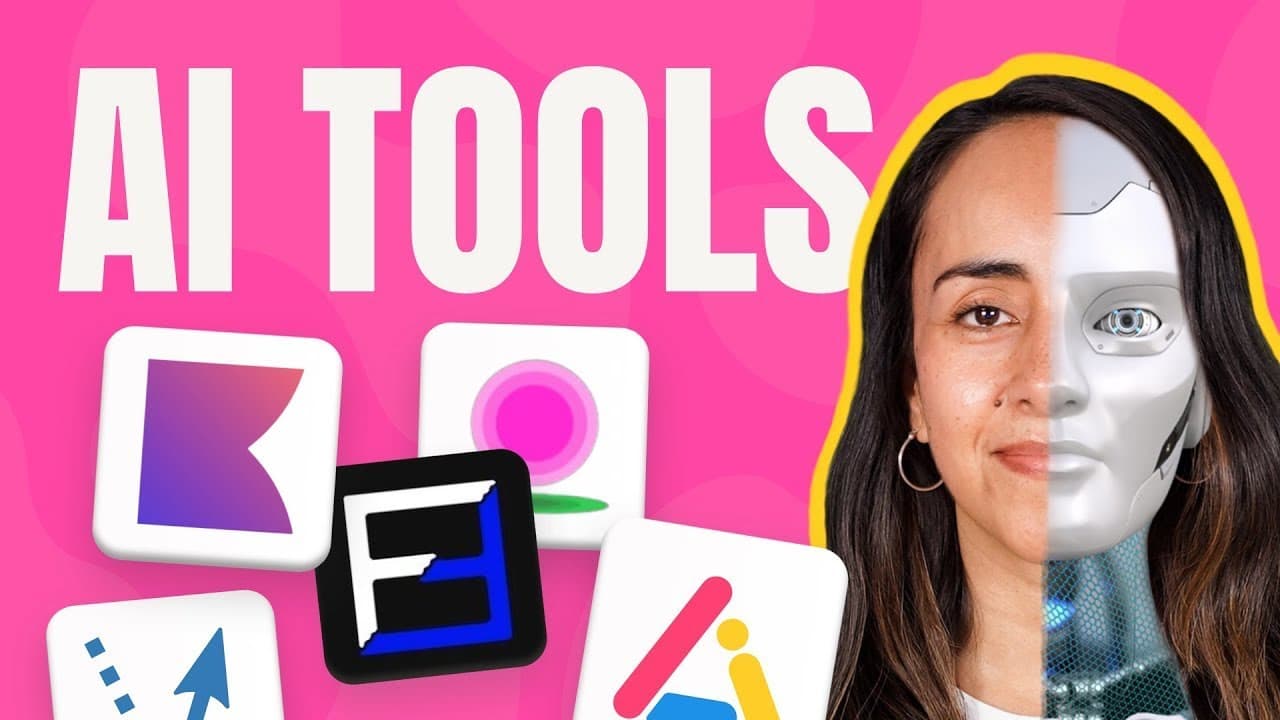
The top 5 AI tools for designers include Chroma for personalized color palettes, Fanjoy for generating font combinations, Vectorizer for converting images to scalable vectors, Logo AI for creating professional logos, and Purana for inspired pattern and social media design. These tools streamline creative workflows and enhance design quality.
Transcript
we all know the power of AI Tools in Transforming Our creative process but finding the right tools is not an easy task I spent countless hours diving into the vast ocean of AI tools and believe me the five AI tools I'm about to share are the best I found out out there I'm leaving a list of all the tools and timestamps in the description in case you... Read More
Key Insights
- 👤 Chroma offers personalized color palette generation based on user preferences.
- ❓ Fanjoy simplifies font combination selection through AI-generated suggestions.
- 💁 Vectorizer transforms raster images into vector formats, preserving quality and enabling scalability.
- 👤 Logo AI provides a user-friendly platform for creating professional logos with customization options.
- 🥶 Purana offers inspiration for design patterns and social media visuals, with a free plan for up to 25 downloads per month.
- 🔨 Chroma, Fanjoy, Vectorizer, Logo AI, and Purana are valuable AI tools for creative processes.
- 🎨 AI tools enhance design workflows by automating tasks and providing innovative solutions.
Install to Summarize YouTube Videos and Get Transcripts
Explore YouTube Video Summarizer or Get YouTube Transcript Extractor
Questions & Answers
Q: How does Chroma use AI to create color palettes?
Chroma uses AI to learn user color preferences and generate personalized color combinations for easy selection.
Q: What sets Fanjoy apart in font combination generation?
Fanjoy utilizes a 3D map and a formula to suggest the best font combinations, streamlining the font selection process.
Q: How does Vectorizer help in transforming images into vector formats?
Vectorizer converts raster image files into scalable vector formats like SVG, preserving quality for scaling and editing flexibility.
Q: What features does Logo AI offer for creating professional logos?
Logo AI allows users to customize logo designs, select industry-specific styles, and offers a designer fix service for logo adjustments.
Summary & Key Takeaways
-
Chroma uses AI to create personalized color palettes based on user preferences, making color selection easier.
-
Fanjoy simplifies font combinations with AI-generated suggestions for easy selection.
-
Vectorizer transforms image files into scalable vector formats, offering customization options.
Read in Other Languages (beta)
Share This Summary 📚
Summarize YouTube Videos and Get Video Transcripts with 1-Click
Try YouTube Summary with ChatGPT & Claude or YouTube Transcript Generator
Explore More Summaries from Design with Canva 📚






Summarize YouTube Videos and Get Video Transcripts with 1-Click
Try YouTube Summary with ChatGPT & Claude or YouTube Transcript Generator