Should You Take Notes on Paper or on a Computer? - College Info Geek
TL;DR
Paper is generally better for understanding and recalling concepts, while a computer is faster and easier to edit, organize, sync, and search. In the cited study, laptop users averaged 310 words per lecture versus 173 for paper users, who recalled the material more readily about half an hour later. The best choice depends on whether you can avoid verbatim transcription, so read on for practical ways to combine deliberate learning with digital convenience.
Transcript
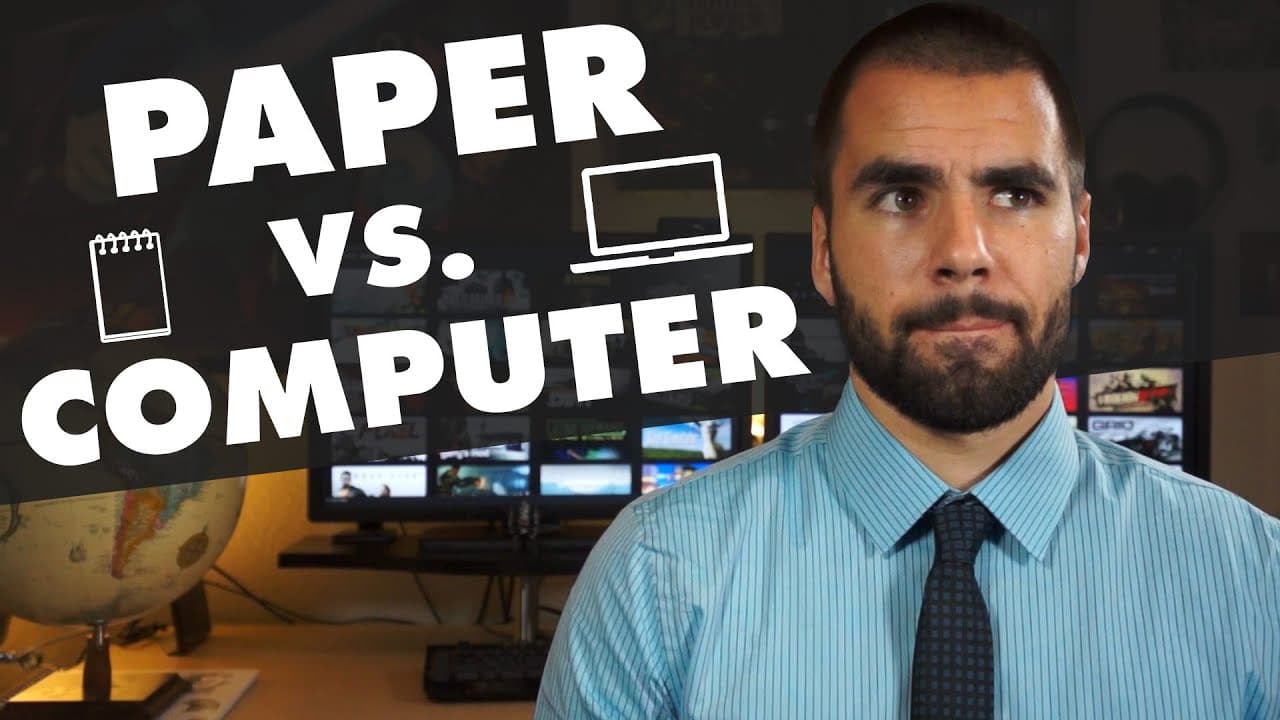
Should you take your notes on a computer or should you stick to a paper notebook? If you're watching this video you're probably looking for ways to take more efficient notes in class and also make those notes easier to study later. So, which method is the best for both of those? On the one hand, taking notes on a computer is, in most cases, a lot f... Read More
Key Insights
- 👻 In most cases, taking notes on a computer is faster and allows for easy editing and organization.
- 💁 Paper notes offer more flexibility and can promote better understanding and retention of information.
- 🎵 Research suggests that students who take paper notes are better able to recall information and create new conclusions during the note-taking process.
- 🛀 The Holistic Learning method emphasizes the importance of actively engaging with concepts and making connections during the note-taking process.
- 🏛️ Regardless of the chosen method, being deliberate about learning and understanding concepts during class is crucial.
- 🛀 A hybrid approach, combining paper and digital note-taking, can provide the benefits of both methods.
- 😀 Using an app like Evernote to store paper notes digitally allows for easy access and searchable text.
Install to Summarize YouTube Videos and Get Transcripts
Explore YouTube Video Summarizer or Get YouTube Transcript Extractor
Questions & Answers
Q: Should you take notes on paper or on a computer?
Use paper if writing by hand helps you process concepts instead of copying a lecture word for word. A computer is faster and more convenient, but it works well only when you deliberately learn and reinterpret ideas as they are presented.
Q: Does taking notes on paper improve learning and recall?
The cited study found that students who took paper notes recalled what they had learned more readily about half an hour after the lecture. The researchers concluded that these students were more likely to record what they were learning and create new conclusions as they wrote.
Q: Is taking notes on a computer faster than writing by hand?
Yes, taking notes on a computer is faster in most cases. In the cited study, laptop users wrote an average of 310 words per lecture, compared with 173 words for students using paper.
Q: What are the main advantages of taking notes on a computer?
Computer notes are easy to edit, reformat, and add to after text has already been written. An app such as Evernote can also sync notes across devices, making them available on a phone or another device for later study.
Q: What advantages do paper notes have over digital notes?
Paper provides more flexibility for drawing arrows, adding annotations, and making symbols. The speaker considers it the better method for math notes, and writing more selectively can encourage students to focus on concepts rather than every spoken word.
Q: Why can laptop note-taking make learning less effective?
Laptop users may slip into recording everything verbatim and pay attention mainly to the wording or syntax. That can leave the underlying concepts to be relearned later, creating more study time after class.
Q: How can you take better notes on a computer?
Be deliberate about understanding each concept as it is presented instead of acting as a transcription machine. Create your own version of the lecture material and connect ideas, following the Holistic Learning principle of making a web of information and drawing new conclusions.
Q: Can paper and digital note-taking be combined?
Yes. You can take notes on paper and then use a phone app to record and store them in Evernote, providing access wherever you have your phone. Evernote can also make the handwritten text searchable, provided the handwriting is clear enough.
Summary & Key Takeaways
-
The video discusses the pros and cons of taking notes on a computer versus using a paper notebook.
-
Note-taking on a computer allows for faster note-taking and easy organization, but lacks the flexibility and hands-on approach of paper notes.
-
Research suggests that students who take notes on paper tend to recall information better and create new conclusions during the note-taking process.
-
The video emphasizes the importance of being deliberate about learning concepts, regardless of the chosen note-taking method.
Read in Other Languages (beta)
Share This Summary 📚
Summarize YouTube Videos and Get Video Transcripts with 1-Click
Try YouTube Summary with ChatGPT & Claude or YouTube Transcript Generator
Explore More Summaries from Thomas Frank 📚






Summarize YouTube Videos and Get Video Transcripts with 1-Click
Try YouTube Summary with ChatGPT & Claude or YouTube Transcript Generator