How to Create a YouTube Animated Intro with Canva
TL;DR
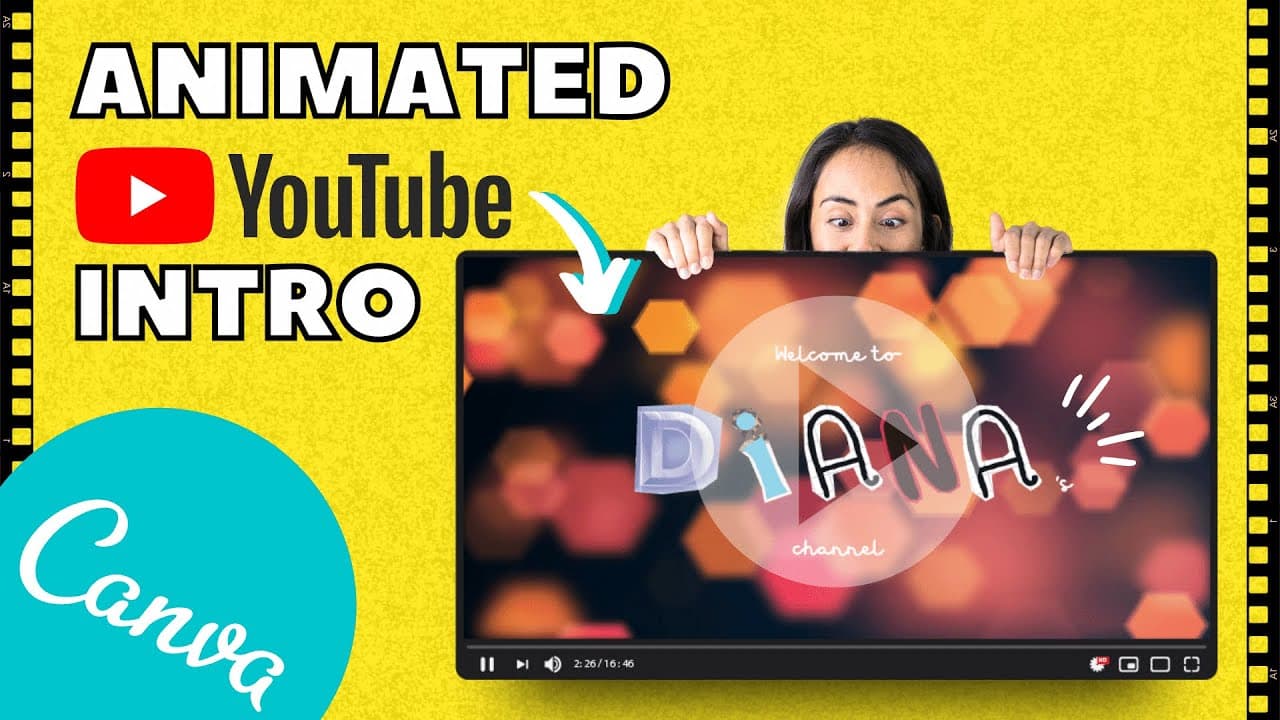
To create an animated intro for YouTube using Canva, start by selecting a background video, then add and customize text with animated letters. Finally, incorporate sound effects, trim the video length to your preference, and download it for use on your channel.
Transcript
hello guys and welcome to this video my name is Deanna Munoz and I am a canvas certified creative in this tutorial I would love to teach you how to create an animation or animated video for the intro of your videos you can use this intro in your YouTube videos or any other video that you would like to post on social media you can follow this tutori... Read More
Key Insights
- 🥶 Canva offers a diverse range of free background videos for animated intros.
- 🎨 Customizing text with different fonts and styles can enhance the visual appeal of the design.
- 💌 Using animated letters in the intro adds a fun and dynamic element to the video.
- 🫵 Sound effects can complement the animation, enhancing the overall viewer experience.
- 💁 Trimming the video length and downloading in different formats make it suitable for various platforms.
- 👻 Connecting social accounts allows for seamless integration of the animated intro.
- 💌 Consistent letter sizes create a professional look in the animation.
Install to Summarize YouTube Videos and Get Transcripts
Explore YouTube Video Summarizer or Get YouTube Transcript Extractor
Questions & Answers
Q: What is the first step in creating an animated video intro with Canva?
The first step is to select a background video from Canva's library and drag it into your design.
Q: How can you customize the text in the animated video intro?
You can customize the text by adding different fonts, sizes, and styles to convey the desired feeling for your video.
Q: Why is it important to ensure all animated letters are the same size in the design?
Ensuring uniform letter sizes creates a polished look in the animation and avoids discrepancies between letters.
Q: How can you add an animated effect to the text in the video intro?
Click on the "animate" button in Canva and choose a desired effect like fade to make each letter appear sequentially.
Summary & Key Takeaways
-
Deanna Munoz teaches how to create an animated video intro using Canva.
-
Select a background video, add text, customize fonts, and animate letters for a fun design.
-
Finish with sound effects, trim the video, and download for use on social media or YouTube.
Read in Other Languages (beta)
Share This Summary 📚
Summarize YouTube Videos and Get Video Transcripts with 1-Click
Try YouTube Summary with ChatGPT & Claude or YouTube Transcript Generator
Explore More Summaries from Design with Canva 📚






Summarize YouTube Videos and Get Video Transcripts with 1-Click
Try YouTube Summary with ChatGPT & Claude or YouTube Transcript Generator