How to Optimize Your Website Layout Effectively
TL;DR
To enhance user experience, prioritize clarity in your website layout. Addressing the critical questions users ask—where am I, what can I do here, and why should I do it now—is essential. Optimize content placement, reduce clutter, and highlight key information to engage visitors effectively.
Transcript
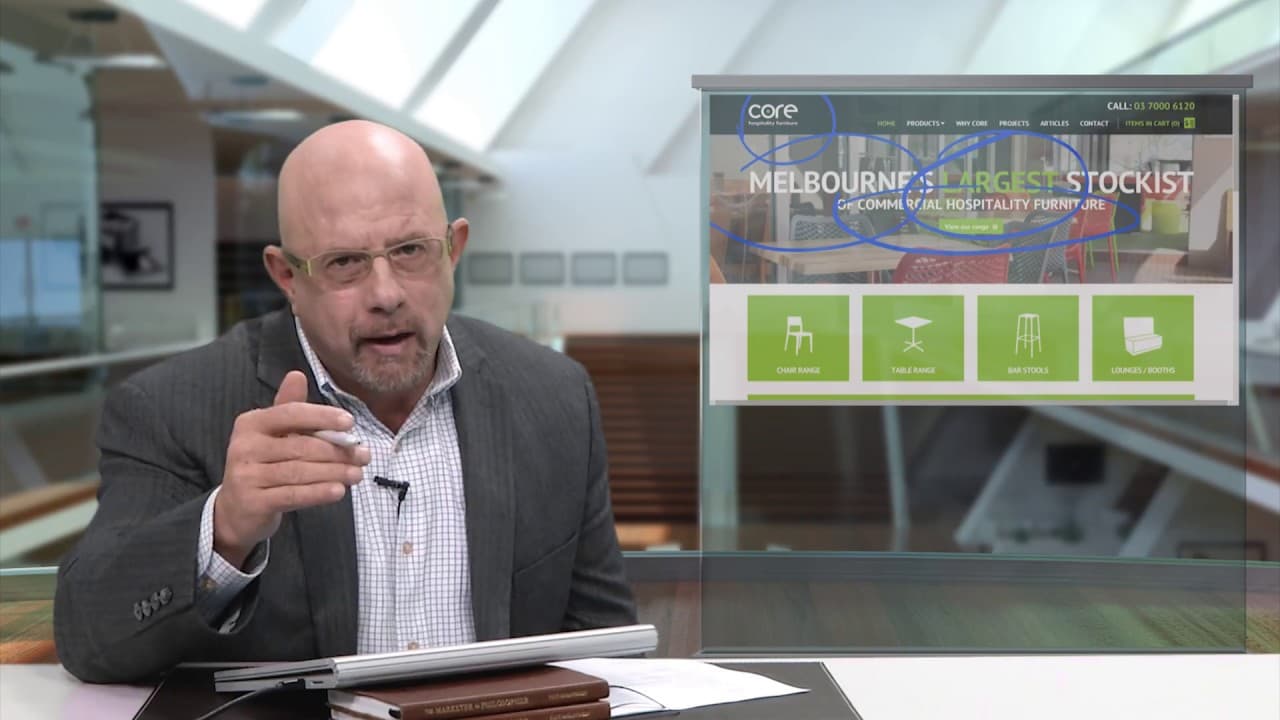
welcome to another edition of the quick wind clinic I'm looking at a site submitted by Elton I mentioned the top of this page in an earlier session where I was comparing the approach with another page now that we want to get into a bit more depth I suggested in the previous video regarding this few to 3/4 inch space here that they did something to ... Read More
Key Insights
- 👤 Users need a clear understanding of their location on a website, which enhances their navigation experience.
- 😕 Competing messages on web pages can confuse users, making it hard for them to identify available actions.
- 👎 Content should be easily accessible, preventing critical information from being buried within the site.
- 🍱 Visual elements should be simplified to avoid overpowering essential text with large boxes or images.
- 🥺 A primary goal of web design should be to foster a conversation that leads users to a confident purchasing decision.
- 🤙 Calls to action should be compelling but not overly aggressive to maintain user interest.
- 🤩 Reducing unnecessary visual elements can help emphasize key messages and improve user focus.
Install to Summarize YouTube Videos and Get Transcripts
Explore YouTube Video Summarizer or Get YouTube Transcript Extractor
Questions & Answers
Q: What are the three critical questions users have when visiting a website?
Users typically ask where they are, what they can do on the page, and why they should take action now. Addressing these questions helps visitors navigate more confidently and makes the website's purpose clearer.
Q: Why is the placement of important content critical on a webpage?
Important content must be placed prominently to ensure users can easily find it. If crucial information is buried deep within a page, it risks being overlooked, which can deter users from engaging with the site and making a purchase.
Q: How can website designers improve user engagement?
Designers can enhance user engagement by simplifying the layout, reducing clutter, ensuring calls to action are clear and compelling, and making essential information accessible without forcing users to scroll excessively.
Q: What does the speaker mean by "people don't buy from websites, people buy from people"?
This phrase emphasizes the importance of creating a relatable and engaging online experience. Users respond better to personalized conversations and clear guidance than merely interacting with an impersonal website.
Summary & Key Takeaways
-
The video offers insights on enhancing website clarity, emphasizing the importance of users quickly understanding their location within a site.
-
It highlights three critical questions users ask when navigating websites: where am I, what can I do here, and why should I do it now.
-
The speaker suggests optimizing content placement, reducing visual clutter, and ensuring key information is prominent to improve user experience and engagement.
Read in Other Languages (beta)
Share This Summary 📚
Summarize YouTube Videos and Get Video Transcripts with 1-Click
Try YouTube Summary with ChatGPT & Claude or YouTube Transcript Generator
Explore More Summaries from Flint McGlaughlin 📚


Summarize YouTube Videos and Get Video Transcripts with 1-Click
Try YouTube Summary with ChatGPT & Claude or YouTube Transcript Generator