How Does MeclabsAI Improve UX and Image Creation?
TL;DR
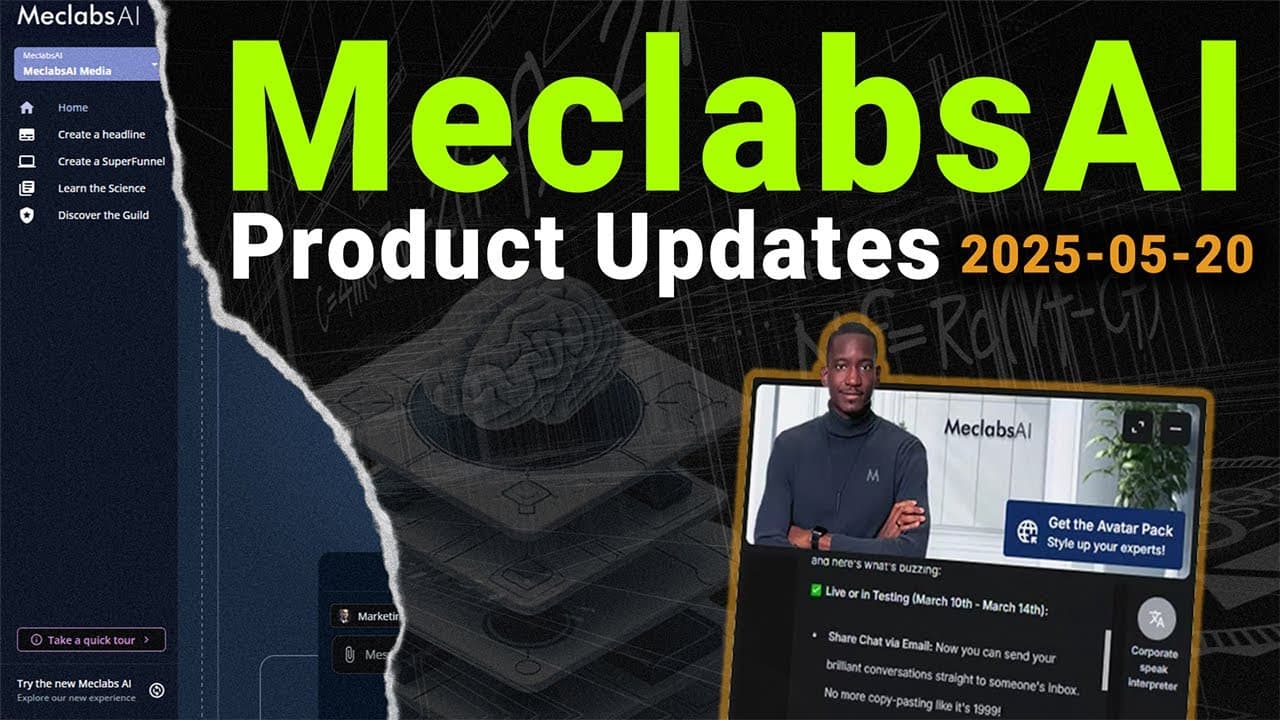
MeclabsAI now streams responses as they are generated, reducing perceived wait time and making the platform feel more responsive. Its newer image generation model also improves realism, prompt adherence, embedded text, contextual design elements, image editing, and transparent PNG creation, enabling applications such as ad makers and avatar generators.
Transcript
welcome everyone this is the enterprise team and we're discussing some of the work that we're doing with our various partners but it's also the time when we do an update and we have someone here today Azad who helps lead the product and he's going to be doing an update and helping us understand what's happened in the last 7 days aad over to you tha... Read More
Key Insights
- Response streaming is now visible in the chat interface, so generated text appears progressively instead of arriving all at once after a long delay. The underlying streaming capability had already been operating, but an issue with its incorporation into the platform prevented users from seeing it properly.
- The platform feels significantly more responsive because users can observe generation as it happens. The presenter informally estimated that it appeared almost ten times faster, while explicitly cautioning that this was not a formal statistic and was based only on how the updated experience looked.
- Reasoning model activity is easier to follow because intermediate messages and subsequent answers now appear in view. A model can indicate that it will verify something online, continue working, and then display its longer response without leaving the user uncertain during an unexplained period of silence.
- Workflow usability is improved through behavior changes to saving and naming controls. Pressing the save button now closes the workflow element correctly, while title and element-name fields save automatically, reducing confusion about whether users must press a cancel button, check mark, or another control.
- Image generation is more realistic and prompt-conforming after the platform moved to the Image Gen 1 model. In the comparison shown, the newer system created a realistic person, followed clothing instructions, and correctly placed the requested word on a shirt, unlike the earlier result.
- Text-specific image creation can support applications such as advertisement makers. The demonstration generated a Facebook ad containing a specially colored baking tray, a bold headline, supporting labels, and relevant icons, even though the presenter supplied the requested content rather than the icons themselves.
- Generated images include controls for regeneration, editing, and downloading. Regeneration exposes the prompt for adjustment, while the editor supports annotations and added branding. Saving an edit updates the image within the platform, allowing users to refine assets without leaving the workflow.
- Transparent PNG generation can simplify the creation of expert avatars. The demonstrated avatar application accepted gender and descriptive traits, generated a cutout character, allowed visual edits, and produced an image that could be downloaded and uploaded into an expert's settings as a replacement avatar.
Install to Summarize YouTube Videos and Get Transcripts
Explore YouTube Video Summarizer or Get YouTube Transcript Extractor
Questions & Answers
Q: How does response streaming improve the MeclabsAI chat experience?
Response streaming displays text progressively while the system generates it, instead of making users wait through an unexplained delay and then showing the entire answer at once. It also exposes intermediate activity from slower reasoning models, such as a message indicating that information will be verified online, so users can see that the system is still working.
Q: Why did MeclabsAI responses previously appear slower?
Streaming was reportedly working in the background, but its incorporation into the platform had problems. As a result, users saw a delay after submitting a prompt, followed by the full response appearing suddenly. Resolving that issue removed much of the perceived waiting because users can now watch the response develop in real time.
Q: What workflow interface improvements were added to MeclabsAI?
The workflow interface received several smaller fixes based on reports of inconvenience. The save button now closes the relevant element properly, avoiding confusion about needing to press cancel afterward. Title and element-name fields also save automatically, so users no longer need to wonder whether a pencil edit must be confirmed separately with a check mark.
Q: How did MeclabsAI improve its image generation quality?
MeclabsAI moved to the Image Gen 1 image generation model, which produced more realistic and instruction-compliant results in the demonstrations. A repeated prompt generated a realistic person wearing the requested blue shirt and placed the requested word on the clothing. The previous system had produced a less realistic image and failed to include that text.
Q: Can MeclabsAI generate complete advertising images with text?
MeclabsAI can generate advertising graphics containing requested text and visual details, as shown by a Facebook ad demonstration. The prompt specified a baking tray with a gray interior and orange exterior, a bold headline, and three supporting messages. The resulting design also supplied contextually relevant icons that were not individually provided in the prompt.
Q: How can users edit or regenerate images in MeclabsAI?
Every generated image is presented with options to regenerate, edit, or download it. Regeneration reveals the prompt and allows users to adjust it before creating another result. The editor supports annotations and added branding, and saving the edited version updates the image within the platform so it can be reused or downloaded afterward.
Q: How can MeclabsAI create transparent PNG avatars?
An avatar application can collect descriptors such as gender, appearance, glasses, tattoos, or clothing and use a prepared prompt to generate a cutout PNG character. The demonstrated output had a transparent background, could be opened in the editor for visual changes, and could then be saved and downloaded as an asset ready for an expert profile.
Q: How can a generated avatar be added to a MeclabsAI expert?
After generating and editing the transparent PNG, the user can download the image, open the platform settings, choose an expert, and replace that expert's existing image with the new file. The demonstration showed the uploaded cutout becoming a fresh auto-mode avatar, illustrating a direct workflow from generation through editing to expert customization.
Summary & Key Takeaways
-
MeclabsAI resolved an integration issue that prevented users from seeing responses stream progressively. Text now appears while it is generated, including intermediate activity from slower reasoning models. This removes the unexplained delay that previously ended with the entire response appearing at once and makes the interface feel significantly faster.
-
Workflow and CFD usability received several smaller refinements based on reported inconveniences. Saving a workflow now closes the relevant element properly, while title and element-name fields save automatically. These adjustments reduce confusion around cancel buttons, pencil controls, and check marks, creating a smoother editing experience for users building applications.
-
The platform adopted the Image Gen 1 model, producing more realistic and prompt-conforming images than its previous image system. Demonstrations included accurate shirt text, a detailed Facebook advertisement, contextual icons, editable graphics, and a transparent PNG avatar. Generated images can also be regenerated, edited, saved, downloaded, and used within experts.
Read in Other Languages (beta)
Share This Summary 📚
Summarize YouTube Videos and Get Video Transcripts with 1-Click
Try YouTube Summary with ChatGPT & Claude or YouTube Transcript Generator
Explore More Summaries from Flint McGlaughlin 📚
Summarize YouTube Videos and Get Video Transcripts with 1-Click
Try YouTube Summary with ChatGPT & Claude or YouTube Transcript Generator