What Tools Help You Remember Information Easily?
TL;DR
You can remember information more effectively using tools like YouTube playlists, Pocket for saving articles, Reddit for diverse insights, and screenshot tools for quick references. Additionally, note-taking apps like Evernote enhance organization, while building a library of audiobooks and physical books further aids in easy re-access. These methods create accessible pathways to knowledge and help eliminate the frustration of retrieving forgotten information.
Transcript
- So, you've probably heard about mnemonics at some point in your life. If you haven't, they're basically mental devices that allow you to access hard to remember information in a sort of roundabout way. Take the acronym ROYGBIV for example. This silly sounding name allows us to easily remember the order of the colors in the visible light spectrum.... Read More
Key Insights
- 🧠 Mnemonics and mental devices can help recall difficult information by creating pathways in our brains.
- 🤑 Expert Networks, like the ones Henry Ford used, provide quick access to experts who can answer specific questions.
- 💁 YouTube playlists, Pocket, Reddit, screenshots, and note-taking are valuable tools for easily re-accessing information.
- 💬 Different tools serve different purposes, such as saving videos in playlists, articles in Pocket, Reddit comments, and capturing screenshots.
- 👻 Note-taking allows for organizing and saving information, and applications like Evernote offer various features for better management.
- 💁 Building a library, physical or digital, helps in re-accessing information through bookmarks, notes, and timestamps.
Install to Summarize YouTube Videos and Get Transcripts
Explore YouTube Video Summarizer or Get YouTube Transcript Extractor
Questions & Answers
Q: What are some tools that can help me easily re-access information?
Some tools that can help include YouTube playlists, Pocket for saving webpages, saving Reddit comments, taking screenshots with programs like Greenshot, and note-taking with applications like Evernote.
Q: Why are YouTube playlists useful for re-accessing information?
YouTube playlists allow you to organize and save videos on specific topics for easy access later on, making it convenient to revisit information you need.
Q: How does Pocket help with re-accessing information on the internet?
Pocket is a browser extension that lets you save webpages for later reading. It offers a distraction-free reading mode and allows you to save articles for offline access as well.
Q: What are the benefits of saving Reddit comments?
Saving Reddit comments provides access to diverse knowledge from different people, and the discussion and debate format often leads to valuable insights.
Q: How can taking screenshots help with re-accessing information?
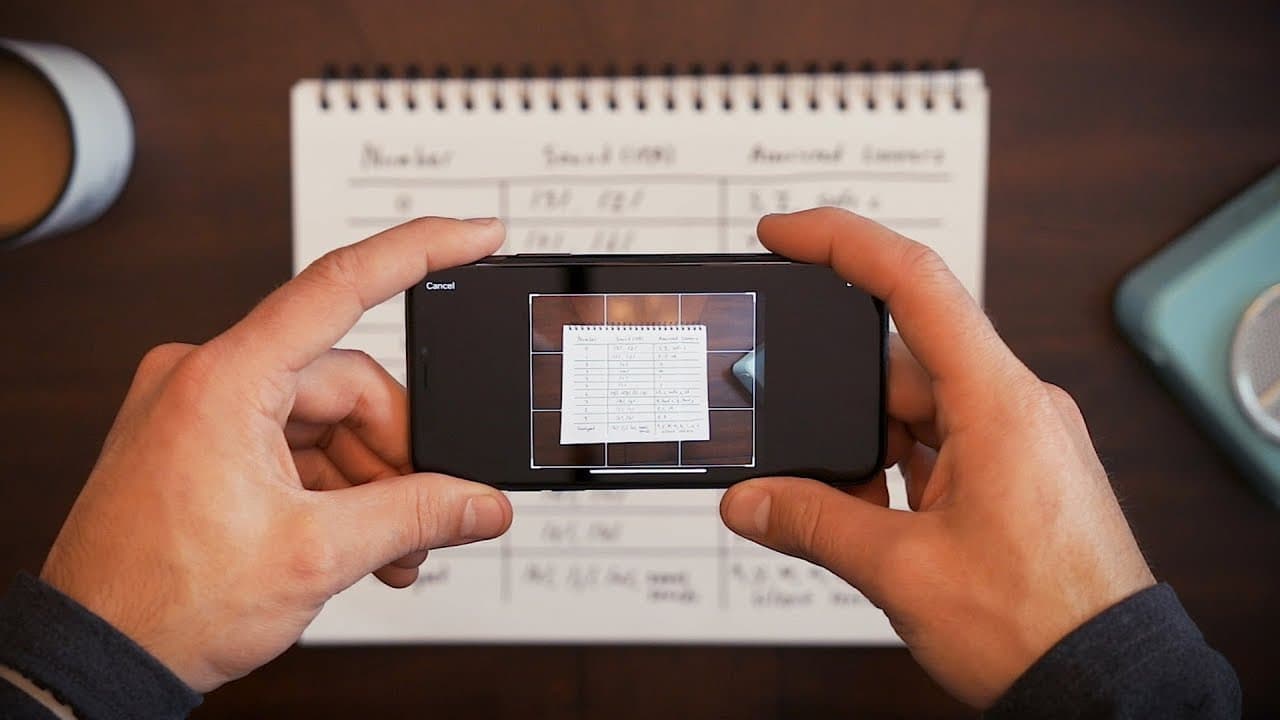
Screenshots can capture specific frames or diagrams from videos or articles for future reference. Programs like Greenshot offer more features and shortcuts for better screenshot management.
Q: How can note-taking be helpful for re-accessing information?
Note-taking applications, like Evernote, allow you to create and organize notes, add images, and bookmark them for easy access. They can be useful for complex subjects or visual references.
Q: Why is building a library important for re-accessing information?
Having physical and digital libraries, including audiobooks, provides a repository of information that can be easily referenced through bookmarks, notes, and timestamps.
Q: How can Audible help with re-accessing information in audiobooks?
Audible offers a platform with a vast library of audiobooks, allowing you to set bookmarks, add notes, and access it through their app. They also offer a free trial to explore their services.
Summary & Key Takeaways
-
Mnemonics and mental devices help us remember difficult information by creating pathways in our brains.
-
Expert Networks, like the ones Henry Ford relied on, provide access to experts who can answer any questions.
-
While Google is a useful tool, it has limitations, such as the problem of re-accessing information.
Read in Other Languages (beta)
Share This Summary 📚
Summarize YouTube Videos and Get Video Transcripts with 1-Click
Try YouTube Summary with ChatGPT & Claude or YouTube Transcript Generator
Explore More Summaries from Thomas Frank 📚




Summarize YouTube Videos and Get Video Transcripts with 1-Click
Try YouTube Summary with ChatGPT & Claude or YouTube Transcript Generator