How to Schedule a Text Message on Your iPhone
TL;DR
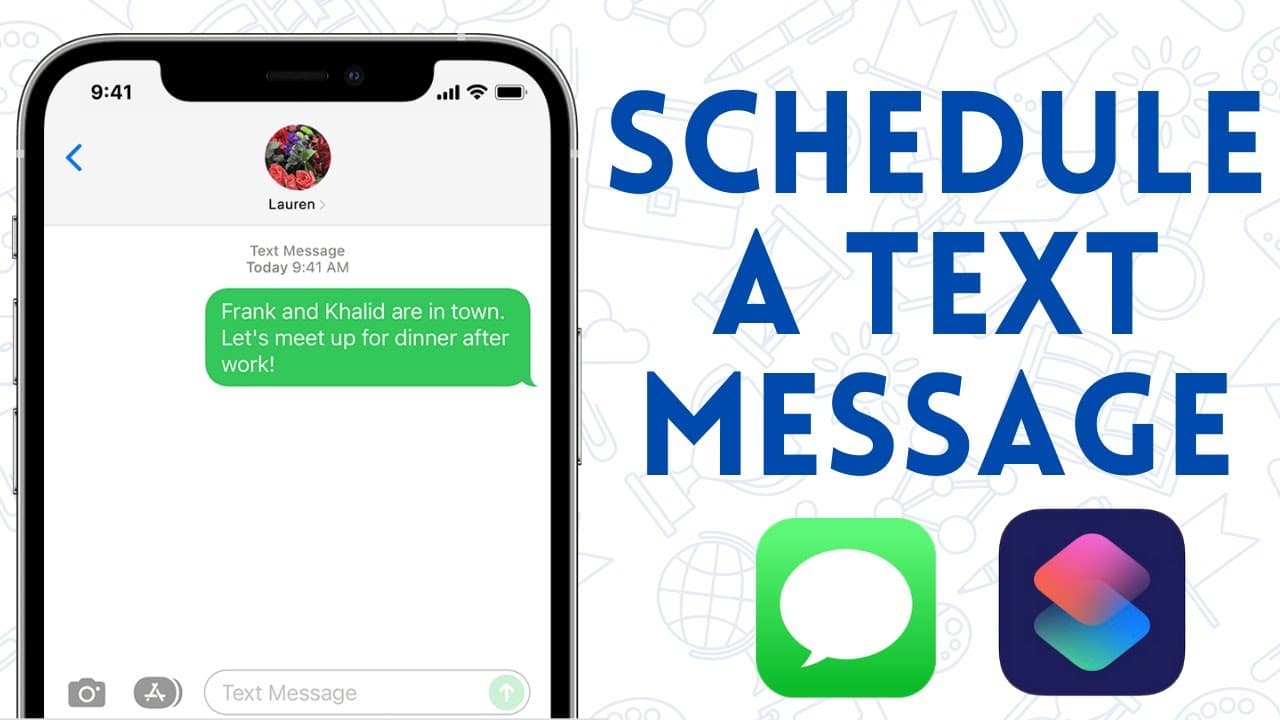
You can schedule a text message on your iPhone using the Shortcuts app by setting a specific time and selecting a recipient. Choose whether the message will repeat or be sent only once, and remember to delete the automation manually if it's a one-time message. This feature helps you automate reminders without needing to remember to send messages at the scheduled time.
Transcript
so the other day i had to send a text message as a reminder to someone very early in the morning and i was afraid that i was going to forget how to do it so i wondered if it was possible to automatically schedule an imessage with my iphone and after much research i found that it is kind of so let me explain how it will work you'll need to use the s... Read More
Key Insights
- 😀 The Shortcuts app allows users to schedule iMessage automations on their iPhone, saving time and effort.
- 😫 Recurring automations can be set for daily, weekly, or monthly messages.
- ⌛ One-time messages can be achieved by manually deleting the automation after it is sent.
- 😀 The app provides options to customize the message content and recipients.
- 🏃 Users can decide whether to be prompted before the automation runs or have it execute automatically.
- 😀 It is essential to have the Shortcuts app installed on your iPhone to create iMessage automations.
- 🛀 The example shows how the automation sends a message every month on the 23rd at 1:10 PM.
Install to Summarize YouTube Videos and Get Transcripts
Explore YouTube Video Summarizer or Get YouTube Transcript Extractor
Questions & Answers
Q: How can I automatically schedule an iMessage with my iPhone?
You can use the Shortcuts app to schedule iMessage automations by selecting the time of day, message content, and recipients.
Q: Can I set up one-time message automations?
While the automations are set to be recurring, you can manually delete them to ensure one-time messages are sent.
Q: Do I need to download the Shortcuts app?
If the app is not already on your iPhone, you can download it from the App Store to create iMessage automations.
Q: Can I customize the time and date for the automated messages?
Yes, you can choose the specific time and date for the message to be sent using the Shortcuts app.
Summary & Key Takeaways
-
The content explains how to schedule iMessage automations using the Shortcuts app on an iPhone.
-
By selecting the time of day, frequency, and recipients, you can set up automated messages.
-
These automations can be recurring, but you need to manually delete them for one-time messages.
Read in Other Languages (beta)
Share This Summary 📚
Summarize YouTube Videos and Get Video Transcripts with 1-Click
Try YouTube Summary with ChatGPT & Claude or YouTube Transcript Generator
Explore More Summaries from EdTech Hustle 📚




![Keynote: Remove The Background of Any Photo [Using Instant Alpha] thumbnail](/_next/image?url=https%3A%2F%2Fi.ytimg.com%2Fvi%2F0Ji-uTffzJE%2Fhqdefault.jpg&w=750&q=75)

Summarize YouTube Videos and Get Video Transcripts with 1-Click
Try YouTube Summary with ChatGPT & Claude or YouTube Transcript Generator