How to automate scraping with Apify and n8n
TL;DR
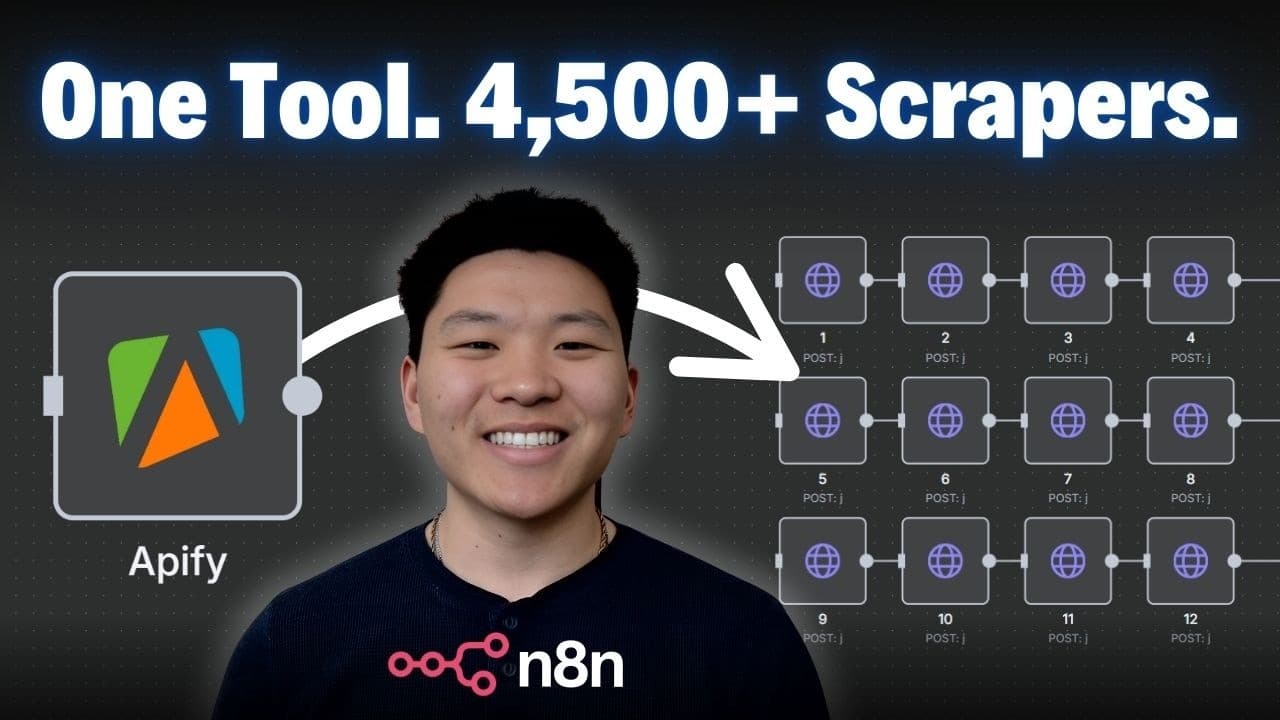
The video shows a two step method to start an Apify actor and then fetch the results, using n8n for no code automation. Start an actor via a run endpoint, wait for completion, then pull results with a get last run data endpoint. This enables scraping leads from Google Maps, TikTok, Instagram, and more without writing code.
Transcript
So, Apify is like a marketplace for actors, which essentially let us scrape anything on the internet. As you can see right here, we're able to explore 4,500 plus pre-built actors for web scraping and automation. And it's really not that complicated. An actor is basically just a predefined script that was already built for us that we can just send o... Read More
Key Insights
- Apify is a marketplace for actors, which are predefined scripts you can use to scrape data.
- An actor encapsulates a reusable scraping task that you can trigger remotely.
- There are over 4,500 pre built actors available for various scraping needs.
- A two step process is used: start the actor and then wait to pull the results.
- You can configure actors for different sources such as TikTok, LinkedIn, and Google Maps.
- You can start an actor via a run endpoint and fetch results later via a get last run data endpoint.
- The two step method is more reliable than synchronous runs in some cases.
- Using n8n with Apify enables no code automation for lead generation and research workflows.
Install to Summarize YouTube Videos and Get Transcripts
Explore YouTube Video Summarizer or Get YouTube Transcript Extractor
Questions & Answers
Q: How do you start an Apify actor using the API in a no code workflow?
To start an Apify actor in a no code workflow you call the run actor endpoint with a POST request and include a JSON body describing the task you want the actor to perform. This starts the process and returns an identifier which you can use to poll for results later. This avoids blocking until the actor finishes.
Q: What is the benefit of the two step method over synchronous runs?
The two step method avoids waiting for the actor to complete in a single request. You first start the actor and then poll for results, which is more reliable and allows you to handle long running tasks without timing out. It also makes it simpler to inspect intermediate status and costs.
Q: How can you pull the resulting data after starting the actor?
After starting the actor you use the get last run data endpoint to pull the resulting items. This approach lets you fetch only when the actor finishes and you can retrieve a set number of items such as 25 or 50, ensuring you get complete results before continuing.
Q: What example use cases are demonstrated for Apify in the video?
The video demonstrates scraping dentists in New York from Google Maps and mining TikTok videos with a specific hashtag. It also mentions collecting leads from Google Maps, Instagram comments, and Facebook posts, illustrating the platforms you can target with pre built actors.
Q: How does the video suggest configuring a TikTok scraper in Apify?
The TikTok scraper is configured by selecting a source actor and setting a hashtag like AI content, then choosing how many videos to return and optionally adding profiles or download options. The configuration is designed to be intuitive and similar to filling filters on an e commerce site.
Q: What is the discount code mentioned for Apify, and what does it offer?
The discount code mentioned is 30NATEHERK, which offers 30 percent off Apify credits. It is provided as part of a promotional link in the video description to encourage trying Apify for scraping tasks.
Q: How is no code automation with n8n integrated with Apify in the video?
The video explains connecting Apify to n8n by copying and pasting API endpoints and using HTTP requests within the no code automation tool. This integration lets you orchestrate starting an actor, waiting for completion, and fetching results without writing code.
Q: What guidance is given for handling varying result sizes in the workflow?
The guidance includes adjusting the input to change how many results you want, using a two step approach to wait between starting the actor and pulling results, and employing polling to re check until all results are ready. This ensures completeness when the number of results varies.
Summary & Key Takeaways
-
A practical no code guide demonstrates using Apify actors for web scraping and automation. It emphasizes a two step flow: start the actor and then retrieve the results. The method works with various data sources like Google Maps and TikTok. The video promotes a discount code for Apify.
-
The approach shown uses n8n to orchestrate API calls to Apify. It explains configuring the actor, sending a JSON body, and polling for results. Viewers learn to adapt the workflow for different scrape targets while maintaining a simple setup.
-
The video ends with tips on polling and waiting between steps to ensure data integrity. It also mentions potential use cases like lead generation and research workflows and invites viewers to try the provided discount code and resources.
Read in Other Languages (beta)
Share This Summary 📚
Summarize YouTube Videos and Get Video Transcripts with 1-Click
Try YouTube Summary with ChatGPT & Claude or YouTube Transcript Generator
Explore More Summaries from Nate Herk | AI Automation 📚






Summarize YouTube Videos and Get Video Transcripts with 1-Click
Try YouTube Summary with ChatGPT & Claude or YouTube Transcript Generator