How to Install Windows 10 on Raspberry Pi 4 Using ESXi
TL;DR
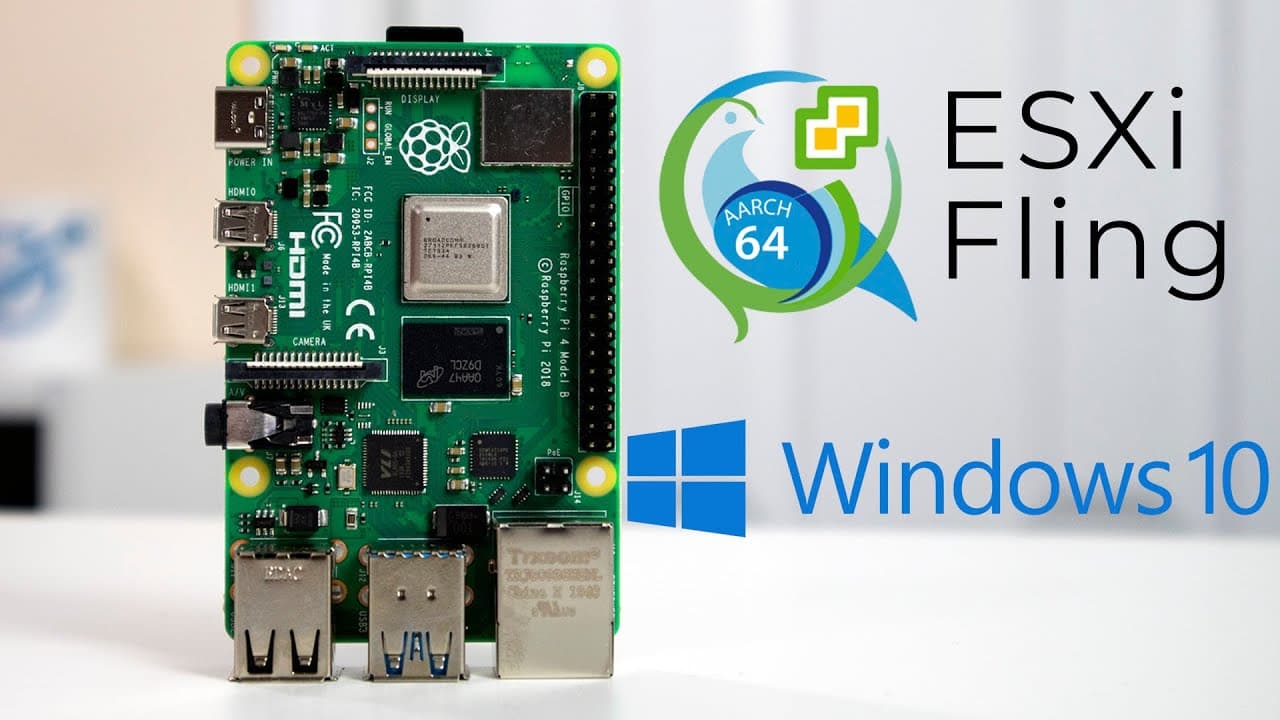
You can install Windows 10 ARM on Raspberry Pi 4 using ESXi, but performance varies. It’s recommended to use version 20H2 due to driver compatibility issues with newer versions. Networking requires a USB adapter since the onboard Ethernet doesn't work, and users experience improved responsiveness in a virtual environment compared to native installations.
Transcript
hey guys it's don here from nova spare tech and welcome back to the channel and today i'm going to be showing you guys windows 10 on arm on esxi forearm on the raspberry pi 4. so let's get started now if you guys haven't seen my previous videos on esxi on the raspberry pi 4 please do so because i am not going to be covering the installation process... Read More
Key Insights
- 🪟 Windows 10 can be effectively installed on ARM through ESXi on Raspberry Pi 4, extending its functionalities.
- 👶 A specific version of Windows (20H2) is recommended due to driver compatibility issues found in newer versions.
- 🐎 Performance improvements are noted in terms of speed and responsiveness when using a virtual environment versus a native setup.
- 💦 Networking through USB adapters is essential for connection, as onboard Ethernet does not work initially.
- 💻 Users can enable remote desktop access on Windows 10, improving usability by allowing operation without direct screen access.
- 🪛 Limitations in device drivers hinder 3D acceleration capabilities, impacting the performance of graphics-intensive applications.
- 🫠 Utilizing SSD storage enhances read/write speeds significantly, resulting in better overall system performance.
Install to Summarize YouTube Videos and Get Transcripts
Explore YouTube Video Summarizer or Get YouTube Transcript Extractor
Questions & Answers
Q: What challenges did the presenter face while installing Windows 10 on ARM?
The presenter faced difficulties with driver compatibility, particularly with the installation of the latest insider preview version of Windows 10, which was missing SATA drivers. This made it impossible to complete the installation without rolling back to the earlier 20H2 version, which has limited support for 64-bit applications.
Q: How does the performance of Windows 10 on Raspberry Pi 4 compare to a native installation?
Windows 10 installed via ESXi on the Raspberry Pi 4 performs significantly better than native installations primarily due to enhanced read and write speeds. The virtual setup allows for more efficient resource management, resulting in a more responsive experience for program launches and general navigation.
Q: What are the alternatives for connecting Ethernet during the installation?
The onboard Ethernet on the Raspberry Pi 4 is not functional out of the box when running Windows 10 on ARM. The presenter employed a USB passthrough using a Linksys USB network card to enable network connectivity, which is recommended for users attempting a similar setup.
Q: Can the presenter enable 3D acceleration while using Windows 10 on this setup?
No, the presenter noted that even though ESXi supports 3D acceleration, there are no available drivers to enable this feature in the current configuration. As a result, 3D support is not functional, which may limit certain applications that require hardware acceleration.
Q: What steps does the presenter recommend for the installation process?
The presenter outlines basic steps for setting up the virtual machine within ESXi, focusing on the initial configuration, including selecting the appropriate data store and adjusting the storage controller settings to SATA. He recommends following tutorials for ESXi installation on the Raspberry Pi 4, as the process does not differ significantly from previous versions.
Q: What improvements does the presenter notice in video playback within the OS?
The presenter found that video playback, such as streaming YouTube videos, was relatively smooth despite the limitations of running through a virtual console. The responsiveness was adequate for viewing content, even though it is not as fast as running natively due to the overhead introduced by virtualization.
Summary & Key Takeaways
-
The video demonstrates how to install Windows 10 on ARM using ESXi on a Raspberry Pi 4, focusing on recent updates that enable this setup.
-
The presenter mentions challenges with driver compatibility, specifically issues with 64-bit support and networking through the onboard ethernet, necessitating a USB passthrough for functionality.
-
The experience of running Windows 10 in a virtual environment is smoother compared to a native installation, with improved read/write speeds, but limitations exist in 3D acceleration and network performance.
Read in Other Languages (beta)
Share This Summary 📚
Summarize YouTube Videos and Get Video Transcripts with 1-Click
Try YouTube Summary with ChatGPT & Claude or YouTube Transcript Generator
Explore More Summaries from Novaspirit Tech 📚






Summarize YouTube Videos and Get Video Transcripts with 1-Click
Try YouTube Summary with ChatGPT & Claude or YouTube Transcript Generator