How Does Canva's Magic Grab Tool Work for Photo Editing?
TL;DR
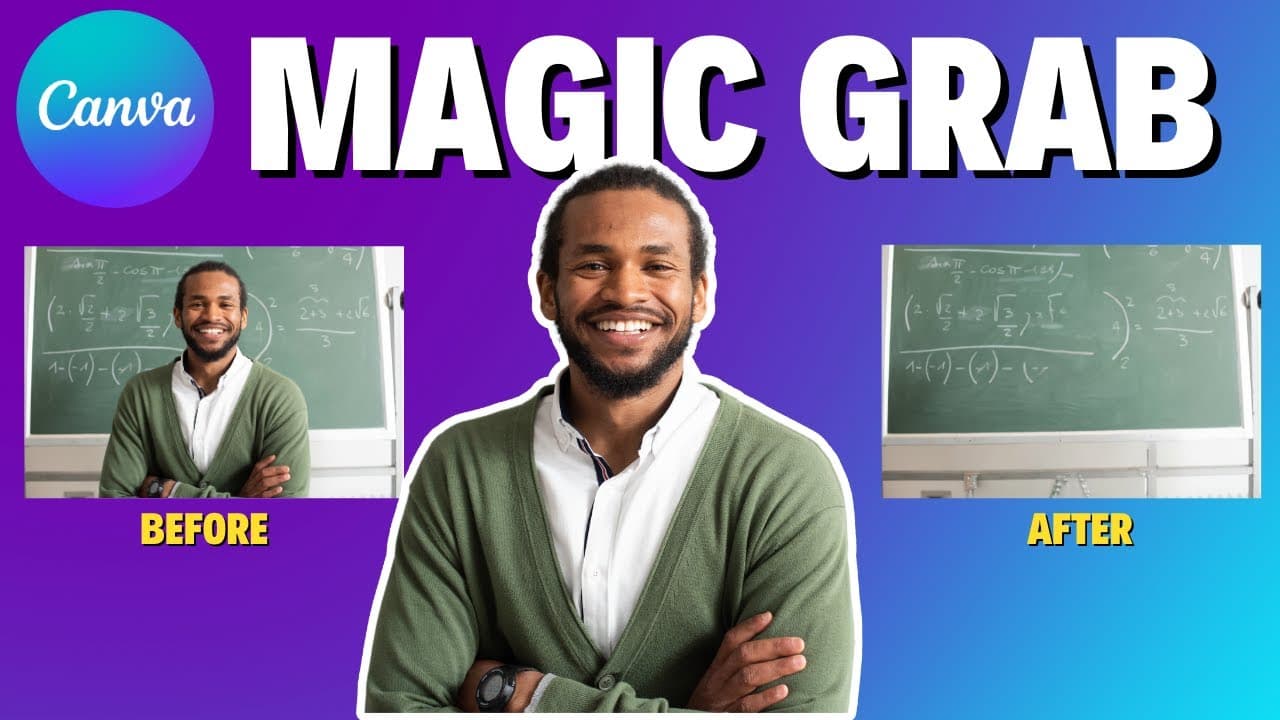
Canva's Magic Grab tool allows users to effortlessly manipulate the main subject of a photo by moving, resizing, or removing it while keeping the background intact. This AI feature can be used to create various visual effects, such as animating the subject or modifying the overall composition, making it an innovative option for enhancing designs.
Transcript
welcome to edtech hustle my name is Rich and today we're going to be learning about one of the brand new AI Tools in canva this one is called Magic grab let's get started so the other day I'm working on a thumbnail for the YouTube channel I clicked on my photo went to edit it and look there are three different AI Tools in Canada I'm going to be sho... Read More
Key Insights
- 👻 Canva's Magic Grab is a brand new AI tool that allows for easy manipulation of the main subject in photos.
- 👤 The tool preserves the background while users can freely move, resize, or even remove the subject.
- 📷 Magic Grab can be used to create animation effects or manipulate the composition of a photo.
- 🔨 While the tool is powerful, it may require experimentation to achieve realistic and desired results.
- ❓ Magic Grab is one of the several AI Tools offered by Canva, demonstrating the platform's commitment to innovative editing features.
- 🔨 The tool provides flexibility for both graphic designers and non-designers to create visually appealing content.
- 😃 Canva users can enhance their designs by utilizing Magic Grab to create eye-catching compositions.
Install to Summarize YouTube Videos and Get Transcripts
Explore YouTube Video Summarizer or Get YouTube Transcript Extractor
Questions & Answers
Q: How does Canva's Magic Grab work?
Magic Grab uses artificial intelligence to identify the main subject in a photo and allows users to manipulate it while preserving the background. It makes it easy to move, resize, or even remove the subject.
Q: Can Magic Grab be used to animate the subject in a photo?
Yes, Magic Grab can be used to create animation effects by using features like the "breathe" feature in Canva. Users can make the subject grow or shrink in front of the background, creating interesting visual effects.
Q: Are there any limitations to using Magic Grab?
While Magic Grab is a powerful tool, it may not always produce the desired results. In some cases, the edits made using the tool may not look realistic. It requires some experimentation and skill to achieve the desired outcome.
Q: Is Magic Grab available to all Canva users?
Magic Grab is expected to be available soon or may already be available in Canva accounts. It's recommended to check for updates or availability within your Canva account.
Summary & Key Takeaways
-
Canva's Magic Grab is one of the brand new AI Tools in Canva, allowing users to edit photos with ease.
-
The tool automatically identifies the main subject in a photo and allows users to move, resize, or remove it while preserving the background.
-
Magic Grab is versatile and can be used to create various effects, such as animating the subject or manipulating the composition of a photo.
Read in Other Languages (beta)
Share This Summary 📚
Summarize YouTube Videos and Get Video Transcripts with 1-Click
Try YouTube Summary with ChatGPT & Claude or YouTube Transcript Generator
Explore More Summaries from EdTech Hustle 📚
![Keynote: Remove The Background of Any Photo [Using Instant Alpha] thumbnail](/_next/image?url=https%3A%2F%2Fi.ytimg.com%2Fvi%2F0Ji-uTffzJE%2Fhqdefault.jpg&w=750&q=75)





Summarize YouTube Videos and Get Video Transcripts with 1-Click
Try YouTube Summary with ChatGPT & Claude or YouTube Transcript Generator