Products
Features
YouTube Video Summarizer
Summarize YouTube videos
Web & PDF Highlighter
Highlight web pages & PDFs
Chat with PDF
Ask any PDF questions with AI
Ask AI Clone
Chat with your highlights & memories
Audio Transcriber
Transcribe audio files to text
Glasp Reader
Read and highlight articles
Kindle Highlight Export
Export your Kindle highlights
Idea Hatch
Hatch ideas from your highlights
Integrations
Obsidian Plugin
Notion Integration
Pocket Integration
Instapaper Integration
Medium Integration
Readwise Integration
Snipd Integration
Hypothesis Integration
Apps & Extensions
Chrome Extension
Safari Extension
Edge Add-ons
Firefox Add-ons
iOS App
Android App
Discover
Discover
Ideas
Discover new ideas and insights
Articles
Curated articles and insights
Books
Book recommendations by great minds
Posts
Essays and notes from readers
Quotes
Inspiring quotes collection
Videos
Curated videos and summaries
Explore Glasp
Glasp Newsletter
Weekly insights and updates
Glasp Talk
Interview series with great minds
Glasp Blog
Latest news and articles
Glasp Use Cases
Learn how others use Glasp
Build & Support
Glasp API
Access Glasp's API for developers
MCP Connector
Connect Glasp to Claude & ChatGPT
Community
Glasp Reddit Community
Students
Student discount and benefits
FAQs
Frequently Asked Questions
AboutPricing
DashboardLog inSign up

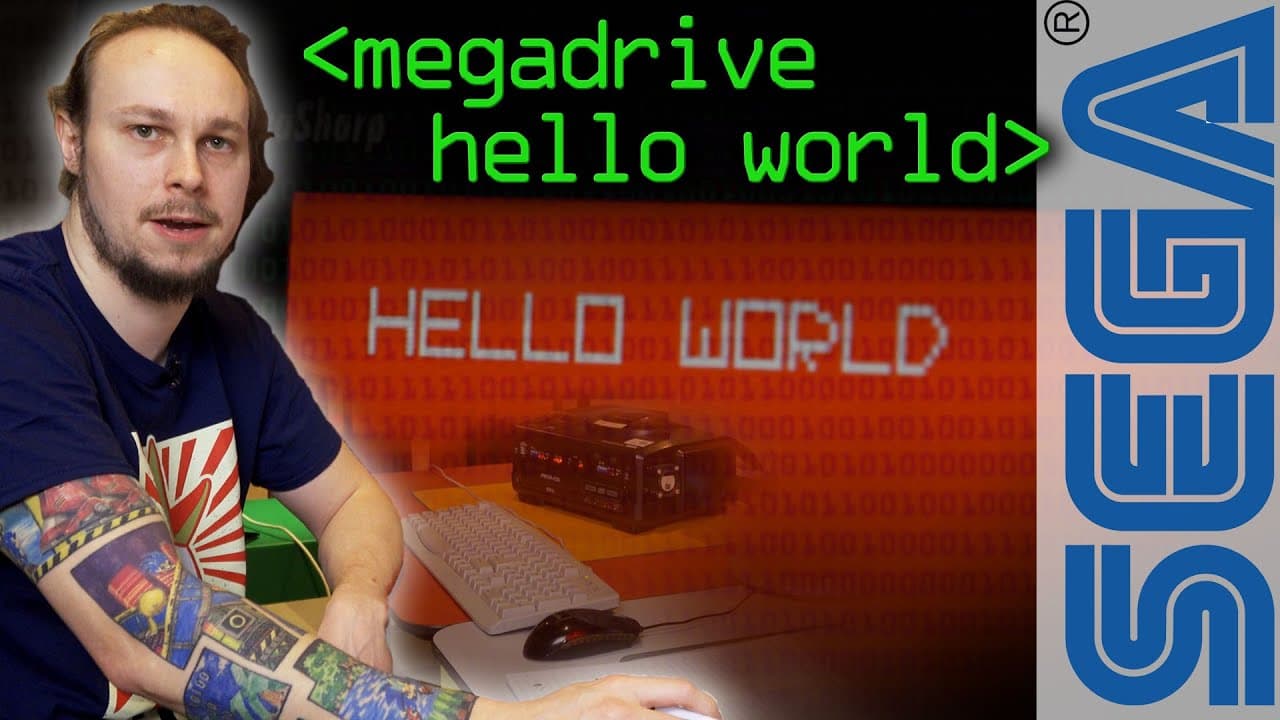
Hello World on Sega Megadrive - Computerphile

January 23, 2020
by
Computerphile
YouTube video player
Hello World on Sega Megadrive - Computerphile

TL;DR

This video tutorial demonstrates how to load graphic styles and text on the Sega Mega Drive using assembly language.

Transcript

this episode has been brought to you by fast hosts find out more about them later today we're gonna do hello world on the Mega Drive following on from the last video so this was a cross products mega drive development kit with mega CD kit built in from around 90 to 93 I use this to create Tanglewood which is the Sega Mega Drive that was released la... Read More

Key Insights

  • 🎮 The Sega Mega Drive development kit allowed developers to create games for the popular gaming console.
  • ❓ Developing for the Mega Drive required extensive knowledge of assembly language and graphics programming.
  • 🎨 The video demonstrates the step-by-step process of uploading palettes, designing tiles, and displaying text on the screen.

Install to Summarize YouTube Videos and Get Transcripts

Explore YouTube Video Summarizer or Get YouTube Transcript Extractor

Questions & Answers

Q: What programming language is used to develop on the Sega Mega Drive?

The Sega Mega Drive development kit uses assembly language for programming.

Q: Does the Sega Mega Drive have built-in fonts or text capabilities?

No, the Mega Drive doesn't have a text-mode system, built-in fonts, or an operating system. Developers must create their own font and text routines.

Q: How are graphics created on the Sega Mega Drive?

The Mega Drive uses a tile-based graphics processor. Graphics are composed of tiles, with each entry in a tile representing a specific palette color.

Q: Can multiple tiles be overlapped on the Sega Mega Drive?

Yes, the Mega Drive has multiple planes that can be scrolled independently and stacked to create layered effects with multiple overlapping tiles.

Summary & Key Takeaways

  • The video showcases the process of creating a basic font and uploading it to the Sega Mega Drive to display text on the screen.

  • The Mega Drive uses a tile-based graphics processor, which requires designers to upload tiles and assign palette colors to create graphics.

  • The tutorial explains the use of different planes in the Mega Drive to layer tiles and create overlapping effects.

  • The video also highlights the role of the fast hosts web hosting company in supporting UK businesses and entrepreneurs.


Read in Other Languages (beta)

English

Share This Summary 📚

Summarize YouTube Videos and Get Video Transcripts with 1-Click

Download browser extensions on:

Try YouTube Summary with ChatGPT & Claude or YouTube Transcript Generator

Explore More Summaries from Computerphile 📚
Computer Speeds - Computerphile thumbnail
Computer Speeds - Computerphile
Computerphile
What Is Transport Layer Security (TLS)? thumbnail
What Is Transport Layer Security (TLS)?
Computerphile
Bit Blit Algorithm (Amiga Blitter Chip) - Computerphile thumbnail
Bit Blit Algorithm (Amiga Blitter Chip) - Computerphile
Computerphile
SLAM Robot Mapping - Computerphile thumbnail
SLAM Robot Mapping - Computerphile
Computerphile
What Is Superfish and How It Enables Attacks? thumbnail
What Is Superfish and How It Enables Attacks?
Computerphile
Error Detection and Flipping the Bits - Computerphile thumbnail
Error Detection and Flipping the Bits - Computerphile
Computerphile

Summarize YouTube Videos and Get Video Transcripts with 1-Click

Download browser extensions on:

Try YouTube Summary with ChatGPT & Claude or YouTube Transcript Generator

Apps & Extensions

  • Chrome Extension
  • Safari Extension
  • Edge Add-ons
  • Firefox Add-ons
  • iOS App
  • Android App

Key Features

  • YouTube Video Summarizer
  • Web & PDF Summarizer
  • Web & PDF Highlighter
  • Chat with PDF
  • Ask AI Clone
  • Audio Transcriber
  • Glasp Reader
  • Kindle Highlight Export
  • Idea Hatch

Integrations

  • Obsidian Plugin
  • Notion Integration
  • Pocket Integration
  • Instapaper Integration
  • Medium Integration
  • Readwise Integration
  • Snipd Integration
  • Hypothesis Integration

More Features

  • APIs
  • MCP Connector
  • Blog & Post
  • Embed Links
  • Image Highlight
  • Personality Test
  • Quote Shots

Company

  • About us
  • Blog
  • Community
  • FAQs
  • Job Board
  • Newsletter
  • Pricing
Terms

•

Privacy

•

Guidelines

© 2026 Glasp Inc. All rights reserved.