How to Install a GPU in a DELL R810 Server for Streaming?
TL;DR
To install a GPU in a DELL R810 server for ultra-low latency streaming, use compatible graphics cards like the 750 Ti or ATI 5450 that don’t require extra power. Configure GPU passthrough in Proxmox by modifying system files, and consider using software like Moonlight, Sunshine, or Rainway for effective streaming performance across various hardware setups.
Transcript
hey guys what's going on it's don here from nova spare tech and welcome back to the channel and today i got a really exciting episode for you guys which is installing a gpu into our r810 server which you can see on my previous video for all the specs and everything but that's not the exciting part the exciting part is actually the software that we'... Read More
Key Insights
- ✊ The video emphasizes the importance of selecting appropriately sized graphics cards that can operate without extra power requirements for server installations.
- 🛟 Successful GPU passthrough requires careful configuration of system files and server settings, underscoring the complexity of virtual machine management.
- 📭 The integration of open-source software like Moonlight offers versatile solutions for low-latency demands in gaming and remote access on Linux and other platforms.
- 👤 Users are provided with actionable links to detailed guides for troubleshooting and setup, promoting community engagement and knowledge sharing.
- 👤 The performance testing indicates that while all three software solutions are effective for streaming, user experience may depend on hardware compatibility and software architecture.
- 🎮 The highlight of the video is the author's excitement about the potential of GPU-enhanced streaming capabilities in various use cases, from gaming to remote work.
- 😊 Attention is brought to the importance of account management and software dependency, as users weigh the pros and cons of each streaming solution based on their preferences.
Install to Summarize YouTube Videos and Get Transcripts
Explore YouTube Video Summarizer or Get YouTube Transcript Extractor
Questions & Answers
Q: What GPUs are recommended for installation in the R810 server?
The video suggests using a 750 ti and an ATI 5450, as both cards do not require external power connectors. The 750 ti is an OEM version, while the ATI 5450 is typically found in older desktop models. The need for compatibility with the server's physical space is emphasized, as larger cards like the 1070 may not fit.
Q: How do you set up GPU passthrough in Proxmox?
To enable GPU passthrough, you must modify the grub file by adding "intel_iommu=on" and updating the grub. Following this, reboot the server and add the GPU as a PCI device in the VM settings, ensuring to adjust the configuration file by removing specific dot suffixes for successful passthrough.
Q: What are the differences between Moonlight, Sunshine, and Rainway for streaming?
Moonlight requires an Nvidia GPU and excels in gaming due to hardware support. Sunshine allows flexibility with various graphic cards (Nvidia, ATI, Intel) without account creation. Rainway also supports multiple platforms and runs via a browser but requires account registration, making Sunshine more appealing for users preferring fewer accounts.
Q: Can you use remote desktop applications with these streaming options?
Yes, remote desktop applications can be integrated. However, it’s noted that RDP may encounter issues with graphics. Alternatives like VNC are recommended, and the video demonstrates how to set up and connect via VNC for seamless streaming of desktops with the chosen software.
Summary & Key Takeaways
-
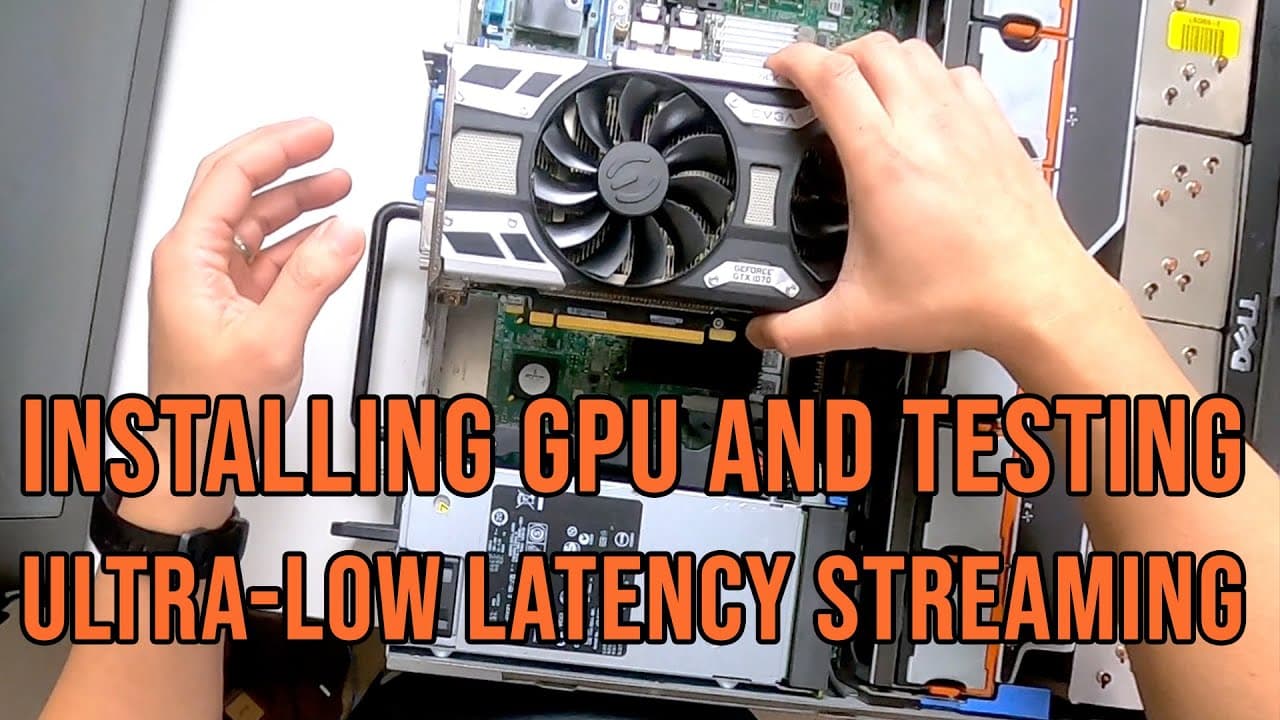
The video demonstrates the installation of two graphics cards, a 750 ti and an ATI 5450, into an R810 server, facilitating improved streaming performance.
-
The presenter explores three software solutions—Moonlight, Sunshine, and Rainway—for low-latency streaming, highlighting their compatibility with different hardware configurations.
-
Key modifications in the Proxmox server settings are provided, offering step-by-step instructions to ensure successful GPU passthrough for virtual machines.
Read in Other Languages (beta)
Share This Summary 📚
Summarize YouTube Videos and Get Video Transcripts with 1-Click
Try YouTube Summary with ChatGPT & Claude or YouTube Transcript Generator
Explore More Summaries from Novaspirit Tech 📚






Summarize YouTube Videos and Get Video Transcripts with 1-Click
Try YouTube Summary with ChatGPT & Claude or YouTube Transcript Generator