How to build agents with OpenAI Agent Toolkit
TL;DR
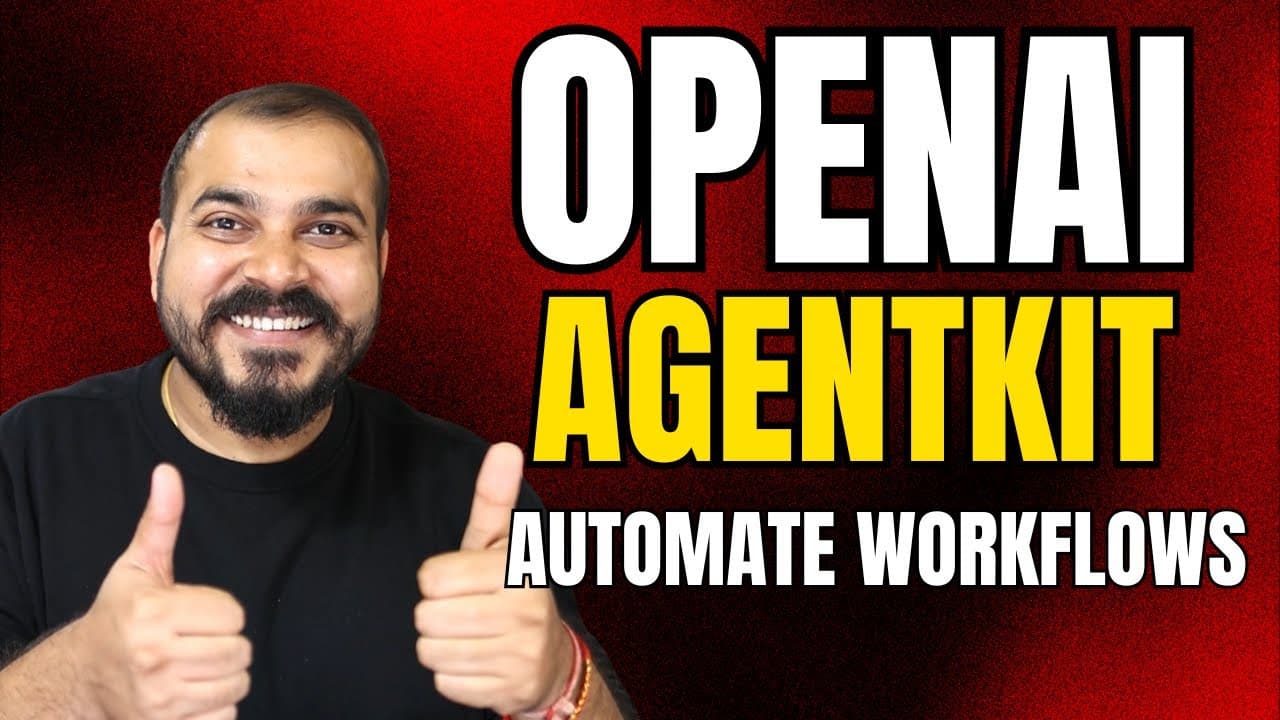
The video shows how to use OpenAI’s agent toolkit to create, deploy and optimize automated workflows through an agent builder with drag and drop. It highlights apps in ChatGPT, revenue sharing for developers, templates like internal knowledge assistants, and the option to add tools such as web search to agents, enabling automated task handling.
Transcript
Hello all, my name is Krishna and welcome to my YouTube channel. So guys, uh just a day back OpenAI has definitely made some of the amazing announcements recently and uh in this specific video I'm going to talk about that particular announcements along with that uh one specific announcement was related to open AI toolkit. Uh now in this specific vi... Read More
Key Insights
- OpenAI announces the agent toolkit as a complete set of tools for developers and enterprises to build deploy and optimize agents
- Agent builder enables drag and drop style workflow creation and includes templates such as internal knowledge assistant and customer service
- Workflows can route inputs to different agents using conditional logic like if-else statements and output text based triggers
- Context can be added to prompts to influence agent behavior and outputs within the workflow
- Agents can be configured with prompts, model selection, and parameters such as verbosity and output format
- Tools can be added to agents including web search to enable real time information gathering
- The system supports different output formats including JSON widgets to structure responses
- Apps in ChatGPT allow direct app interactions inside the chat interface and may include revenue sharing for developers
- More videos from this channel:
- More from this channel: Krish Naik
Install to Summarize YouTube Videos and Get Transcripts
Explore YouTube Video Summarizer or Get YouTube Transcript Extractor
Questions & Answers
Q: What is the OpenAI agent toolkit and why is it important for developers?
The OpenAI agent toolkit is presented as a complete set of tools for developers and enterprises to build deploy and optimize agents. It aims to simplify the creation process by replacing fragmented tools and complex orchestration with a unified builder. This enables faster development, easier maintenance, and scalable deployment of automated workflows across various use cases.
Q: How does the agent builder work and what features does it offer?
The agent builder provides a drag and drop interface to assemble workflows. It includes templates such as internal knowledge assistant and customer service to jumpstart projects. Users can define prompts, select the model, adjust reasoning effort, and configure output formats. It also supports context sharing and conditional logic to route tasks to different agents based on input.
Q: What role do context and prompts play in agent workflows?
Context and prompts are used to guide agent behavior and outputs. Context can be added to establish background information or constraints for the task, while prompts specify how the model should respond. Together they determine the agent’s reasoning process and the type of output produced, enabling more accurate and relevant results.
Q: How is conditional routing achieved in the demo and what can it handle?
Conditional routing is achieved with if-else logic that examines the output of a prior step and directs the flow to the appropriate agent. This enables different pathways such as blog generation or article writing based on the classified query. The approach supports complex decision trees and ensures tasks are handled by specialized agents.
Q: What kinds of tools can be added to agents and why are they useful?
Tools can include web search and other connectors to retrieve up to date information or perform actions beyond the model’s inherent capabilities. This expands the agent’s practical usefulness by enabling real time data gathering, verification, and capability chaining, which leads to more robust and useful automated workflows.
Q: What is the significance of apps in ChatGPT and potential revenue sharing for developers?
Apps in ChatGPT allow direct interaction with external services such as booking, music, or design tools within the chat. The potential revenue sharing means developers can monetize their apps by integrating them into ChatGPT, creating a pathway for commercial collaborations and broader adoption of third party tools within the ChatGPT ecosystem.
Q: How does the video demonstrate a practical end-to-end flow using the toolkit?
The video demonstrates an end-to-end flow starting with a query classifier that routes to either a blog or article agent. It then shows the chosen agent generating long-form content, with prompts and context guiding the output. The session includes real time execution and adjustments to ensure the final result meets the target format.
Q: What future capabilities or enhancements are hinted at for the agent toolkit and related apps?
The video hints at ongoing enhancements such as expanding templates, improving integration options with more apps in ChatGPT, and expanding revenue sharing opportunities for developers. It also suggests broader use of web searches and structured output formats to improve interoperability and usefulness of automated workflows across platforms.
Summary & Key Takeaways
-
The speaker introduces OpenAI agent toolkit and agent builder designed to simplify building automated workflows. The flow uses drag and drop, templates, and context to define tasks and routing. It emphasizes ease of creating classifiers and dispatching tasks to specialized agents.
-
The video demonstrates practical examples like blog or article generation paths. It shows conditional logic using if-else, context passing, and how to connect different agents for tailored outputs. It illustrates how tools such as web search can be integrated.
-
The video concludes with a demonstration of executing a flow, producing a blog or article depending on the classification, and mentions apps in ChatGPT as a broader integration path and revenue sharing potential for developers.
Read in Other Languages (beta)
Share This Summary 📚
Summarize YouTube Videos and Get Video Transcripts with 1-Click
Try YouTube Summary with ChatGPT & Claude or YouTube Transcript Generator
Explore More Summaries from Krish Naik 📚
Summarize YouTube Videos and Get Video Transcripts with 1-Click
Try YouTube Summary with ChatGPT & Claude or YouTube Transcript Generator