How to use Gemini CLI open source AI tool
TL;DR
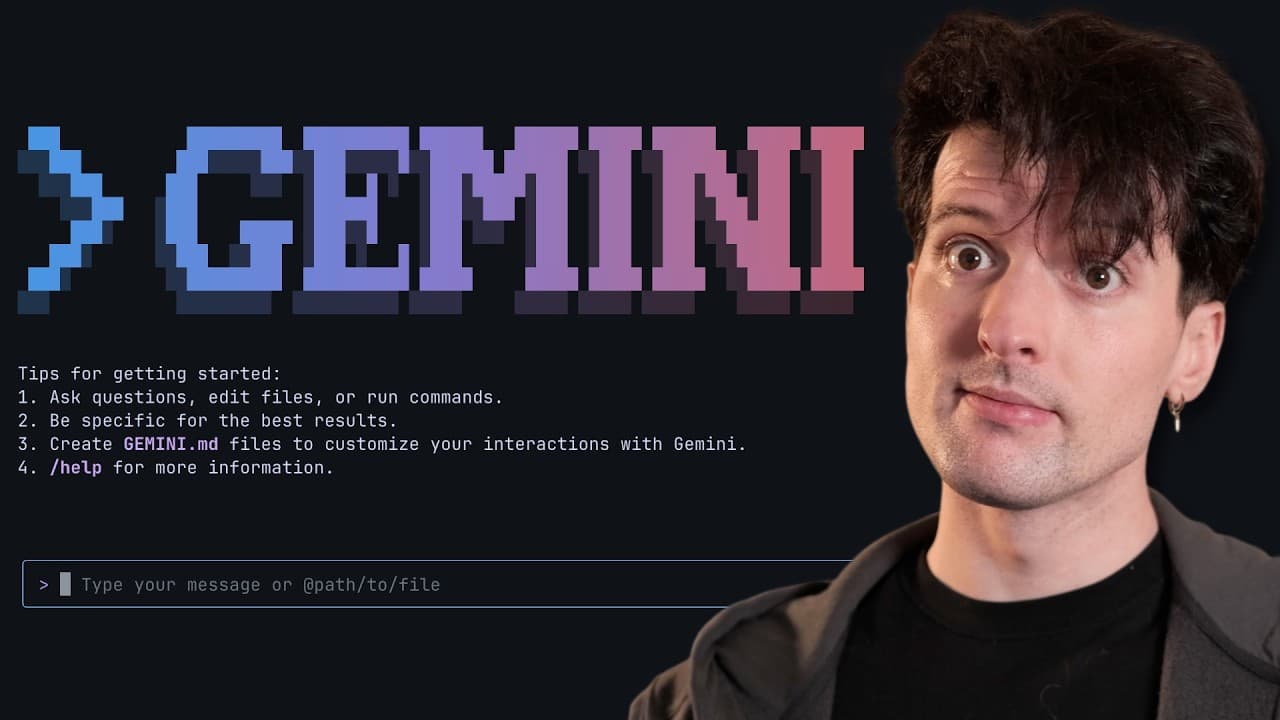
Gemini CLI is released as an open source AI agent that runs in the terminal. It is presented as a versatile tool for coding, content creation, research, and task management, with tight integration to Gemini and the Gemini Code Assist. The video also highlights pricing comparisons and the open source licensing details.
Transcript
Another day, yet another CLI for doing AI code gen just dropped. I didn't think we would see Google participate in this race. I really didn't, but it seems like they're more and more scared of the things that are happening on the anthropic side. They want to make sure they're ahead in every single possible way. The Gemini CLI just dropped and it is... Read More
Key Insights
- Gemini CLI is open source under the Apache 2 license, with some copyright fields omitted in the repository.
- Exa is promoted as a useful search tool for AI workflows and is shown via a code example to illustrate usage.
- Gemini CLI provides lightweight access to Gemini and can be used for tasks beyond coding, including research and content generation.
- Pricing is discussed with a focus on per 1,000 or per 1,000,000 token costs, highlighting cost sensitivity for developers.
- Google’s pricing is compared to Claude’s pricing, emphasizing the potential price competition in the AI tooling space.
- The video notes that Gemini Code Assist has unique plan constraints and mentions free tier generosity and premium model considerations.
- There is emphasis on the competitive dynamics of the AI race, including open source and open standards for tooling.
- Open source releases and licensing practices are presented as a strategic move to attract developers to Google's ecosystem.
- More videos from this channel:
- More from this channel: Theo - t3․gg
Install to Summarize YouTube Videos and Get Transcripts
Explore YouTube Video Summarizer or Get YouTube Transcript Extractor
Questions & Answers
Q: How to use Gemini CLI with open source licensing in a developer workflow
Gemini CLI is presented as an open source AI agent that runs in the terminal and provides lightweight access to Gemini. In a developer workflow, you install the CLI, connect it to Gemini through open source tooling, and use it to prompt the model directly from the terminal for coding, research, and content tasks. The integration with VS Code and the Kept in mind openness of the license is highlighted as enabling broad usage and customization.
Q: What is the cost model for Gemini CLI and related Gemini Code Assist
The video discusses pricing in terms of per 1,000 requests and token based costs for prompts and outputs. It notes a rate of $5 per 1,000 requests and compares this with Google grounding at $35 per thousand requests. It also explains that Gemini Code Assist has pricing tiers where prompts may cost $2.50 per million input tokens and outputs may cost $15 per million tokens, with potential free and premium usage depending on the plan.
Q: How does Exa sponsorship relate to the video content
Exa sponsorship is presented as a sponsor for the video, with the host endorsing Exa as a powerful search tool for AI workflows. The sponsor segment includes a live coding example showing how to create an Exa instance, perform a search, and use the results in AI workflows, illustrating practical usage of Exa within a development context.
Q: What are the practical benefits of Gemini CLI for developers
Gemini CLI is described as bringing Gemini directly into developers’ terminals, enabling prompt driven AI first coding in both VS Code and the Gemini CLI. It is positioned as versatile for content generation, problem solving, deep research, and task management, with the possibility to execute tasks without relying on web interfaces and with richer terminal integration.
Q: What contrasting pricing points are highlighted between providers
The video contrasts Google’s $5 per 1,000 requests with a $35 per 1,000 request grounding for models, suggesting significant cost differences. It also compares Claude Code pricing, mentioning a higher plan that facilitates extended usage, and explains how different providers structure inputs and outputs costs in token terms, which affects total day to day expenses.
Q: Why is there emphasis on open source in Gemini CLI release
The host emphasizes open source to show transparency and broad accessibility, noting the Apache 2 license and the absence of full copyright details in the repository. The messaging frames open source as a strategic move to invite community participation, faster iteration, and a more flexible ecosystem around Gemini tooling.
Q: What is the role of VS Code integration in Gemini CLI
The video notes the integration with VS Code, highlighting that Gemini CLI embraces existing development environments rather than forcing new interfaces. This implies smoother adoption by developers who already use VS Code, enabling prompt driven AI assistance within a familiar editor and workflow.
Q: What are the key caveats or caveat points mentioned about usage
Caveats include the cost implications of large token and request volumes, potential premium pricing for certain model plans, and the general caveat that even open source releases require careful consideration of licensing and usage terms. The content also cautions about the real world costs of running models and the strategic competition in pricing across providers.
Summary & Key Takeaways
-
Gemini CLI is introduced as an open source AI agent for terminals, emphasizing direct access to Gemini from prompts.
-
The video explains Gemini CLI integrates with Google's Gemini code assist and supports VS Code, aiming for broad developer workflows.
-
The sponsor segment discusses Exa as a search tool and contrasts pricing with other providers, noting cost implications for developers.
Read in Other Languages (beta)
Share This Summary 📚
Summarize YouTube Videos and Get Video Transcripts with 1-Click
Try YouTube Summary with ChatGPT & Claude or YouTube Transcript Generator
Explore More Summaries from Theo - t3․gg 📚





Summarize YouTube Videos and Get Video Transcripts with 1-Click
Try YouTube Summary with ChatGPT & Claude or YouTube Transcript Generator