Budget-Friendly YouTube Studio Setup for Beginners
TL;DR
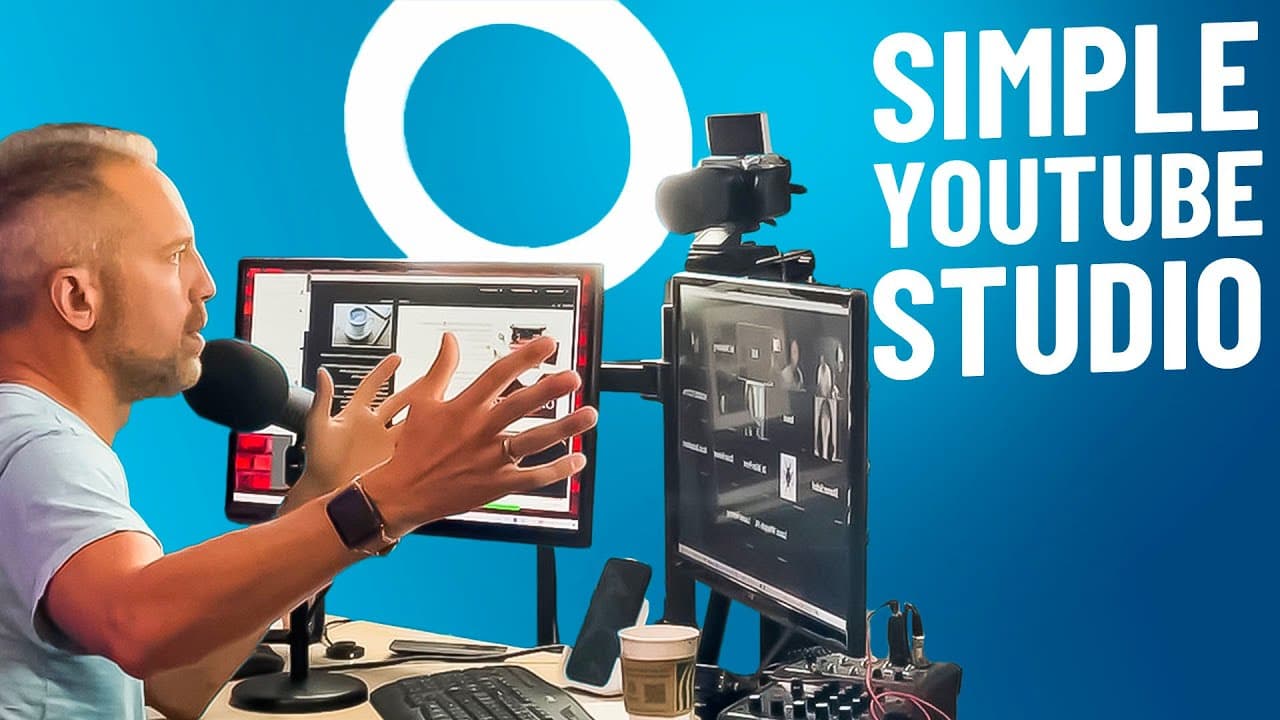
Create a professional YouTube studio setup in a small space with affordable equipment. Use a vinyl backdrop to enhance your background, a reliable camcorder for recording, and an Audio Technica ATR 2100 microphone for top-notch audio. Illuminate your space with an 18-inch ring light and utilize Restream software for seamless recording and live streaming.
Transcript
today I'm going to show you a very simple home YouTube Studio setup where you can record tons of YouTube videos that look fantastic using just a very small area of space today's video is designed for the beginner or someone who just doesn't want to spend a lot of money making great YouTube videos let's get started I'm Owen video now the room I'm go... Read More
Key Insights
- 🎮 A vinyl backdrop can easily transform a plain wall into an exciting background for YouTube videos.
- ✊ Camcorders are recommended over DSLR cameras for their simplicity, unlimited power, and focus capabilities.
- 🤢 The cam link 4K adapter enables the connection of a camcorder to a computer for use as a webcam.
- 🔊 The Audio Technica ATR 2100 microphone is versatile and provides high-quality sound for YouTube videos.
- 🙂 An 18-inch ring light is recommended for professional lighting in YouTube videos.
- 👻 Restream software allows for easy recording and live streaming of YouTube videos, as well as additional features like adding guests and sharing screens.
- 😫 The recommended YouTube studio setup is budget-friendly and can be easily set up in a small area.
Install to Summarize YouTube Videos and Get Transcripts
Explore YouTube Video Summarizer or Get YouTube Transcript Extractor
Questions & Answers
Q: Why is a vinyl backdrop recommended for YouTube studio setups?
A vinyl backdrop is recommended because it can easily transform a plain wall into an exciting background for your videos. It is affordable, comes in different sizes, and can be easily attached and removed without damaging the wall.
Q: Why is a camcorder recommended instead of a DSLR camera for recording YouTube videos?
A camcorder is recommended because it is simpler to use, designed for hours of recording without overheating, and does not require additional memory cards. It easily plugs into a household socket for unlimited power and ensures that your videos are always in focus.
Q: How can I connect my camcorder to my computer for use as a webcam?
You can connect your camcorder to your computer using a cam link 4K adapter. You will need an HDMI micro to HDMI extension cord to connect the camcorder to the cam link 4K. The cam link 4K will then plug into your computer, turning your camcorder into a webcam that you can control from your computer.
Q: What microphone is recommended for YouTube videos?
The Audio Technica ATR 2100 microphone is recommended because it can be used as both a USB microphone and an XLR microphone. It comes with all the necessary cords for connecting it directly to your computer. It provides high-quality audio and is easy to move around with a tabletop stand.
Summary & Key Takeaways
-
Create a YouTube studio setup in a small space using affordable equipment like a vinyl backdrop, camcorder, tripod, cam link 4K adapter, microphone, ring light, and Restream software.
-
The vinyl backdrop can easily transform a plain wall into an exciting background for your videos.
-
Use a camcorder with unlimited power, high-quality recording, and no focus issues, and connect it to your computer using a cam link 4K adapter. Use an Audio Technica ATR 2100 microphone for clear audio. Illuminate your videos with an 18-inch ring light for professional lighting. Use Restream software for recording and live streaming.
Read in Other Languages (beta)
Share This Summary 📚
Summarize YouTube Videos and Get Video Transcripts with 1-Click
Try YouTube Summary with ChatGPT & Claude or YouTube Transcript Generator
Explore More Summaries from Owen Video 📚






Summarize YouTube Videos and Get Video Transcripts with 1-Click
Try YouTube Summary with ChatGPT & Claude or YouTube Transcript Generator