How to Integrate TestNG with Selenium in Java
TL;DR
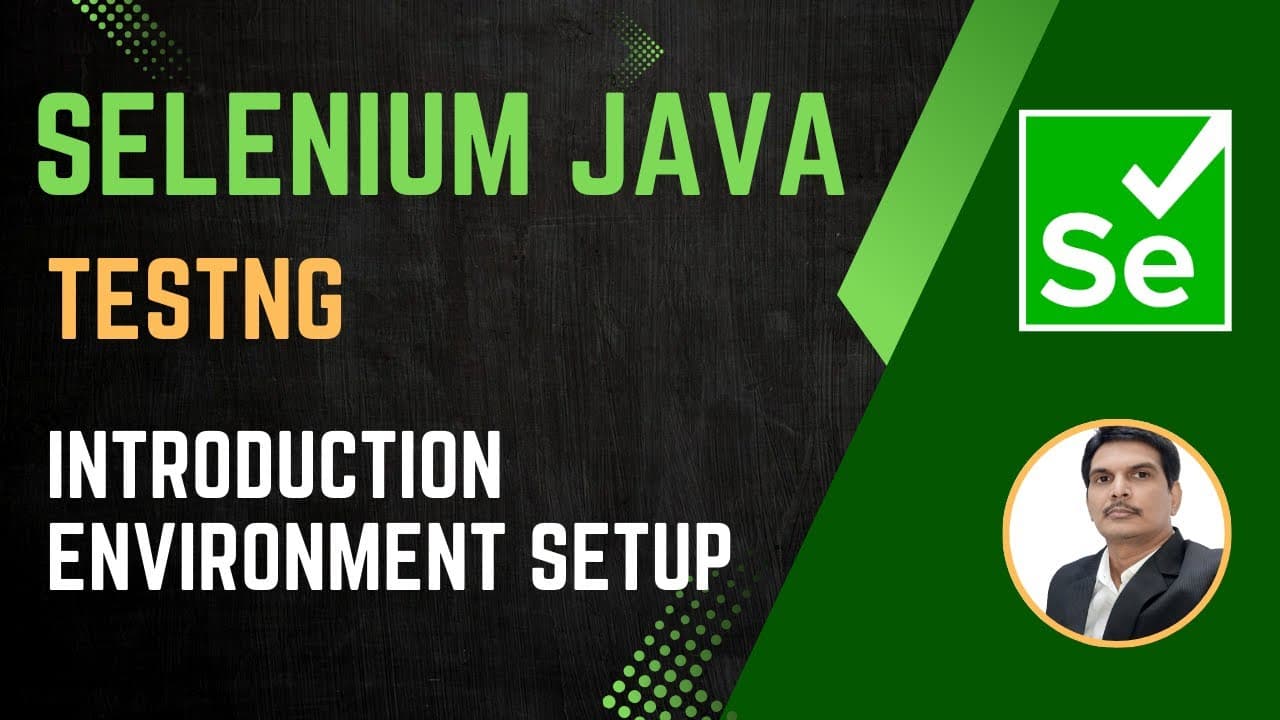
Integrating TestNG with Selenium in Java enhances your testing framework by allowing structured test case creation through annotations like @Test, enabling features such as grouping, parallel execution, and detailed reporting. To get started, install TestNG via the Eclipse Marketplace, then add it to your project, and create test cases without needing a main method.
Transcript
so from today we're going to start test NG so first of all we'll see the introduction uh what is test NG and uh so what are the different uh features uh we have in test NG and how we can use it in our automation so we'll see that and then we'll see configuration how we can configure test NG in our eclipse and uh then we will start writing test ... Read More
Key Insights
- TestNG is a Java-based unit testing framework designed for unit testing, providing features like grouping, parallel testing, and report generation.
- TestNG allows for the creation of test cases in a structured manner without the need for a main method, using annotations like @Test.
- The framework supports the execution of test cases based on priority, allowing for control over the order of execution.
- TestNG can execute tests in parallel across multiple browsers, reducing execution time significantly.
- The framework facilitates parameterization, enabling the passing of parameters such as browser names and test data at runtime.
- TestNG provides built-in reports, though they can be enhanced with tools like Extent Reports for better visualization.
- XML files play a crucial role in TestNG for executing multiple test cases as a suite and generating reports.
- TestNG's flexibility allows for the integration of additional libraries and tools to extend its capabilities beyond basic web automation.
Install to Summarize YouTube Videos and Get Transcripts
Explore YouTube Video Summarizer or Get YouTube Transcript Extractor
Questions & Answers
Q: What is TestNG and why is it used?
TestNG is a Java-based unit testing framework designed to simplify a wide range of testing needs, from unit testing to integration testing. It is used to create structured test cases and offers advanced features like grouping, prioritization, parallel execution, and comprehensive reporting, making it an essential tool for Selenium automation.
Q: How does TestNG handle test execution order?
TestNG executes test methods in alphabetical order by default. However, it allows users to control the execution order using the priority attribute in the @Test annotation. By assigning numerical priorities, users can dictate the sequence in which test methods are executed, overriding the default alphabetical order.
Q: What role do XML files play in TestNG?
XML files in TestNG are crucial for defining and executing test suites. They allow users to specify which test classes to run and manage configurations for grouping, parameterization, and parallel execution. XML files also facilitate the generation of TestNG reports, providing a structured approach to managing and executing tests.
Q: Can TestNG support parallel test execution?
Yes, TestNG supports parallel test execution, which can significantly reduce the overall execution time. This is achieved by configuring the XML file with appropriate attributes to run test methods or classes in parallel across multiple threads or browsers, making it highly efficient for large test suites.
Q: How does TestNG facilitate parameterization?
TestNG facilitates parameterization by allowing users to pass parameters to test methods at runtime. This is done through XML configuration files, where parameters such as browser types, environment details, or test data can be specified, enabling dynamic and flexible test execution across different scenarios.
Q: What are the benefits of using TestNG with Selenium?
Integrating TestNG with Selenium enhances test automation by providing structured test case management, execution control through priorities, parallel execution capabilities, and built-in report generation. It also allows for grouping and parameterization, making the automation framework more robust and scalable.
Q: How does TestNG generate reports?
TestNG generates built-in reports automatically when tests are executed using XML files. These reports include details about test execution, such as the number of tests passed, failed, or skipped. While TestNG's default reports are basic, they can be enhanced with tools like Extent Reports for more detailed and visually appealing outputs.
Q: What is the significance of annotations in TestNG?
Annotations in TestNG, such as @Test, are crucial for defining test methods and controlling their execution. They replace the need for a main method, allowing for more structured and flexible test case management. Annotations also enable features like prioritization, parameterization, and setup/teardown configurations, making them integral to the TestNG framework.
Summary & Key Takeaways
-
TestNG is a robust Java-based unit testing framework that enhances Selenium automation by providing advanced features like grouping, parallel execution, and comprehensive reporting capabilities.
-
The framework eliminates the need for a main method by using annotations such as @Test, enabling structured test case creation and execution based on priorities.
-
TestNG's XML configuration files are pivotal for managing and executing test suites, allowing for the integration of additional features like parameterization and enhanced reporting.
Read in Other Languages (beta)
Share This Summary 📚
Summarize YouTube Videos and Get Video Transcripts with 1-Click
Try YouTube Summary with ChatGPT & Claude or YouTube Transcript Generator
Explore More Summaries from SDET- QA 📚
Summarize YouTube Videos and Get Video Transcripts with 1-Click
Try YouTube Summary with ChatGPT & Claude or YouTube Transcript Generator