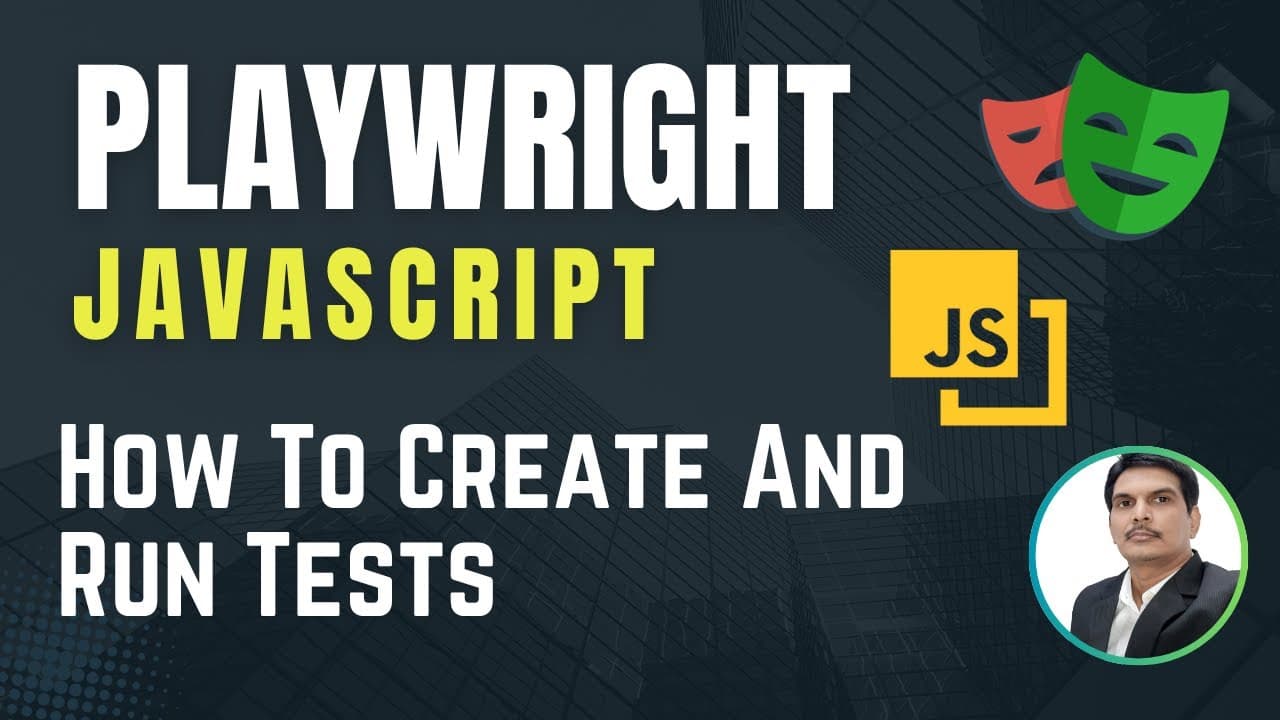
How to Create and Run Playwright JavaScript Tests
TL;DR
Create a Playwright test by adding a .spec.js file under the test folder, importing test and expect from @playwright/test, and defining an async test block that receives the page fixture. Use await for page methods such as page.goto(), then run the file with npx playwright test and optional flags for a specific browser, headed mode, or debugging.
Transcript
hi everyone welcome you all so in the today's video I'm going to show you how we can create a flavorite test and also we'll see how we can run Playboy test so the first thing is uh in playwright we can create tests in two different ways and the first approach is by using Code gen plugin which is provided by playwright and which is also called... Read More
Key Insights
- Playwright supports two approaches to creating tests: recording steps automatically with its code generator, also called the test generator, or manually writing a test script without using the generator.
- Playwright test files are created inside the test folder and use the .spec.js extension. The demonstrated file is named homepageTest.spec.js, although the filename itself can vary as long as the required test-file extension is used.
- The @playwright/test module provides the test and expect functions. The test function declares Playwright tests, while expect supplies assertions that validate results such as whether a page title or URL is correct.
- A Playwright test block uses the form test(title, testFunction). The first argument identifies the test, and the second argument is an anonymous function containing the automation steps that Playwright will execute.
- The page fixture represents the application page and exposes automation methods. It can open a URL, interact with elements, click elements, retrieve page text, and check whether an element appears on the page.
- The async keyword before the anonymous test function makes that function return a promise. The page fixture is passed inside curly braces, allowing the asynchronous function to access Playwright page methods throughout the test.
- The await keyword makes execution wait for a promise before continuing. With await page.goto(url), the test waits for the page-loading operation before moving to the next dependent automation step.
- Playwright test commands can target all tests, selected files, a matching test title, or a specific browser project. Additional options run tests with a visible browser through --headed or enter debugging through --debug.
Install to Summarize YouTube Videos and Get Transcripts
Explore YouTube Video Summarizer or Get YouTube Transcript Extractor
Questions & Answers
Q: How do you create a Playwright test in JavaScript?
Create a new file under the test folder and give it a .spec.js extension, such as homepageTest.spec.js. Import test and expect with const { test, expect } = require('@playwright/test');. Next, declare a test block with a title and an async anonymous function that receives the page fixture. Place the browser automation steps and validations inside that function.
Q: What are the two ways to create Playwright tests?
Playwright tests can be created in two ways. The first approach uses the Playwright code generator, also called the test generator, to record steps and generate code automatically. The second approach is to write the script manually without the generator. The demonstrated workflow uses the manual approach to create a test and run it from the command line.
Q: Why are test and expect imported from @playwright/test?
The test and expect functions provide the main capabilities needed to define and validate a Playwright test. The test function declares a test block with a title and a test function. The expect function adds assertions or validations, such as checking whether the opened page has the expected title or whether its URL is correct.
Q: What is the page fixture in a Playwright test?
The page fixture represents the page being automated and contains methods used to control or inspect the web application. Through page, a test can launch a URL, click an element, retrieve text, interact with page elements, or check whether an element is present. It is passed into the anonymous test function inside curly braces.
Q: Why do Playwright JavaScript tests use async and await?
The async keyword placed before the test function makes that function return a promise. The await keyword makes execution wait for a promise before continuing. This is important when later automation steps depend on earlier operations. For example, await page.goto(url) waits for the page-loading operation before the following test step proceeds.
Q: How do you run a specific Playwright test file?
Run a particular test file by placing its filename after the Playwright test command, for example, npx playwright test MyTest1.spec.js. Multiple selected files can be supplied in the same command, such as npx playwright test MyTest1.spec.js MyTest2.spec.js. Running npx playwright test without filenames executes all tests on all configured browsers in headless mode.
Q: How do you run Playwright tests in Chromium with a visible browser?
Use the Chromium project option together with headed mode. The provided command is npx playwright test --project=chromium --headed FirstTest.spec.js, which targets the named test file, selects Chromium, and displays the browser during execution. The --project=chromium option selects that browser project, while --headed changes execution from headless mode to visible browser mode.
Q: How do you debug Playwright tests from the command line?
Use npx playwright test --debug to debug the tests. To debug only a particular file, add the filename before the option, as in npx playwright test example.spec.js --debug. Other targeting options remain available: a specific file can be named directly, and the -g option followed by a test title can run the test matching that title.
Summary & Key Takeaways
-
Playwright tests can be created through the provided code generator or by manually writing scripts. The demonstrated manual approach begins with a new .spec.js file inside the test folder. The example test opens the DemoBlaze application and is intended to verify page information such as its title and URL.
-
A Playwright JavaScript test imports test and expect from @playwright/test. The test function declares a test using a title and an anonymous asynchronous function. That function receives the page fixture, which provides methods for opening pages, clicking elements, retrieving text, and checking whether elements are present.
-
The page.goto() method opens the specified application URL, and await makes execution wait for its promise before continuing. Tests can run across all configured browsers or target particular files, titles, and browsers. Command options also support visible browser execution and debugging for either the complete suite or a specific file.
Read in Other Languages (beta)
Share This Summary 📚
Summarize YouTube Videos and Get Video Transcripts with 1-Click
Try YouTube Summary with ChatGPT & Claude or YouTube Transcript Generator
Explore More Summaries from SDET- QA 📚
Summarize YouTube Videos and Get Video Transcripts with 1-Click
Try YouTube Summary with ChatGPT & Claude or YouTube Transcript Generator