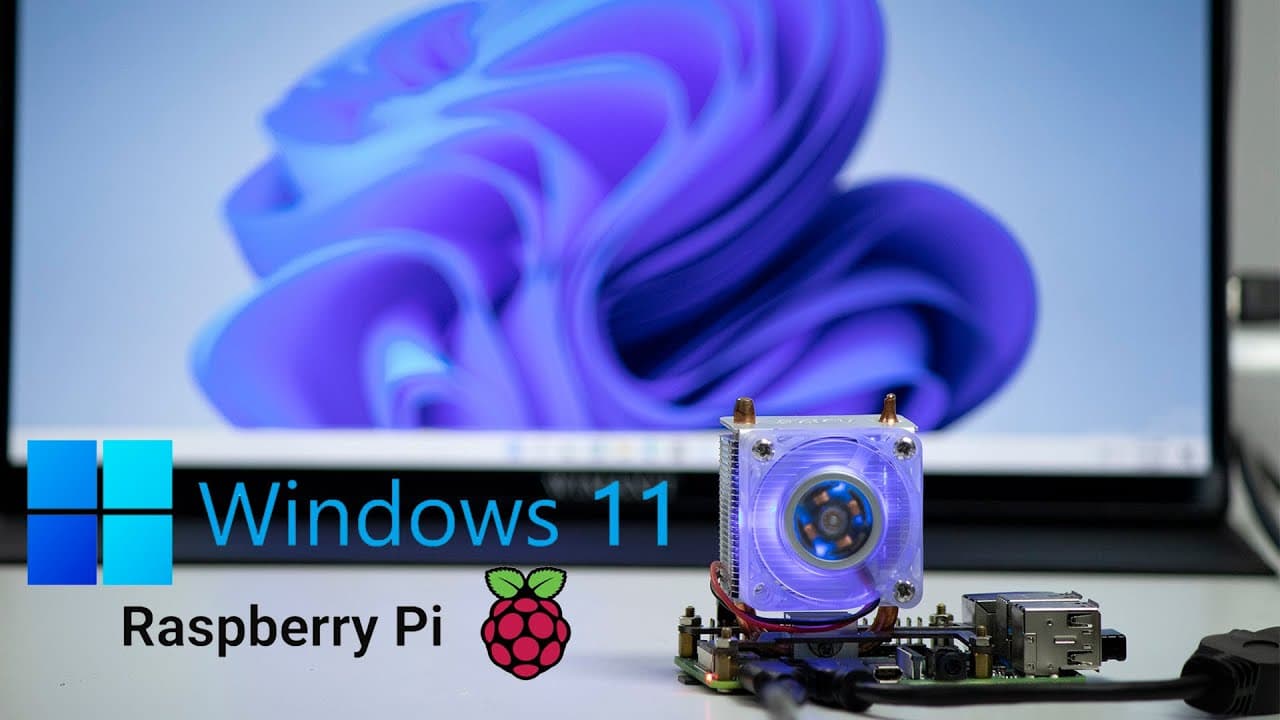
Can You Install Windows 11 on a Raspberry Pi 4?
TL;DR
Yes, Windows 11 can be installed on a Raspberry Pi 4, but it serves primarily as a proof-of-concept rather than a practical desktop solution. Performance is sluggish due to running off an SD card and incomplete drivers, meaning features like Wi-Fi and Bluetooth require external dongles. While some basic applications work, many, especially games, cannot run due to the lack of graphic drivers.
Transcript
hey guys don here from nova spirit tech and welcome back to the channel and today we are going to be checking out windows 11 on the raspberry pi 4 so let's get started now you've probably seen it here before with windows 10 running on the raspberry pi 4 as well as running on esxi on the raspberry pi now we have windows 11 running on the raspberry p... Read More
Key Insights
- 🏃 Running Windows 11 on Raspberry Pi 4 serves as a proof-of-concept rather than a viable desktop option, with noticeable performance limitations.
- 🧑💻 The installation process of Windows 11 closely resembles that of Windows 10, making it approachable for tech enthusiasts.
- 🤝 Users must deal with missing drivers for fundamental functionalities, such as Wi-Fi and Bluetooth, requiring external hardware for connectivity.
- 😀 Basic applications can run on the Raspberry Pi 4, but gaming and high-performance software face barriers due to inadequate graphic support.
- 😀 The existing Microsoft Store remains the older version, lacking features like Android app support which might be available in future updates.
- 🏃 Although running Windows 11 may seem appealing, it is crucial to understand its limitations to avoid impractical expectations.
- 👤 The project highlights the need for ongoing driver development to enhance compatibility and functionality for Windows 11 users on ARM-based devices like Raspberry Pi.
Install to Summarize YouTube Videos and Get Transcripts
Explore YouTube Video Summarizer or Get YouTube Transcript Extractor
Questions & Answers
Q: What main tool do users need to install Windows 11 on Raspberry Pi 4?
To install Windows 11 on a Raspberry Pi 4, users need the Windows on Raspberry Pi (WOR) tool, specifically version 2.1.2. This tool simplifies the installation process by creating the necessary SD card image for running Windows 11. Following its straightforward steps ensures a smooth setup, reminiscent of the installation process for Windows 10.
Q: How does Windows 11 perform on a Raspberry Pi 4 with an SD card?
Windows 11 runs on a Raspberry Pi 4 at a sluggish pace when utilizing an SD card due to the limited read/write speeds compared to SSDs. The demonstration indicates that while performance is not optimal, it is functional, with basic tasks being manageable but complex operations, like gaming or video playback, resulting in lag and drop frames.
Q: Are there limitations regarding compatibility with applications on Windows 11 for Raspberry Pi 4?
Yes, there are significant limitations concerning application compatibility on Windows 11 for Raspberry Pi 4. Many applications fail to operate satisfactorily, particularly games that require graphic drivers, which are not supported. However, lightweight applications, especially those that do not require extensive graphical capabilities, can run effectively.
Q: What features of Windows 11 are available on the Raspberry Pi 4?
While Windows 11 runs on the Raspberry Pi 4, users will find that many features are present but not fully functional. The user interface is similar to Windows 10, and elements like the task manager, file manager, and Microsoft Store are accessible. However, advanced features, such as graphical changes and new app functionalities, are limited due to driver support issues.
Summary & Key Takeaways
-
The video demonstrates how to install and run Windows 11 on a Raspberry Pi 4 using the Windows on Raspberry Pi (WOR) tool, emphasizing that it's primarily for experimental purposes, not as a full-time desktop solution.
-
Users should expect slower performance due to running off an SD card and the lack of complete drivers; Wi-Fi and Bluetooth functionality require dongles for connectivity.
-
Although some features work, many applications face limitations, including the inability to run games without graphic drivers, highlighting the project’s experimental nature and the ongoing need for driver development.
Read in Other Languages (beta)
Share This Summary 📚
Summarize YouTube Videos and Get Video Transcripts with 1-Click
Try YouTube Summary with ChatGPT & Claude or YouTube Transcript Generator
Explore More Summaries from Novaspirit Tech 📚






Summarize YouTube Videos and Get Video Transcripts with 1-Click
Try YouTube Summary with ChatGPT & Claude or YouTube Transcript Generator