Raspberry Pi 4 on the Raspberry Pi 4 - Computerphile
TL;DR
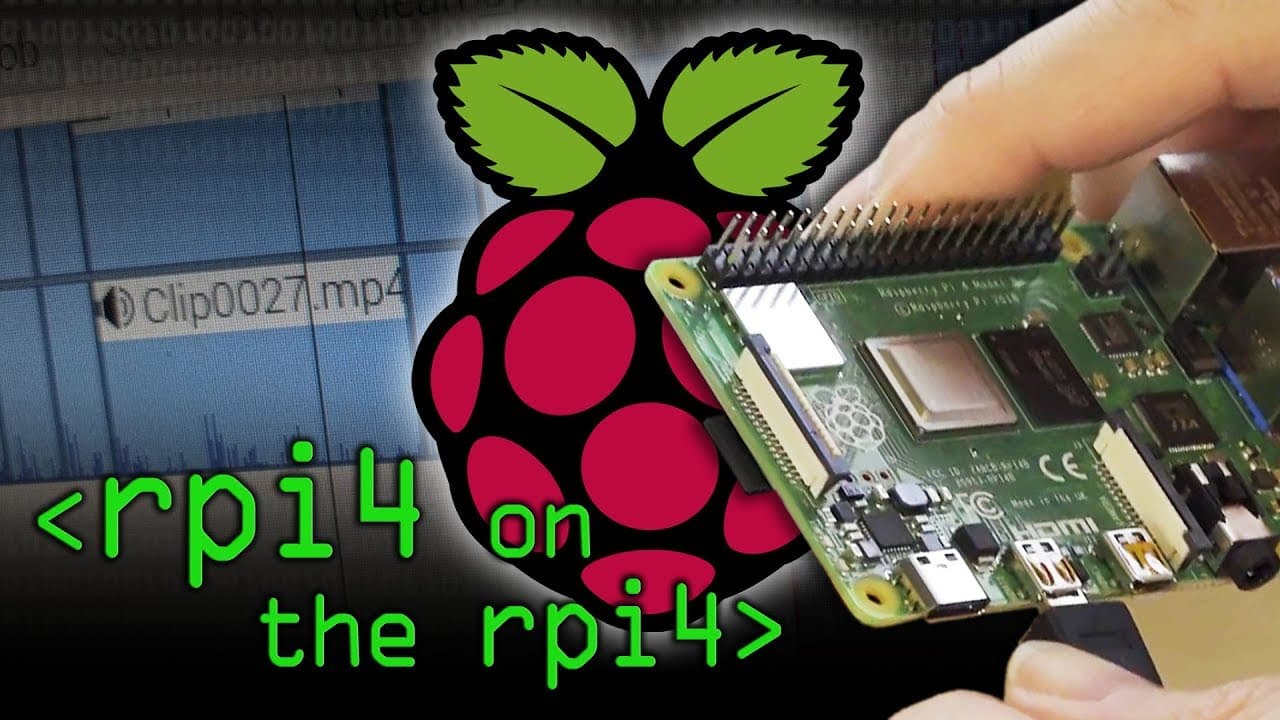
Learn how to assemble and configure a Raspberry Pi 4 to use it for video editing purposes.
Transcript
So you want me to record 15 milliseconds (15,000, 1,500, how many? ) Yeah, 15 (That makes 15) 1000. 15,000 is 15 seconds. (Okay, go on then) Right There we are. Is this thing on? Hello and welcome to Computerphile I think that looks pretty good here. (I kind of wanted a bit of advice because I've bought this Raspberry Pi 4, and it seemed pretty pow... Read More
Key Insights
- ✋ The Raspberry Pi 4 offers significant improvements compared to its predecessors, such as higher processing power, increased RAM, and better connectivity options.
- 🎮 With proper configuration and additional components, the Raspberry Pi 4 can be used effectively for video editing tasks.
- 🥵 The assembly process of a Raspberry Pi 4 involves attaching heat sinks, a fan, and optional modules like a camera module.
- 🎥 The Raspberry Pi 4's camera module requires careful handling and alignment to function properly.
- 🔋 The Raspberry Pi 4 can be powered by a battery source for portable video recording.
- 🎮 Enabling the camera interface and using command-line options allows for customization and control over video recording settings.
- 🤗 The Raspberry Pi 4's ability to record and edit videos opens up possibilities for creative projects and experimentation.
Install to Summarize YouTube Videos and Get Transcripts
Explore YouTube Video Summarizer or Get YouTube Transcript Extractor
Questions & Answers
Q: Is the Raspberry Pi 4 suitable for video editing?
Yes, the Raspberry Pi 4 is capable of handling video editing tasks due to its powerful CPU, sufficient RAM, and decent connectivity options.
Q: What additional components are needed to assemble a Raspberry Pi 4 for video editing?
In addition to the Raspberry Pi 4 itself, you will need heat sinks, a fan, a camera module, a power supply, a monitor, and optionally a battery power source.
Q: How do you configure the Raspberry Pi 4 for video recording?
You can enable the camera interface and use the "raspivid" command to record videos. You can also adjust settings like resolution and framerate using command-line options.
Q: Does the Raspberry Pi 4 require cooling measures?
While the Raspberry Pi 4 can operate without additional cooling, it is recommended to attach heat sinks and a fan to prevent overheating, especially during demanding tasks like video editing.
Summary & Key Takeaways
-
The Raspberry Pi 4 is a powerful machine with a quad-core CPU, 4 GB of RAM, Gigabit Ethernet, and USB 3 connectivity.
-
It is possible to feed 30 megabits per second video to the Raspberry Pi 4, making it suitable for video editing.
-
The video demonstrates the process of assembling the Raspberry Pi 4, including attaching heat sinks, a fan, and a camera module.
Read in Other Languages (beta)
Share This Summary 📚
Summarize YouTube Videos and Get Video Transcripts with 1-Click
Try YouTube Summary with ChatGPT & Claude or YouTube Transcript Generator
Explore More Summaries from Computerphile 📚






Summarize YouTube Videos and Get Video Transcripts with 1-Click
Try YouTube Summary with ChatGPT & Claude or YouTube Transcript Generator